6.3 Cleaning tasks
6.3.1 Monthly cleaning
Personnel:
n
Operator
WARNING!
Risk of electrical shock if the power plug is not
disconnected!
1. Switch off the humidifier and disconnect the power plug.
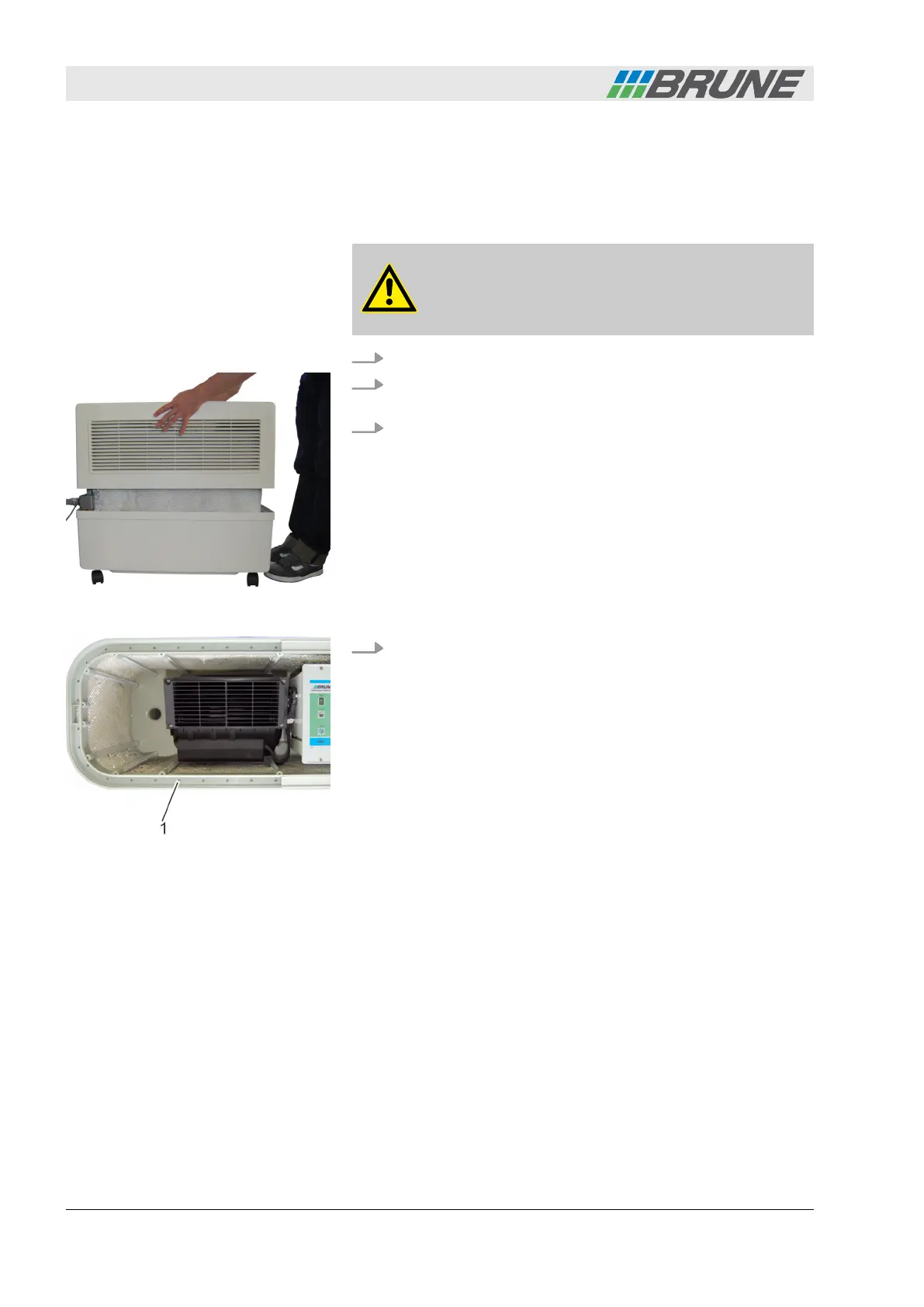
2. Lift the cover of the humidifier upwards and place it to the
side (Fig. 23).
3. Check the evaporation filter for contamination. In case of
severe contamination, replace the evaporation filter
(
Ä
Chapter 6.3.2 “Replacing the evaporation filter”
on page 41).
4. Check the drainage holes of the water distribution (Fig. 24/1)
for blockages. Remove residues such as lime or dust using a
needle, a screwdriver or wet vacuum cleaner.
Fig. 23: Removing the cover
Fig. 24: Cleaning the drainage holes
Cleaning and servicing the humidifier
Evaporation Humidifier B500 Professional40



 To Next Page