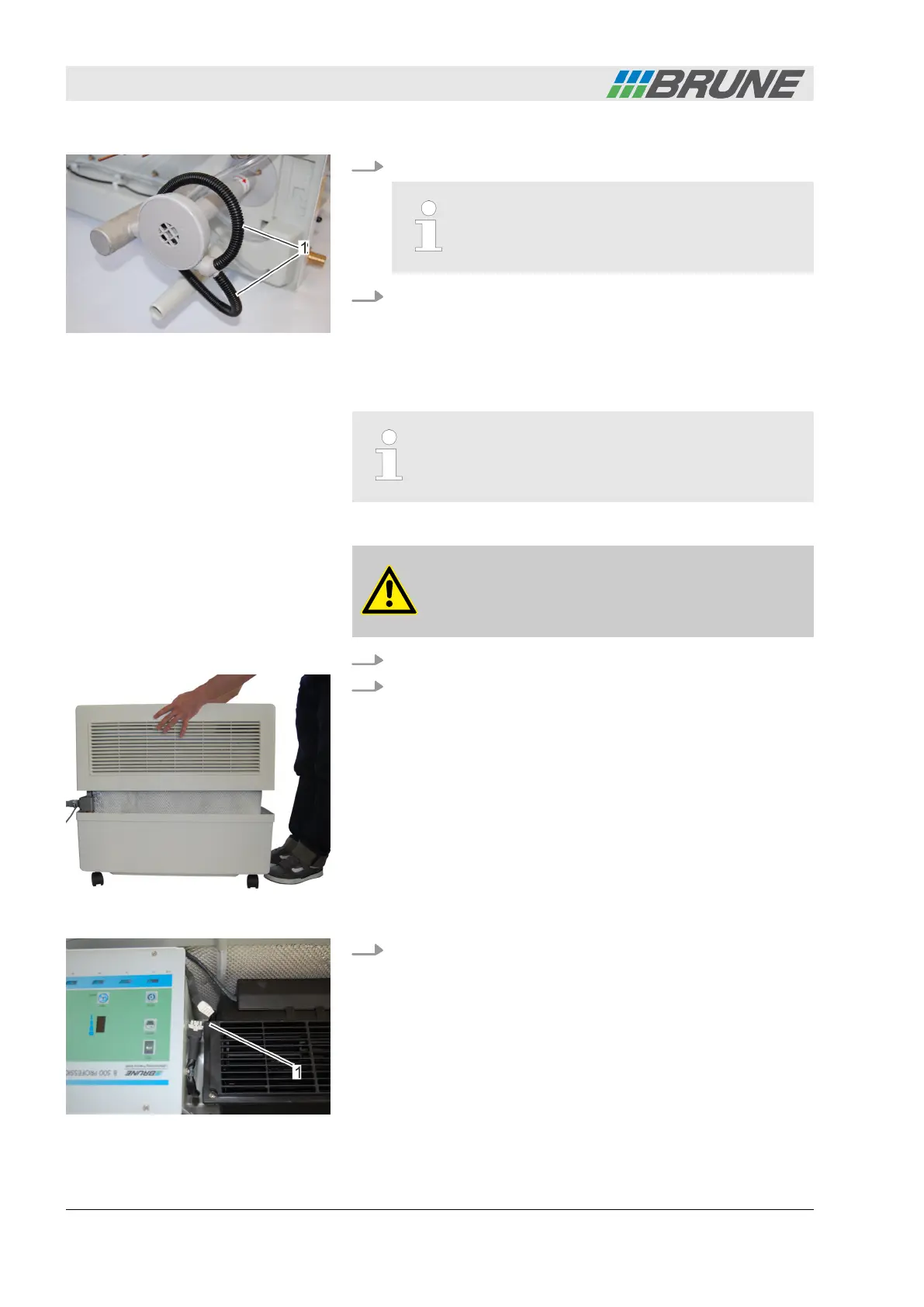
10. Reattach the pump hoses.
Ensure that the pump hoses fit securely. Other-
wise water could leak out.
11. Place the center piece back into the water tank and replace
the cover.
7.4.2 Replacing the fan
A new fan can be ordered from your local specialized
retailer (Item no.: 1500S).
Personnel:
n
Operator
WARNING!
Risk of electrical shock if the power plug is not
disconnected!
1. Switch off the humidifier and disconnect the power plug.
2. Lift the cover of the humidifier upwards and place it to the
side (Fig. 51).
ð
The fan is located in the center piece next to the control
panel.
3. Loosen and pull out the fan plug by pressing the plug clamps
(Fig. 52/1).
Fig. 50: Attaching the pump hoses
Removing the old fan
Fig. 51: Removing the cover
Fig. 52: Removing the fan plug
Detecting and remedying malfunctions
Evaporation Humidifier B500 Professional56



 To Next Page