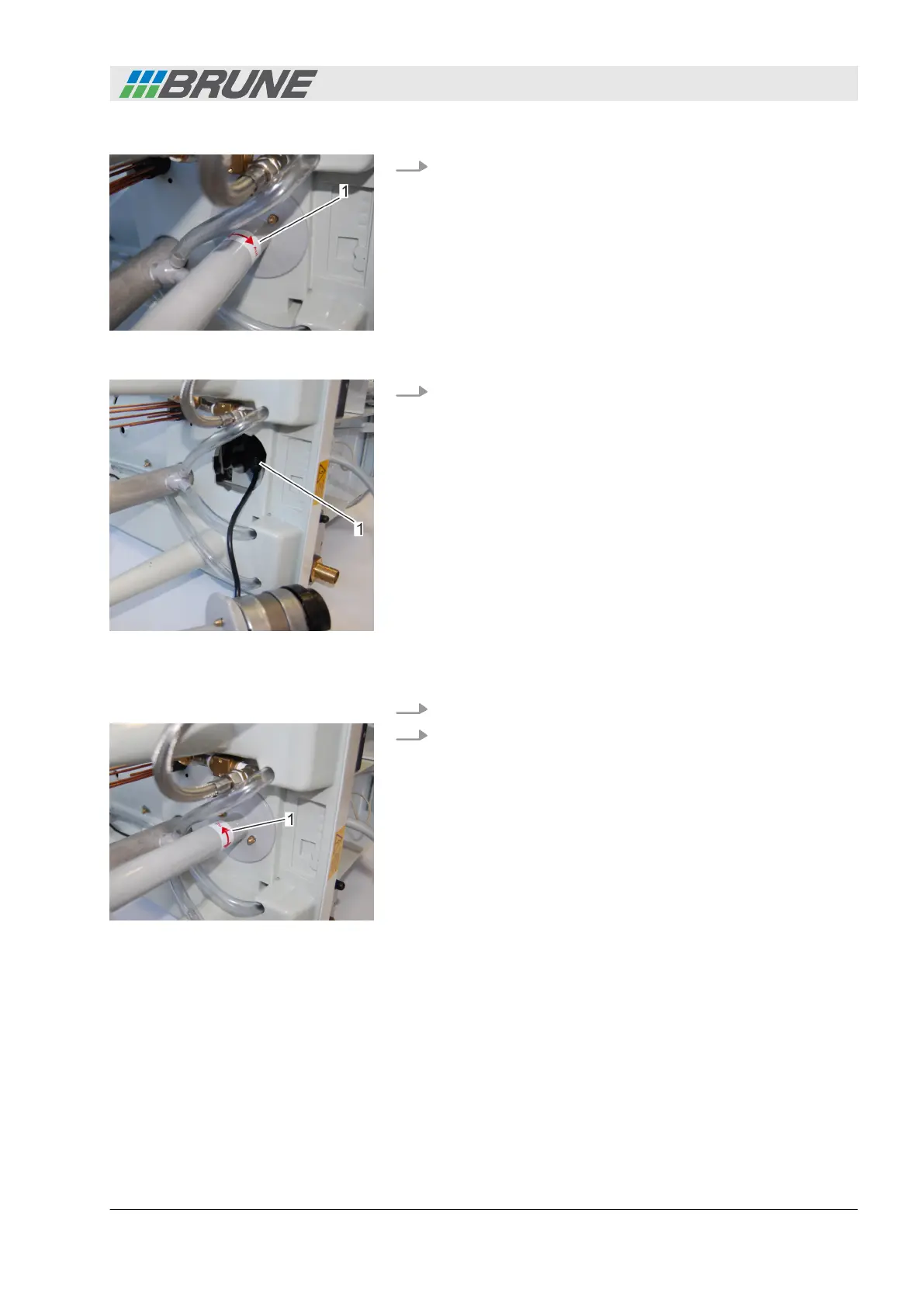
6. Release the water pump to the right and pull out it carefully
(Fig. 47/1).
7. Disconnect the plug connection (Fig. 48/1).
8. Connect the plug connection of the new pump.
9. Insert the water pump into the opening and turn in the direc-
tion of the arrow until it latches in and sits securely
(Fig. 49/1).
Ensure that the pump cable is not crushed when inserting the
pump.
Fig. 47: Releasing the water pump
Fig. 48: Disconnecting the plug con-
nection
Installing a new pump
Fig. 49: Attaching the pump
Detecting and remedying malfunctions
Evaporation Humidifier B500 Professional 55



 To Next Page