Fault description Cause Remedy Personnel
00% appears on the dis-
play. If the target value is to
be adjusted, then 90%
appears.
Operation via an
external timer is active
(menu number 34).
Deactivate operation using an external
timer by changing the value of menu
number 34 to 00 (
Ä
Chapter
5.6 “Changing the menu settings”
on page 35).
Operator
A number between 01 and
09 appears on the control
panel display. In addition,
an alarm sounds. Except
for the [ON/OFF] button
and the [Prog] and [Set]
buttons, all buttons on the
remote control are blocked.
The monitoring system
of the humidifier has
detected a problem.
The meaning of the error and the cor-
responding remedy is described under
Ä
“Error code display” on page 50.
Operator
7.4 Remedying errors
7.4.1 Replacing the pump
A new pump can be ordered from your local special-
ized retailer (order number: 1521).
Personnel:
n
Operator
WARNING!
Risk of electrical shock if the power plug is not
disconnected!
1. Switch off the humidifier and disconnect the power plug.
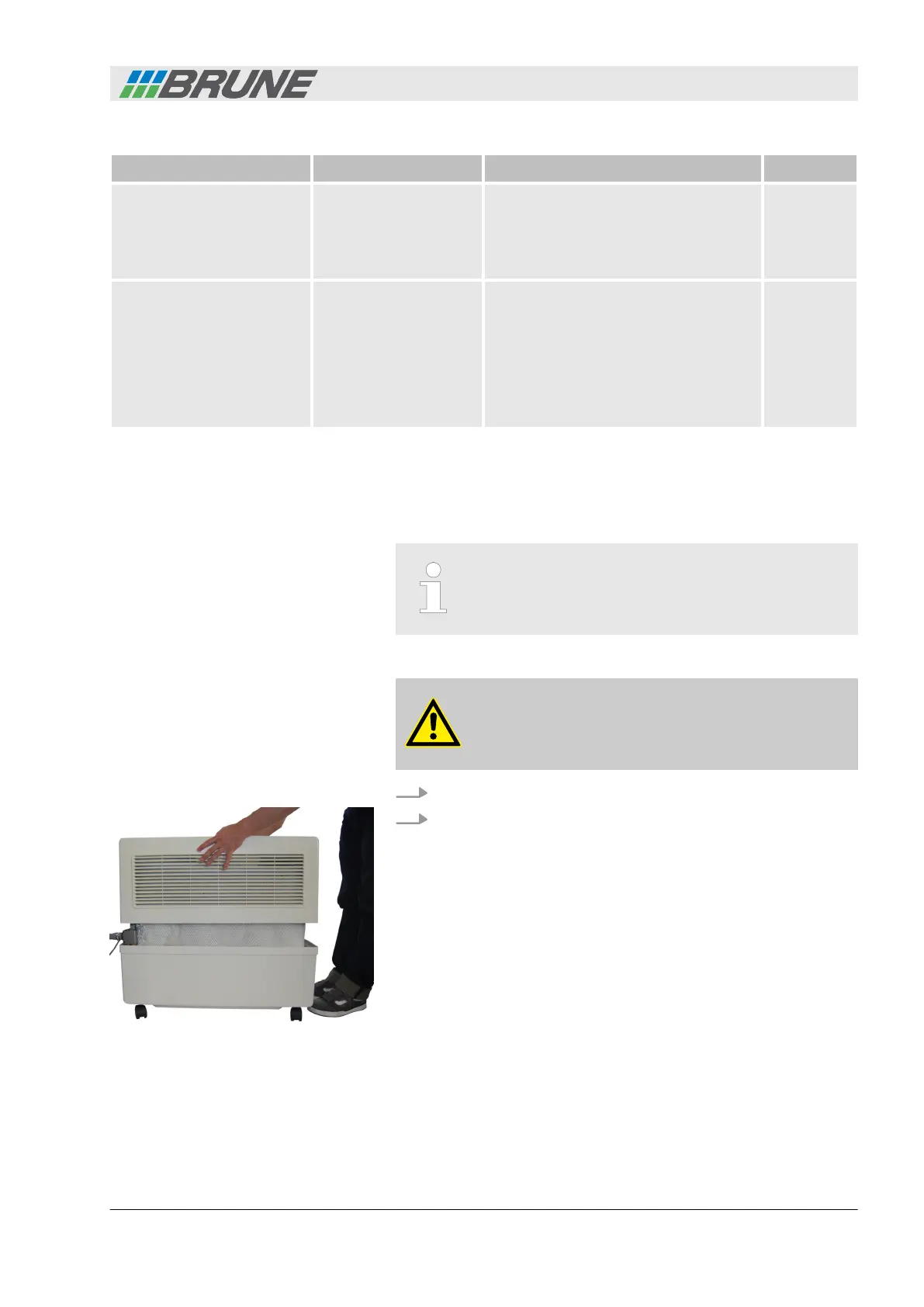
2. Lift the cover of the humidifier upwards and place it to the
side (Fig. 43).
Removing the old pump
Fig. 43: Removing the cover
Detecting and remedying malfunctions
Evaporation Humidifier B500 Professional 53



 To Next Page