5.4 Setting the desired air humidity
WARNING!
Health risks are present in the event of over-
humidified air!
Over-humidified air facilitates the formation of germs
and mildew.
– It is recommended to not exceed a value of 50 ‒
60% air humidity in living quarters.
Personnel:
n
Operator
1.
The maximum settable humidity value is 90%.
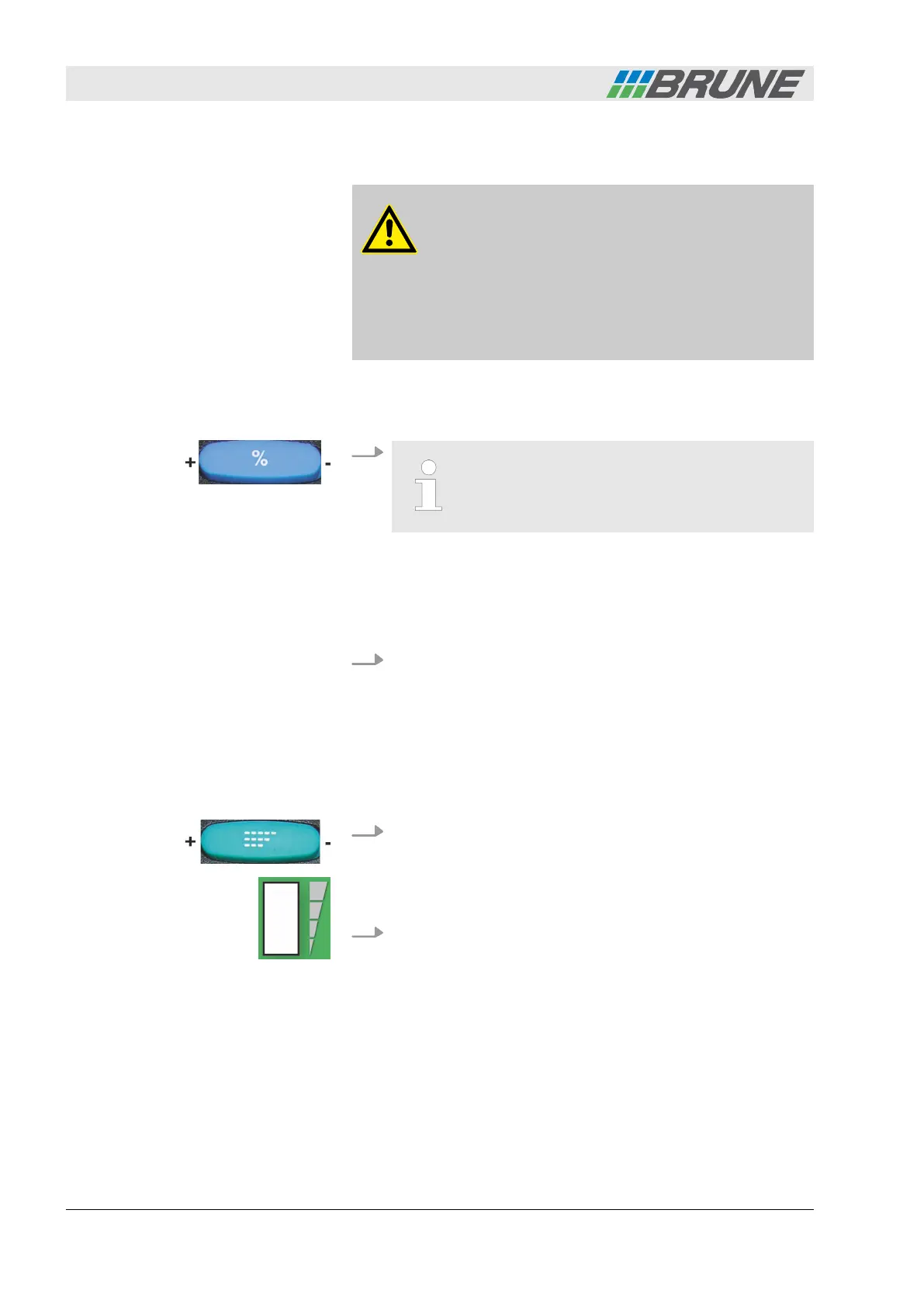
Press the "+" or "-" area of the [Humidity] rocker switch sev-
eral times or continuously until the desired humidity value is
reached on the display of the control panel.
ð
The entered target value is shown in the control panel
display.
2. Wait for 10 seconds until the saving process is completed.
ð
The actual humidity value reappears on the display.
5.5 Regulating the fan
Personnel:
n
Operator
1. Press the [Fan] rocker switch.
ð
The [Fan speed level indicator] on the control panel starts
flashing.
2. Now increase or decrease the fan speed using the "+" and "-"
area of the [Fan] rocker switch.
ð
The current fan speed level is shown in the
[Fan speed level indicator].
Proceed as follows to activate the fan automatic:
Over-humidifying the air
Operating the humidifier
Evaporation Humidifier B500 Professional34



 To Next Page