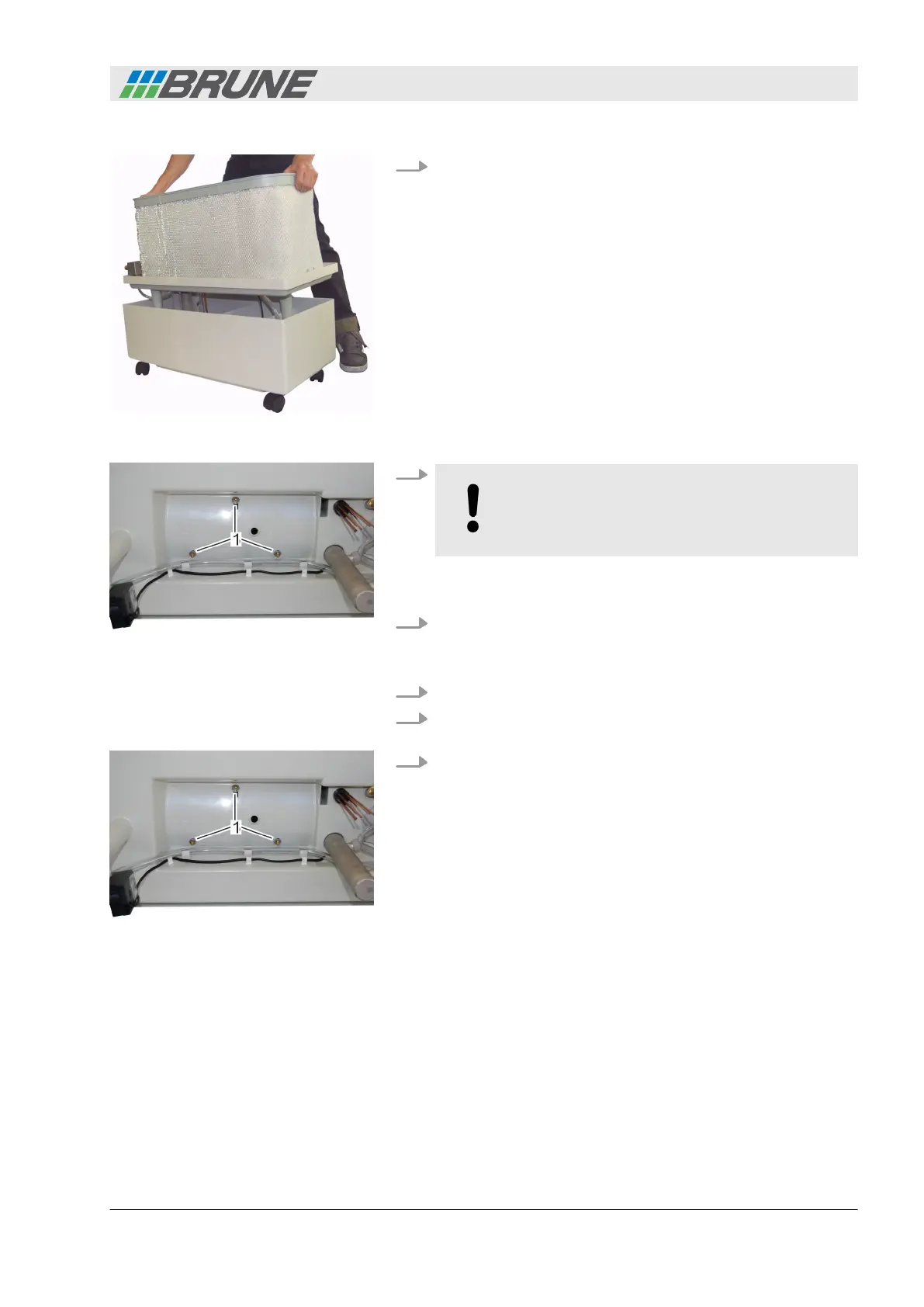
4. Lift the center piece from the water tank and place it to the
side (Fig. 53).
5.
NOTICE!
Ensure that the fan does not fall out after the
bolts have been removed.
Unscrew the three bolts on the bottom counterclockwise and
remove them completely (Fig. 54/1).
6. Remove the fan.
7. Insert a new fan.
8. Run the screw threads on the vibration dampers through the
holes in the center plate.
9. Tighten the fan at the bottom of the center piece again
(Fig. 55/1).
Fig. 53: Removing the center piece
Fig. 54: Removing bolts
Inserting a new fan
Fig. 55: Tightening the fan
Detecting and remedying malfunctions
Evaporation Humidifier B500 Professional 57



 To Next Page