SMART MATRIX MTC Operation
SMART MATRIX MTC 2 - 4
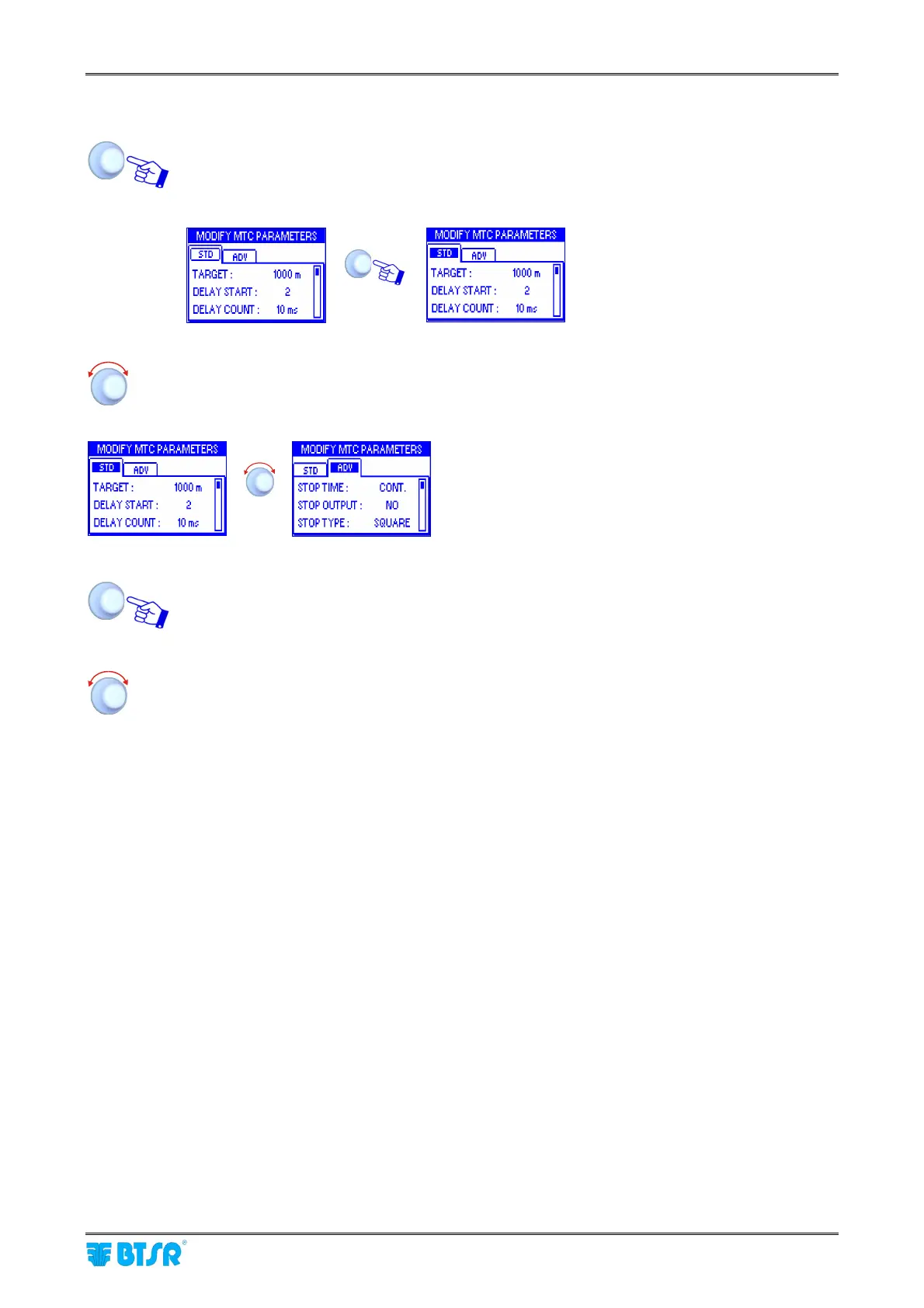
2 – Windows Swap
Turn the selector to “Point” the label of the current window (STD) and click to select it.
Esempio:
Î
Label STD highlighted
Turn the selector to “Point” the ADV window
(ATD → ADV).
Î
Label OUT highlighted
Click to select the ADV window and enable the access to its parameters
Select the desired parameter as explained on previous paragraph:
1 – Navigation inside the Selected Window (STD)












 To Next Page