SMART MATRIX MTC Operation
SMART MATRIX MTC 2 - 5
3 – Entering Alphanumeric Values
To entering alphanumeric values, see for example the USERNAME and PASSWORD setting function (KEY
CODE).
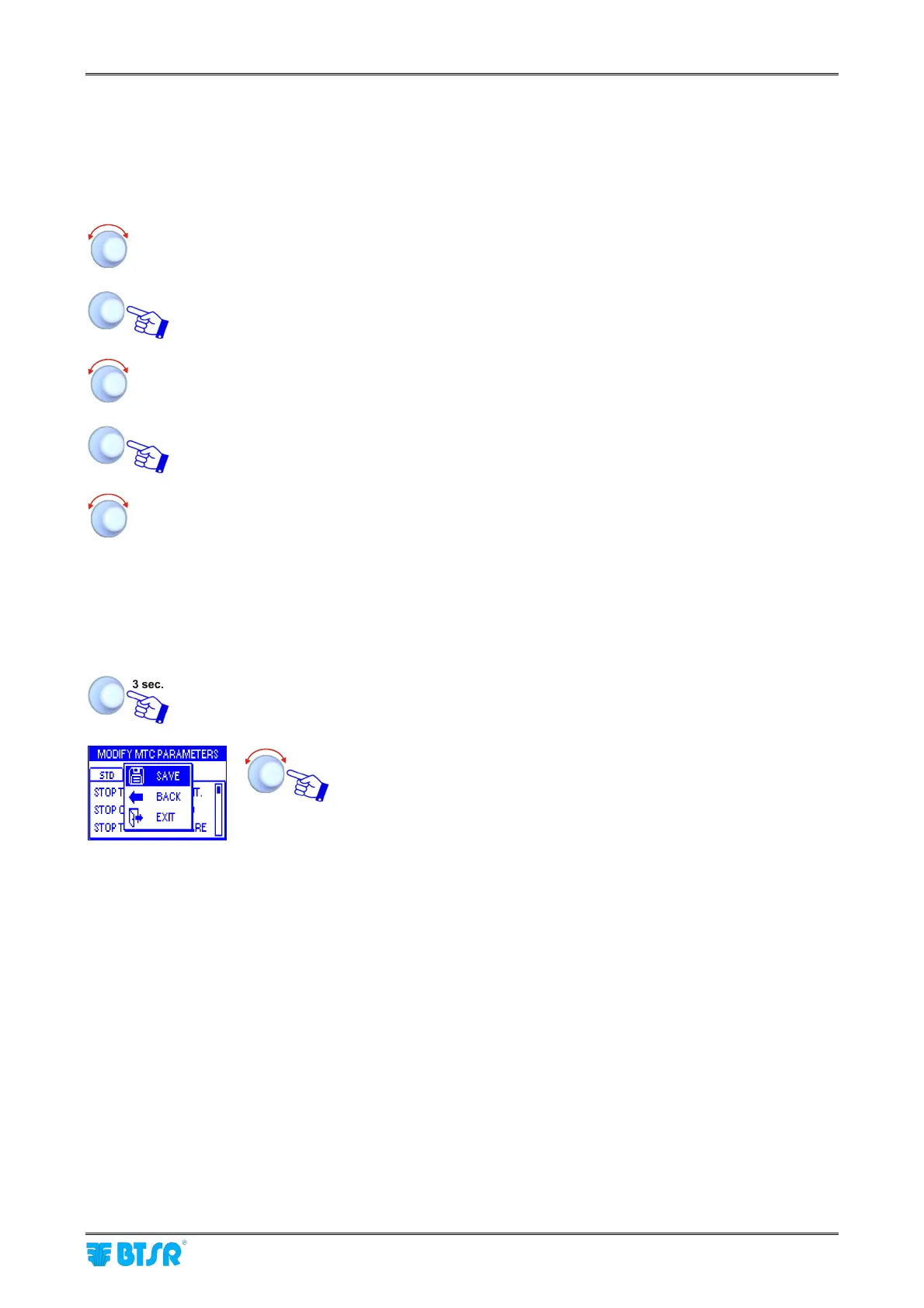
To enter the desired name and password, operate as follows:
Select the desired field (e.g.: USERNAME)
Turn the selector to choose the first letter of the name .
Click to confirm
Turn the selector to choose the second letter of the name
Click to confirm
The sequence of characters shown turning the selector is the following:
A B C ……. X Y Z 0 1 2 ……. 9 space A B C ……etc.
4 – Parameters Saving
Once you have setup all the desired parameters, within a determined function, press and
hold down 3 seconds the rotary selector.
SAVE to save the settings
BACK to return to previous screen without saving
EXIT to return to menu without saving












 To Next Page