Alarm Counter Display (IS3W)
SMART MATRIX MTC 2 - 49
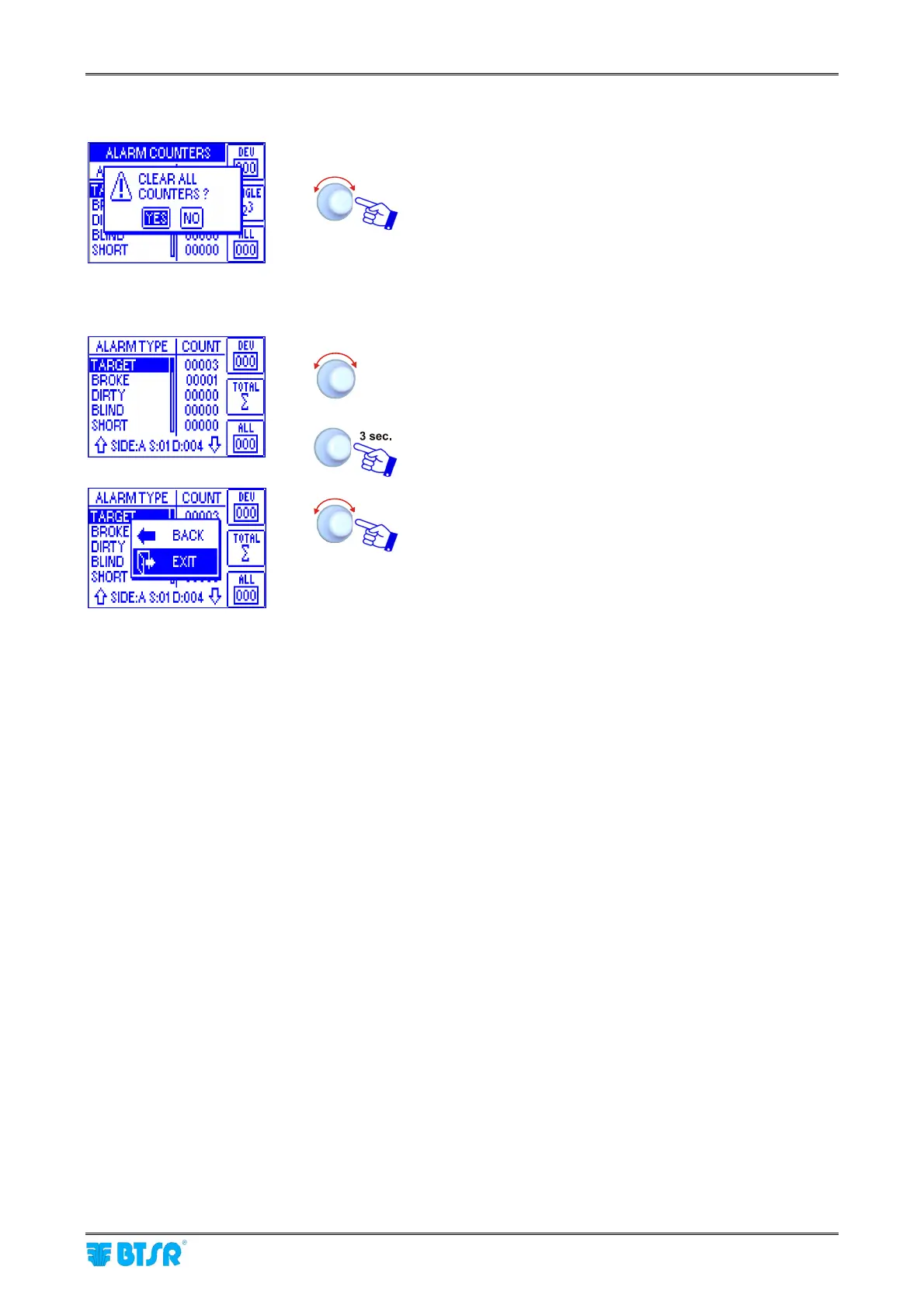
Clearing all counters
YES to clear all counters.
During the clearing operation, a CLEAR COUNTERS
message will appear.
Displaying the counters of
individual devices
To select desired device. (the values of counters are
referred to the selected device only; in this example: SIDE:
A SECTION: 01 DEVICE:004)
To leave the function.
EXIT to leave the function to CONTROL status.












 To Next Page