111
Chapter 9 Configuring from Mobile Devices
Notes:
• Names may contain up to 27 alphanumeric characters and symbols. Descriptions may contain up to 75
alphanumeric characters.
• If you create a shared folder from a mobile device, SMB and AFP connections can be used to access this folder by
default.
Configuring Access Restrictions
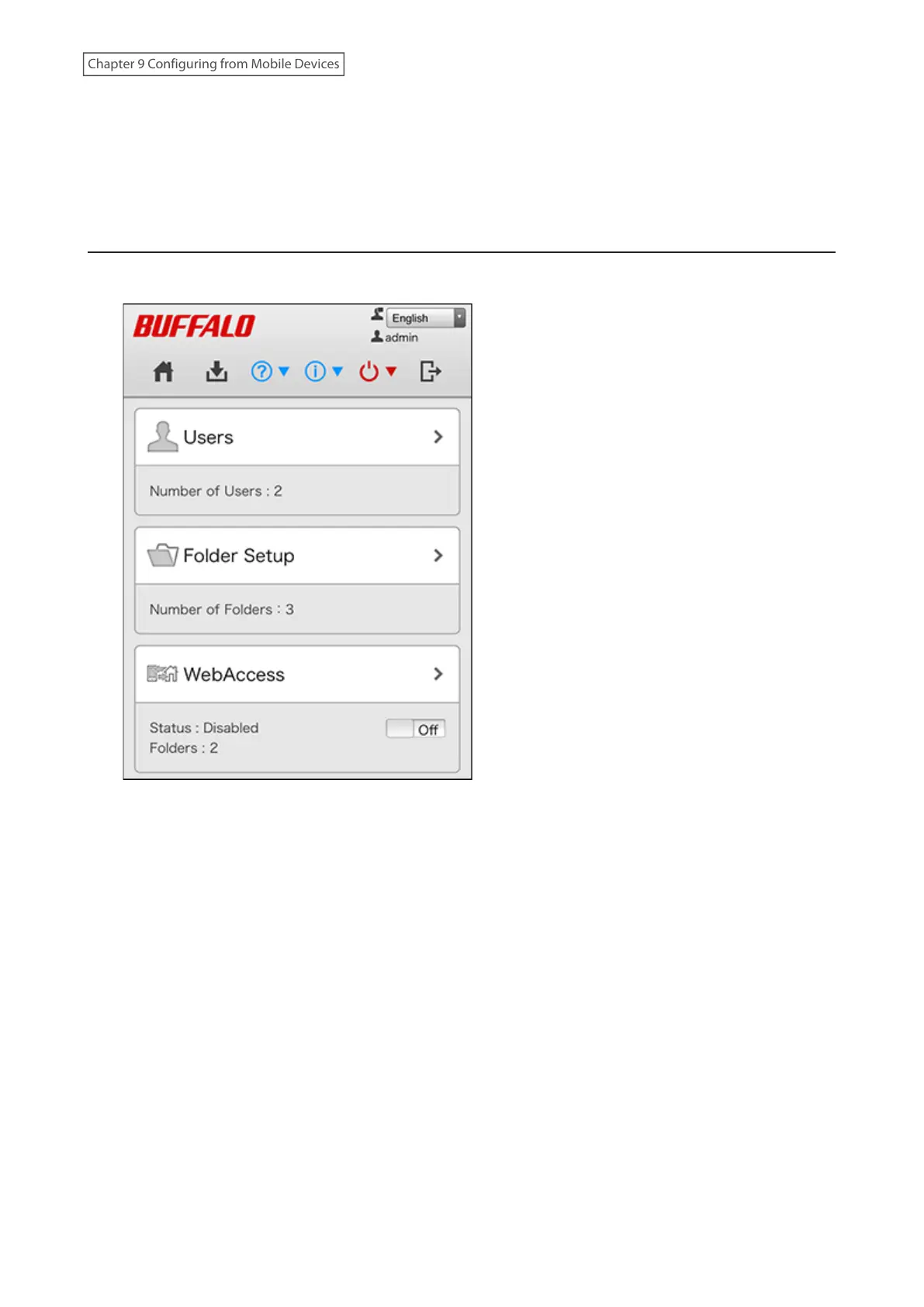
1 From Settings, tap [Folder Setup].














 To Next Page