115
Chapter 9 Configuring from Mobile Devices
5 The “Confirm Operation” screen will open. Enter the confirmation number, then tap [OK].
6 Tap [OK] when completed.
Configuring WebAccess
Note: On your mobile device, download and install the “SmartPhone Navigator” and “WebAccess” apps from App
Store (iOS devices) or Google Play (Android devices).
1 Tap the “SmartPhone Navigator” icon on your mobile device.
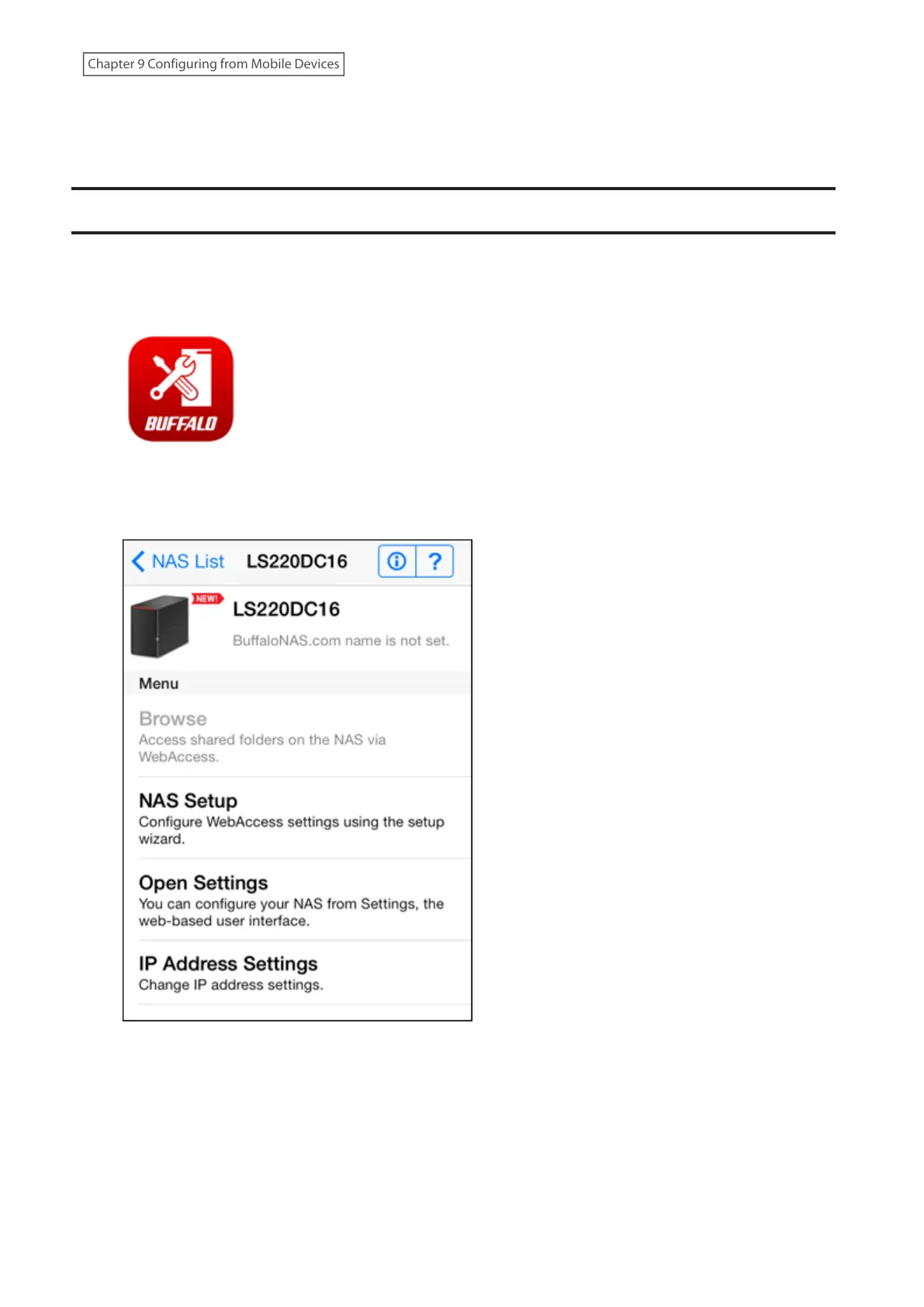
2 Select the LinkStation to configure WebAccess.
3 Tap [NAS Setup].



 To Next Page