Chapter 3 File Sharing
Configuring Shared Folders
Adding a Shared Folder
Follow the procedure below to create a shared folder. To create a shared folder from a mobile device, refer to the
“Adding a Shared Folder” section in chapter 9.
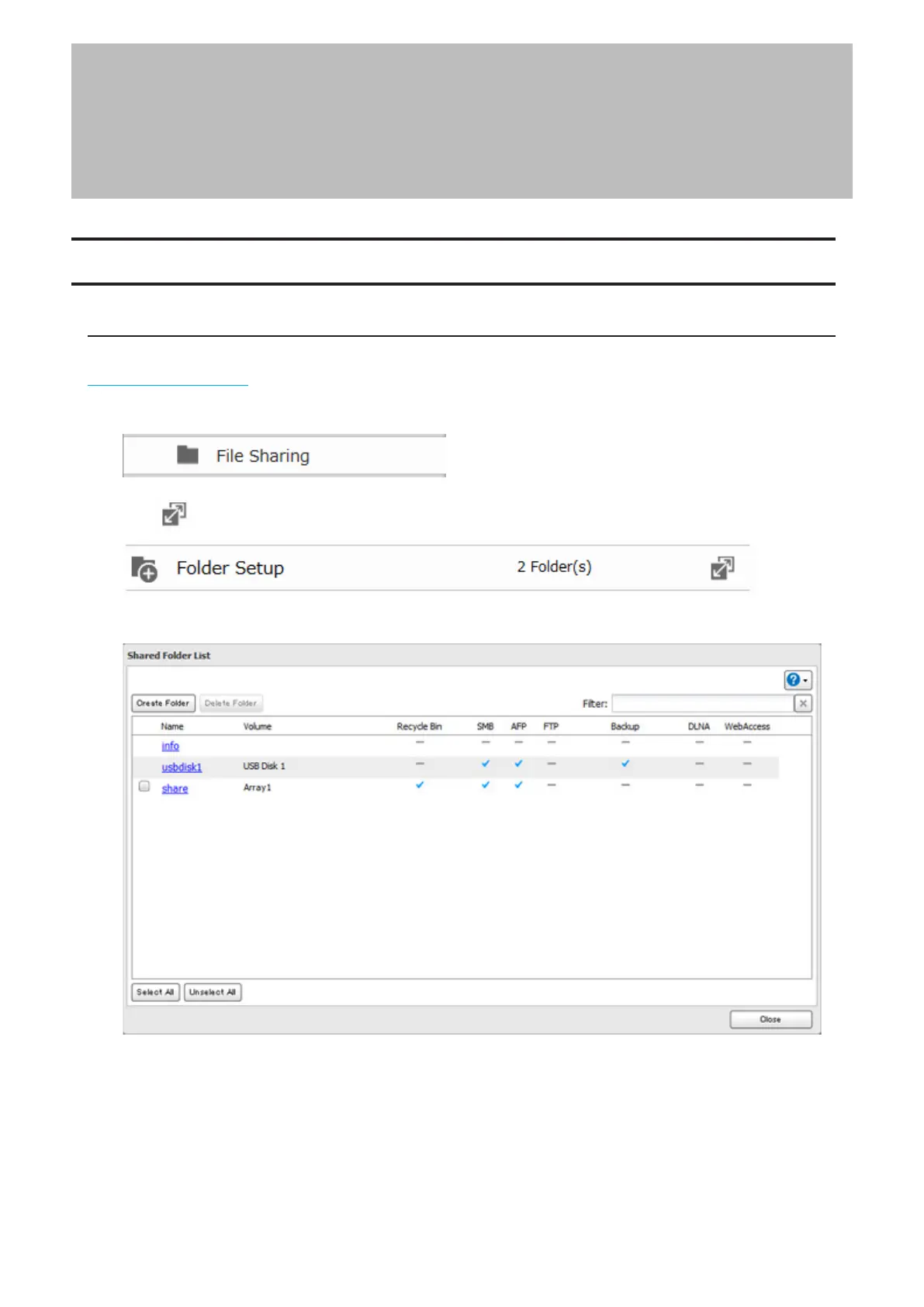
1 From Advanced Settings, click [File Sharing].
2 Click to the right of “Folder Setup”.
3 Click [Create Folder].
21














 To Next Page