77
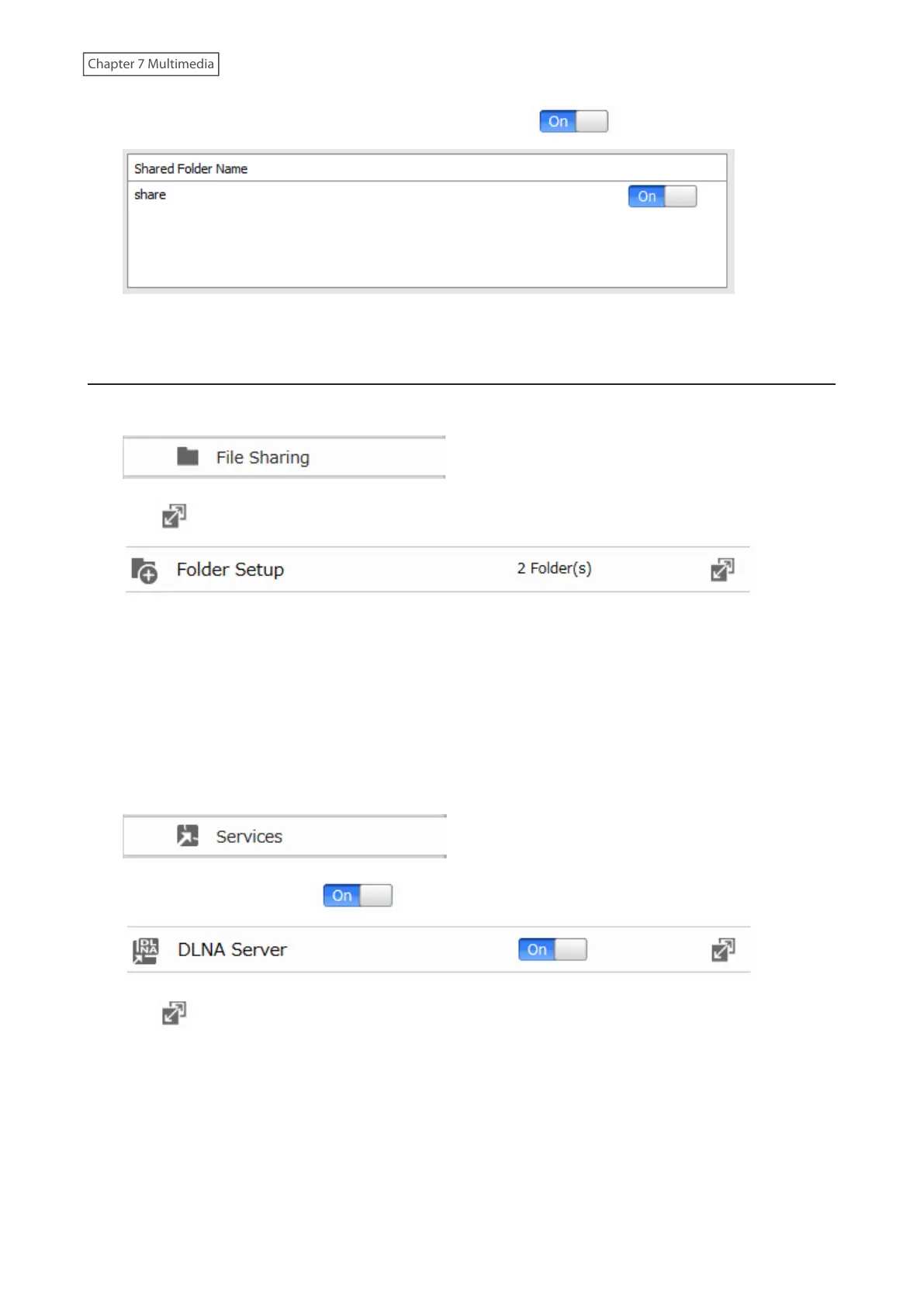
3 Move the switch for the folder you’ll use for DLNA media to the position as well.
4 Click [Apply].
Configuring from Advanced Settings
1 From Advanced Settings, click [File Sharing].
2 Click to the right of “Folder Setup”.
3 Select the folder that you want to share with media players and other DLNA-compatible devices.
4 Click [Edit].
5 Under “LAN Protocol Support”, select the “DLNA” checkbox and click [OK].
6 Click [Close].
7 Click [Services].
8 Move the DLNA switch to the position to enable DLNA.
9 Click to the right of “DLNA Server”.
10 Click [Edit].



 To Next Page