55
Chapter 4 Storage Management
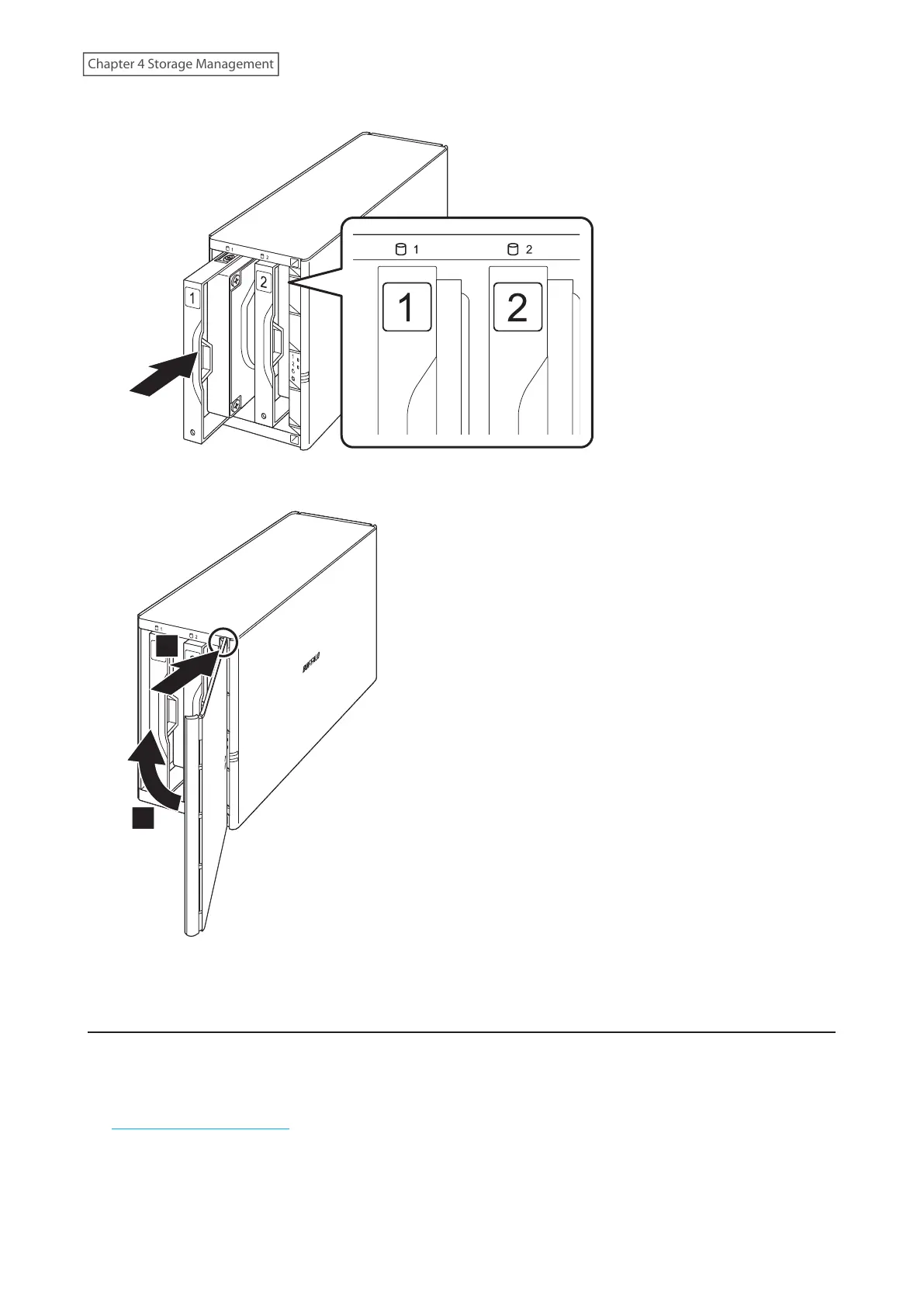
7 Insert the new drive back into the empty slot.
8 Close the front panel.
1
2
9 Connect all cables, then turn on the LinkStation.
Rebuilding the RAID Array
Depending on the RAID mode you have configured, the procedure after replacing the defective drive may vary.
Refer to the section of the configured RAID mode and follow the described procedure.
Follow the procedure below to rebuild the RAID array. To rebuild the RAID array while using a mobile device, refer to
the “Rebuilding the RAID Array” section in chapter 9.














 To Next Page