Chapter 7 Multimedia
DLNA
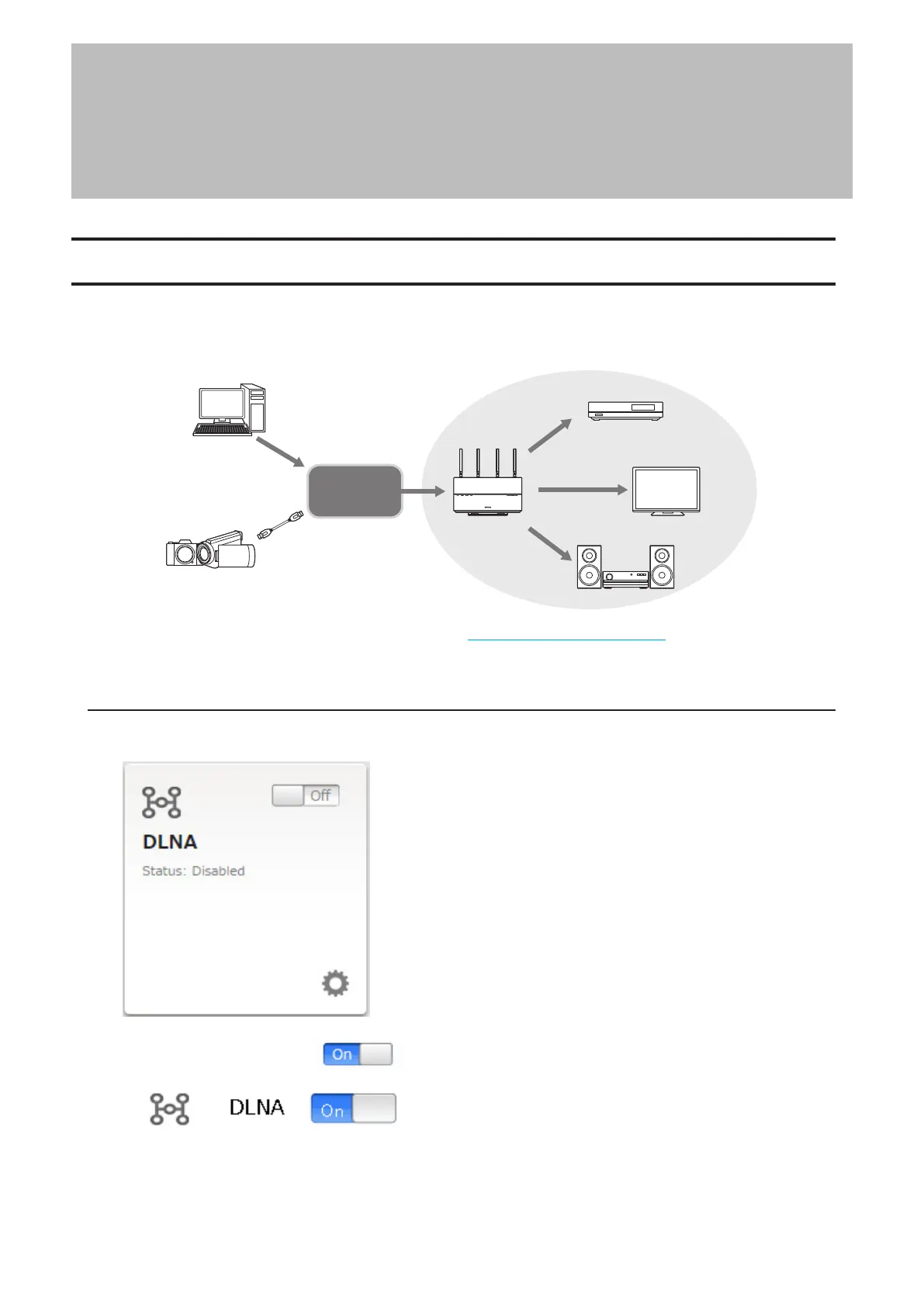
DLNA is a set of guidelines for sharing digital media. The LinkStation includes a DLNA server compliant with the
DLNA guidelines. Movies, photos, and music saved on the LinkStation can be played back on DLNA-compatible TVs,
stereo equipment, game consoles, and other devices on the local network.
LinkStation
TeraStation
DLNA can be configured from a mobile device. Refer to the “Configuring the DLNA Server” section in chapter 9.
Follow the procedure below to configure it from a computer.
Configuring from Easy Admin
1 From Easy Admin, click [DLNA].
2 Move the DLNA switch to the position to enable DLNA.
76














 To Next Page