22
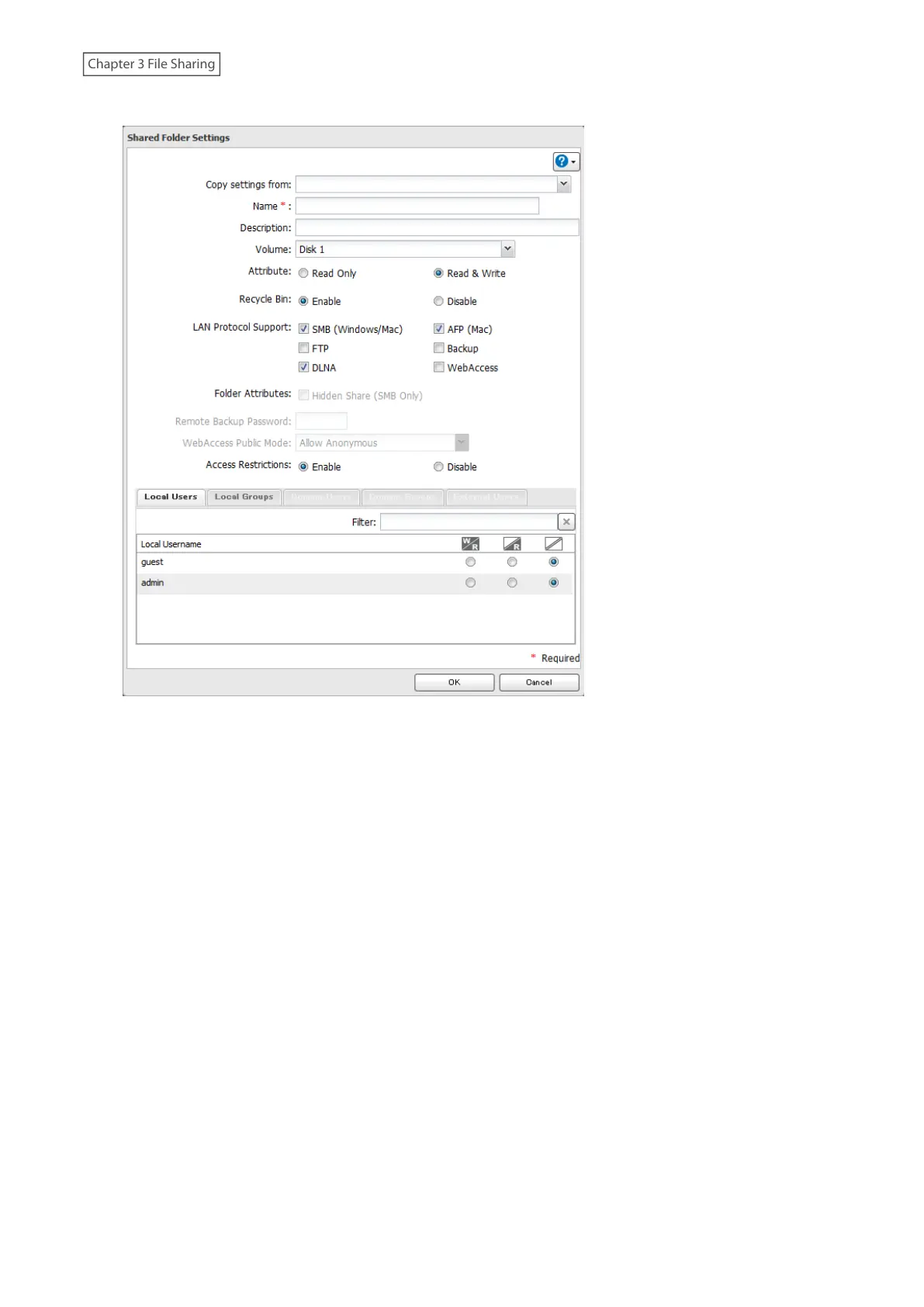
4 Configure the desired settings, then click [OK].
Notes:
• Names may contain up to 27 alphanumeric characters, hyphens (-), and underscores (_). Multibyte characters are
supported. The first character should not be a symbol.
• Descriptions may contain up to 75 alphanumeric characters, hyphens (-), underscores (_), and spaces. Multibyte
characters are supported. The first character should not be a symbol or space.
• You may create up to 400 shared folders.
• The names of shared folders should not use characters from more than one language. For example, mixing
Japanese and Korean characters in names is not supported.
• If the names of shared folders accessed via AFP and FTP connections contain multibyte characters, configure the
client language in [Management] > [Name/Time/Language] to match the characters. If the setting and display
language do not match, the shared folder name will not be displayed correctly.
• The following characters are handled differently by macOS and Windows devices. Avoid using these characters
when sharing data between macOS and Windows devices:
― ~ ∥ - ¢ £ ¬
• Windows does not support some characters that macOS and the LinkStation allow. If you create a filename on
a Mac using any of the following symbols, it will not display correctly on a Windows computer. You may have to
connect to the LinkStation via AFP in order to display or copy files that contain these symbols in their filenames.
? ] [ / \ = + > < ; : " , | *
• Do not use any of the following words for the name of a shared folder as these words are reserved for internal
use by the LinkStation: authtest, global, homes, info, lost+found, lp, msdfs_root, mt-daapd, printers, ram, spool,
usbdisk x (where "x" is a number, for example: usbdisk1)
• Don’t use the following unsupported characters in shared folder names, workgroup names, or filenames:














 To Next Page