67
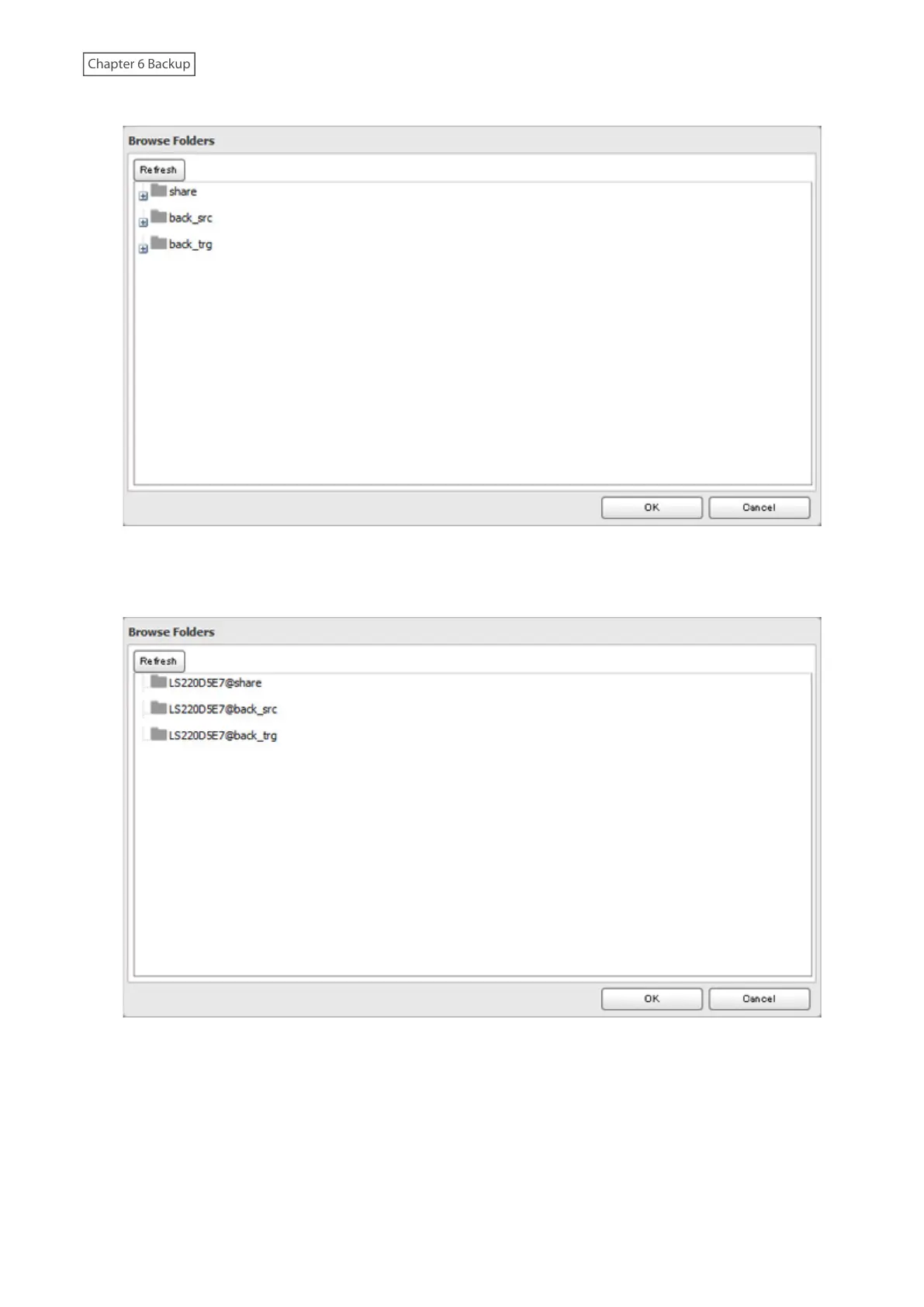
9 Select the shared folder that will be the backup source, then click [OK].
10 Click [Browse] under “Backup Target Folder Name”.
11 Select the shared folder that will be the backup destination, then click [OK].
12 Click [OK]. The backup job will be added to the backup jobs list.
Notes:
• Up to eight backup jobs can be configured.
• To back up data between Buffalo NAS devices on a network using jumbo frames, make sure that both devices
are configured to use identical (or similar) Ethernet frame sizes. If Ethernet frame sizes are significantly different,
the backup job may not be properly performed. In such a case, select the default frame size (1500 bytes) for both
devices.














 To Next Page