97
Chapter 8 Advanced Features
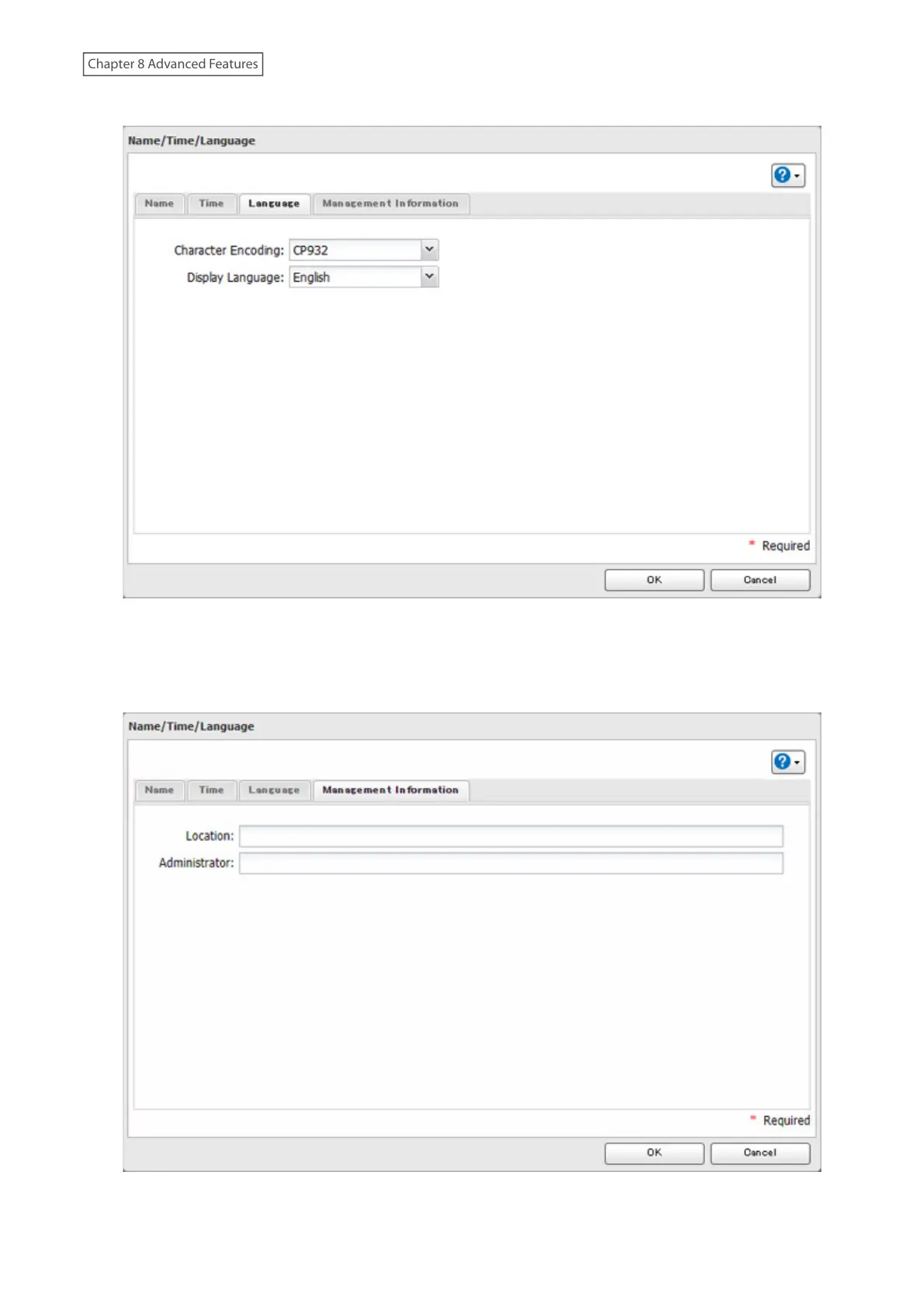
6 Click the [Language] tab and select the language to be used.
Note: This tab changes the language used by the LinkStation for email notifications, DLNA, and other
functions. To change the language displayed in Settings, go to Settings and click [Language] from the menu
bar. Choose your desired language from the drop-down list.
7 Click the [Management Information] tab. Enter the desired location and administrator information.
8 When all settings are completed, click [OK].














 To Next Page