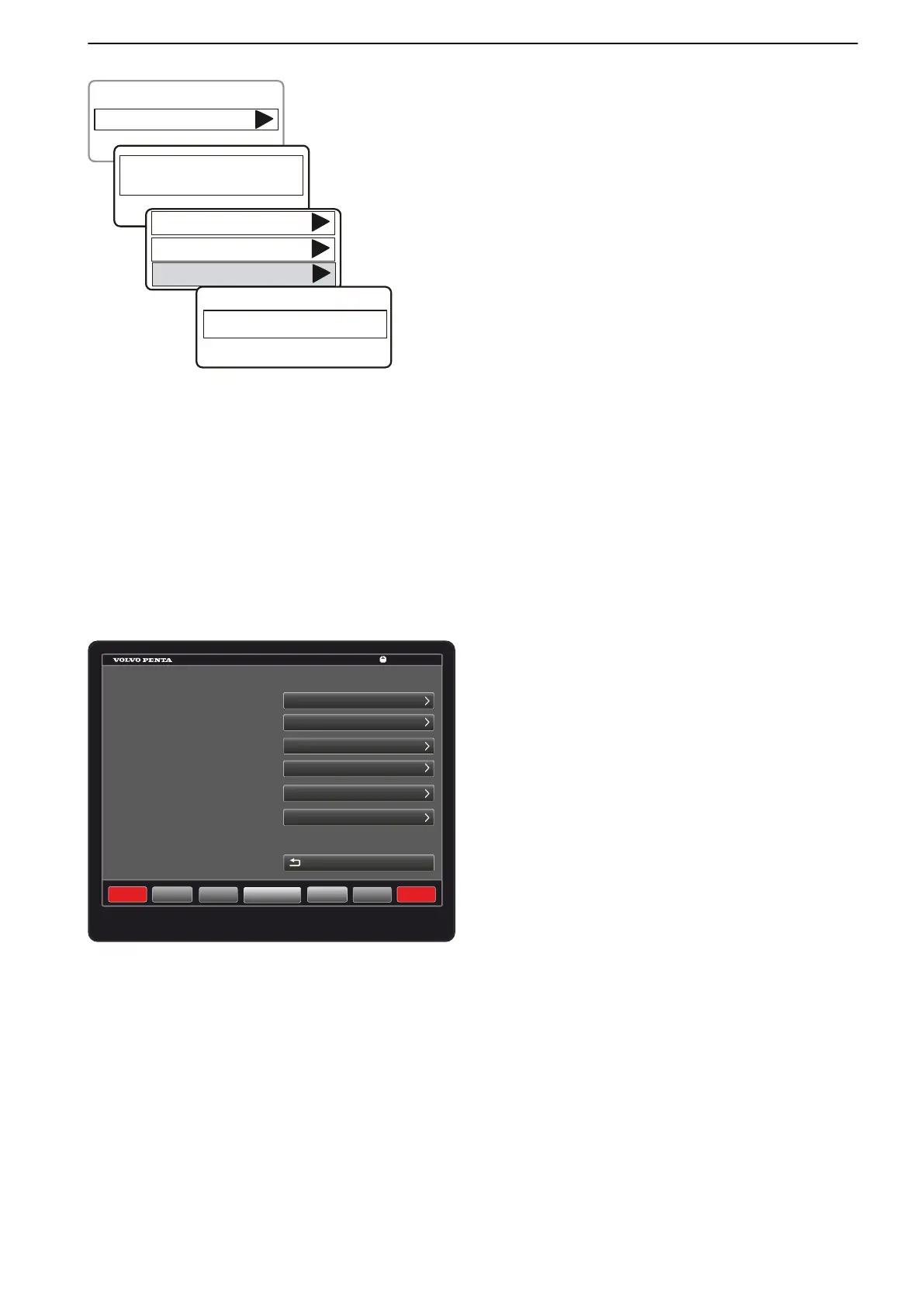
Checking keys
Checking a key ID
1
Go to Settings > Key Management.
2 When the text Show e-Key For Authorization is
displayed hold a registered key in front of the key
panel. The system will check that the key ID
corresponds to a key registered in the system.
3 Select Check keys.
4 Hold the key to be checked in front of the panel. The
key ID will be shown on the display.
Glass Cockpit, Settings
NOTICE! For further information about calibrations
and settings in Glass Cockpit, go to Info> Owner`s
Manual to see the integrated Glass Cockpit manual in
the display or download the latest manual on
www.garmin.com.
Navigate to the settings menus:
Select Settings >Preferences or >My Vessel to open
calibration and settings menus.
Select Home to return to main screen.
Glass Cockpit, Neutral Beep
The neutral beep is an audible signal that sounds when
the control is in the neutral position.
Select Settings > System > Beeper and Display and
turn the audible signal On or Off.
P0016540
Key Management
Settings
Show e-Key
for Authorization
Add Key
Delete Key
Check Key
Identify e-Key
P0022494
Settings
SOS
System
Preferences
Communication
Alarms
Back
Meny
Home
Waypoints
Engage
Info
Mark
GARMIN
13:26
My Vessel
Other Vessels
Calibration and Settings
47708085 11-2016 © Bukh 119



 To Next Page