Cruise Control
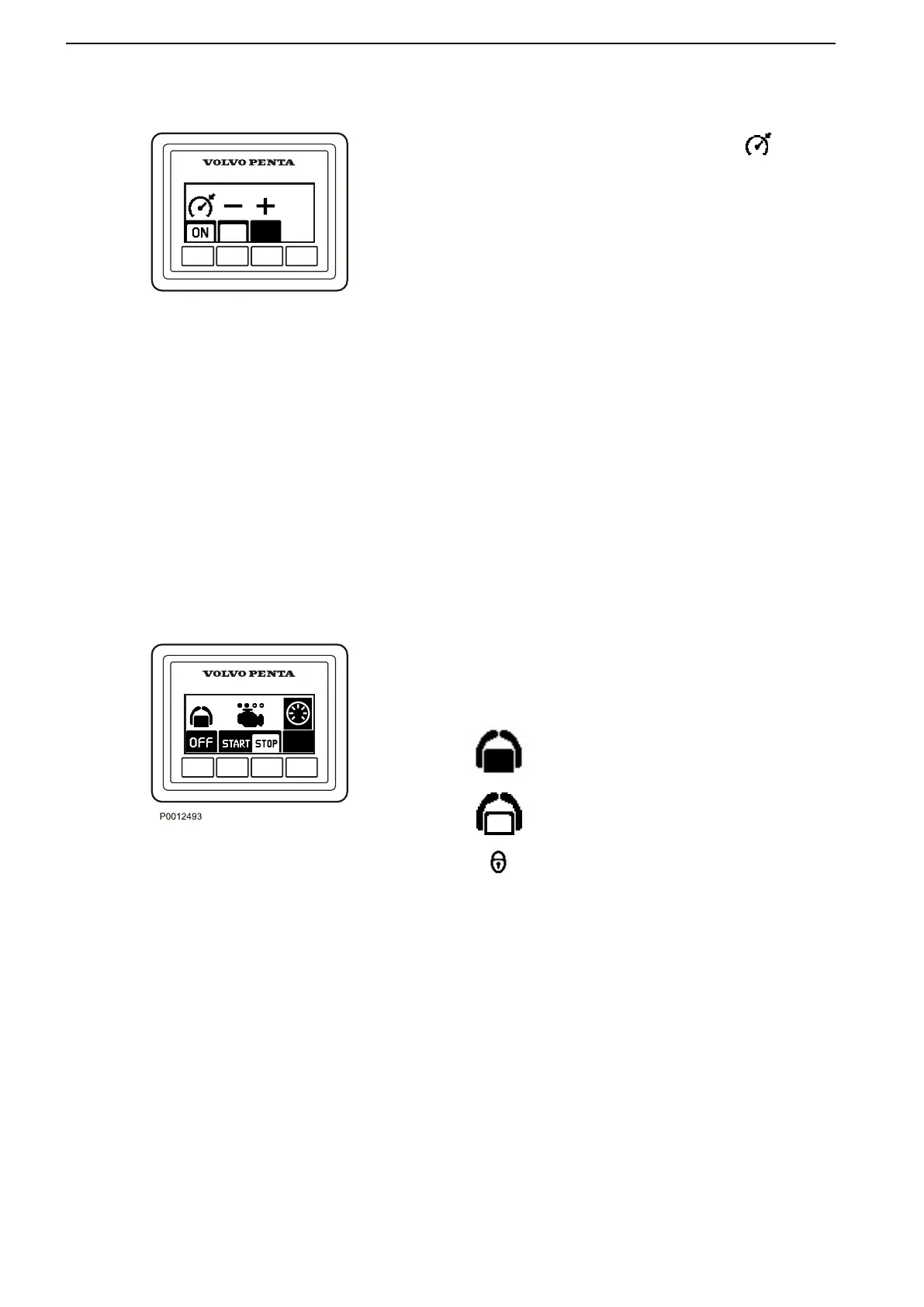
Switch on cruise control by pressing the button.
Make fine adjustments to the locked engine speed by
pressing the + or – buttons to increase or reduce the
speed.
Docking Panel
When the boat is operated from a docking station,
engines can be stopped and started and messages
can be managed using the docking panel.
The joystick can be used for maneuvering when the
docking station is activated; refer to the Instruments
and Controls, page
35 section for further information.
Activation
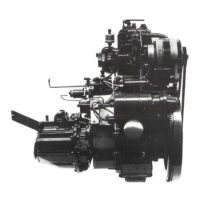
Activate the helm station by depressing the on/off
button. Further pressure on the button locks the helm
station.
To switch off the function, hold the button down for 3
seconds.
Twin installation
Both engines in a twin installation must be running
before the docking station can be activated.
The helm station is inactive.
The helm station is active and the docking
function is switched on.
The helm station is locked.
Start/Stop
Press
the STOP and START buttons to stop and start
all engines.
The circles above the engine symbols show which
engines are running. An empty circle means an engine
is running.
Instruments and Controls
16 47708085 11-2016 © Bukh


 To Next Page