Displays
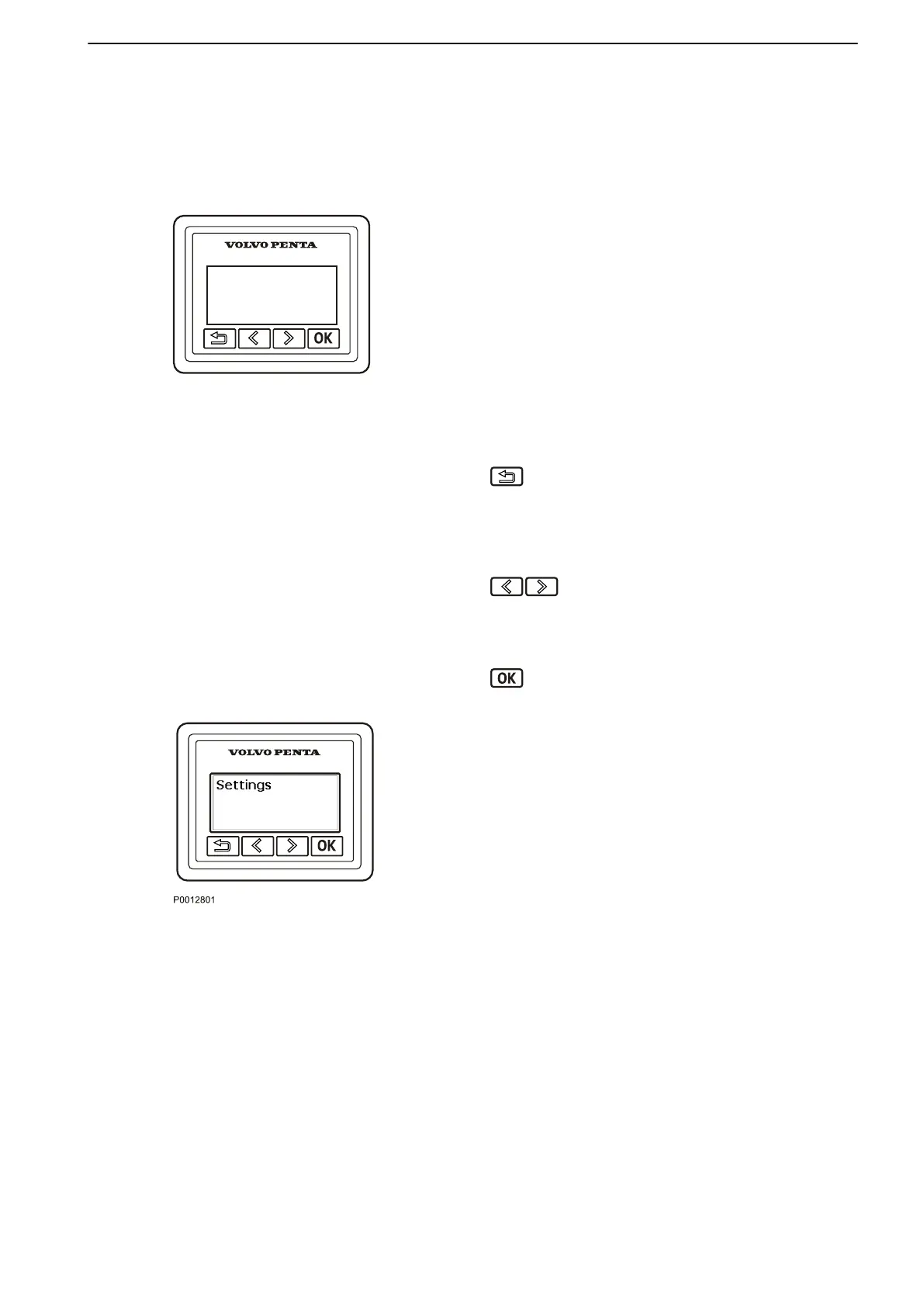
Information Display
The
information display shows engine and operational
information, messages and alarms.
There is one information display per driveline and helm
station if no 7" or larger screen is installed.
The information shown can be set up according to
personal preferences. The basic settings show:
•
Engine speed
•
Oil pressure
•
Coolant temp
•
Battery voltage
Press this button to return to the previous menu.
To navigate back to the main menu, hold the button
down
for more than three seconds or press the button
repeatedly.
Press these buttons to navigate backwards and
forwards in the menus.
Hold down a button to scroll through a menu.
Press this button to confirm a selection.
Settings
Browse
to the settings menu and press the OK button
to proceed to the submenu.
For further information about settings, refer to Settings
Menu, page 111.
Instruments and Controls
47708085 11-2016 © Bukh 19


 To Next Page