Fault Messages
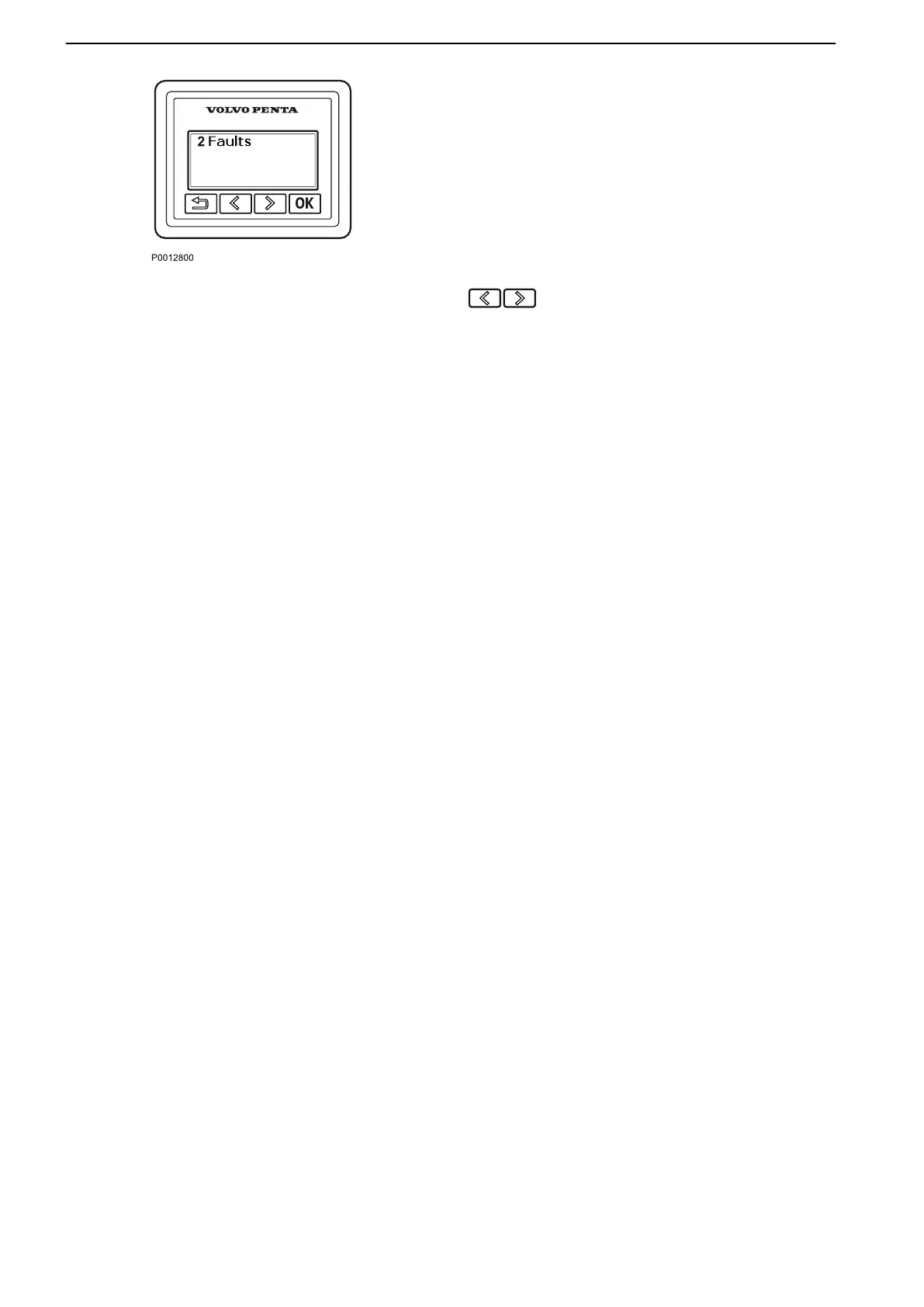
If
the system discovers a fault, the word Fault and the
number of discovered faults, are shown on the display.
To see the what faults have been detected, press the
OK button.
For further information on how to handle fault
messages and recommended actions, refer to Fault
Handling, page 67.
Backlighting
Display backlighting can be adjusted by pressing the
buttons simultaneously.
Instruments and Controls
20 47708085 11-2016 © Bukh


 To Next Page