45
45
EN
7.2 Setting the time and day of week
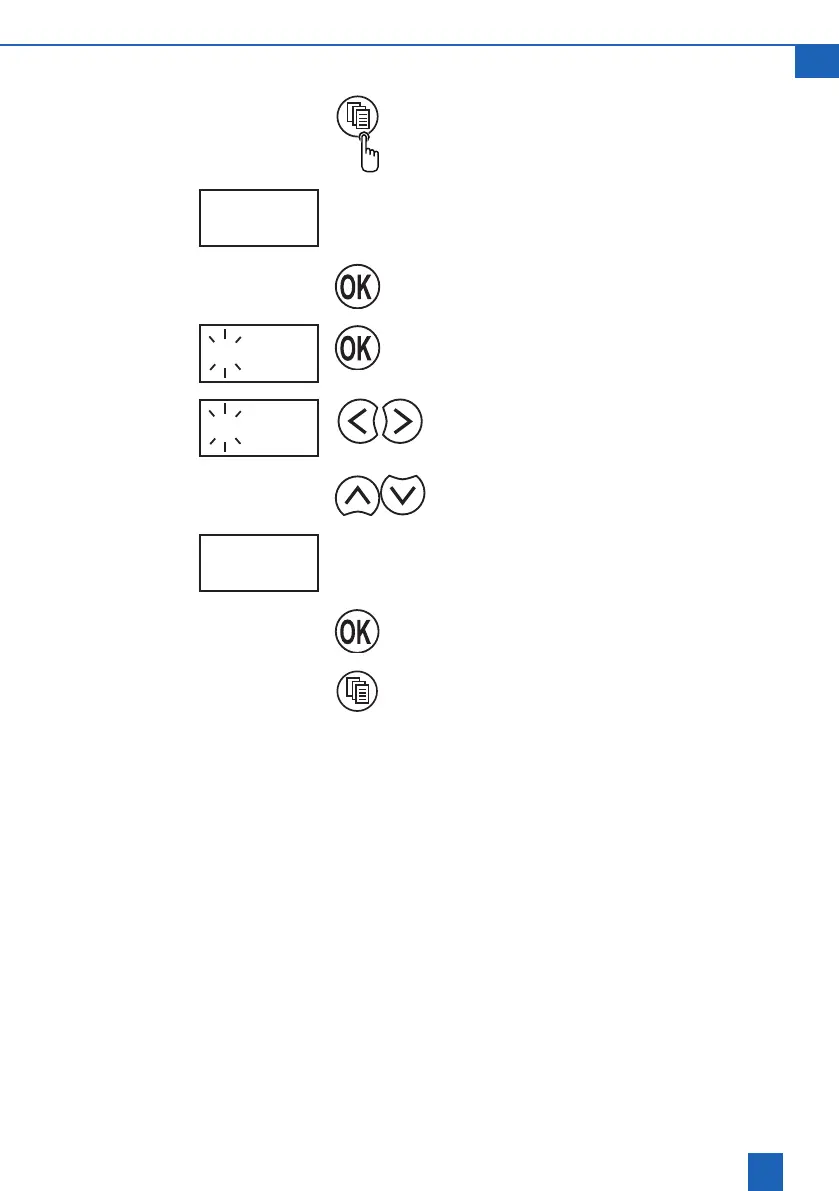
Use the Change mode button to switch to
programming mode.
SEt
The display shows SEt
Conrmprogrammingmode.
4 08:32
The view of the current setting ashes on the
display.
Flashing digits can be changed.
5 07:43
Move the cursor to the digits to be changed.
Set the day of the week and time.
5 07:43
Day of the week and time are set (in the example:
Friday,7:43a.m.).
Conrmthedayoftheweekandtime.
Close programming mode.











 To Next Page