PRELIMINARY
Document type: Title: Revision date: Revision:
User's Manual (MUT) N1471 4 Channel Programmable HV Power Supply 24/03/2010 1
NPO: Filename: Number of pages: Page:
00112/07:N1471.MUTx/01 N1471_REV1.DOC 38 17
3.1.2. Channel settings
For each channel the following parameters can be programmed and monitored either
locally or remotely (see § 3.2.3):
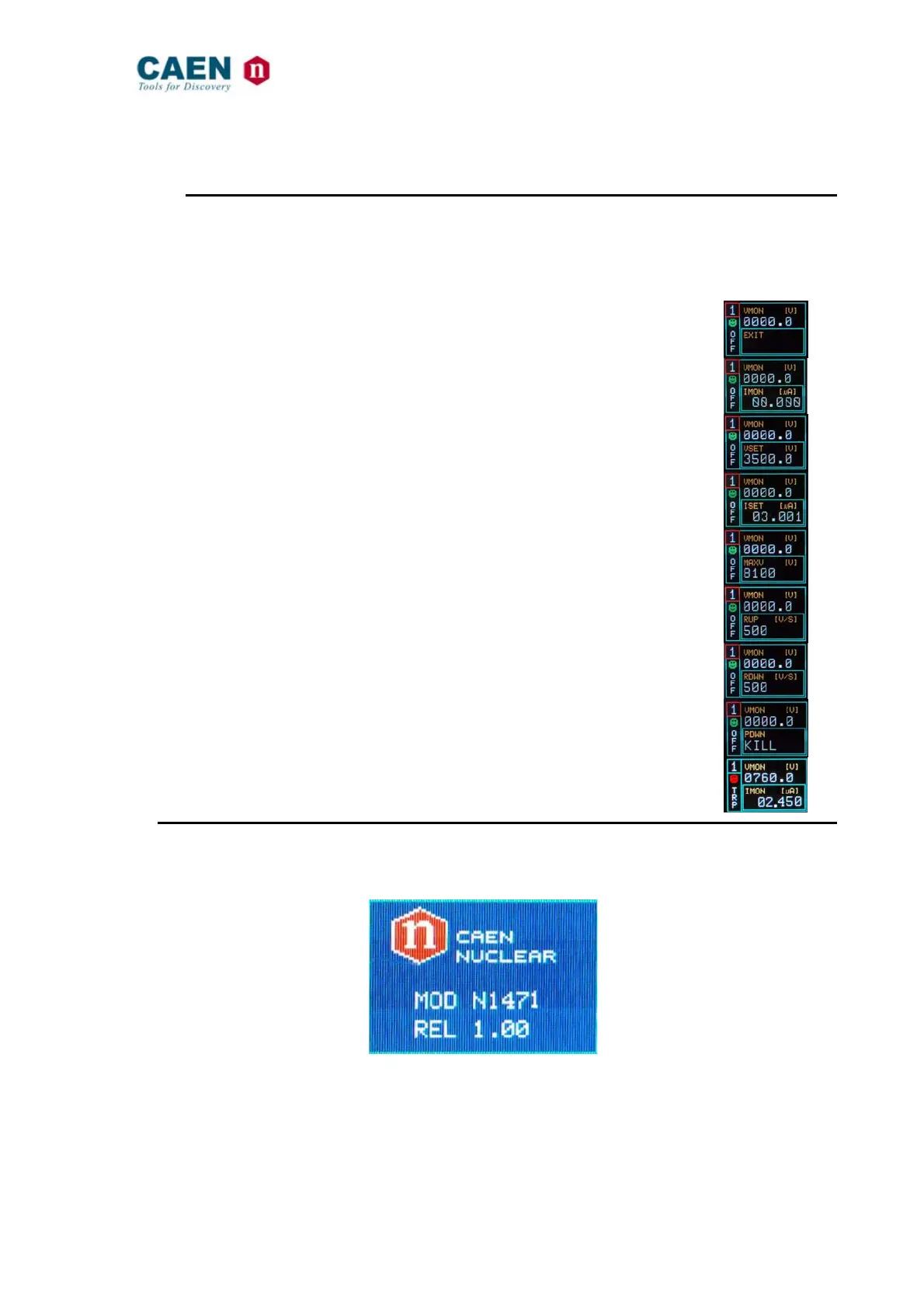
Parameter: Function: Unit: Display:
Vmon
High Voltage Monitored value
Volt
Imon
Current Monitored value
µA
V
set
High Voltage programmed value
Volt
I
set
Current Limit programmed value
µA
MaxV
Absolute maximum High Voltage level that the
channel is allowed to reach (see § 2.6)
V
Ramp-Up
Maximum High Voltage increase rate
V/s
Ramp-Down
Maximum High Voltage decrease rate
V/s
Power Down
Power Down mode after channel TRIP
KILL or RAMP
Trip
Maximum time an "overcurrent" is allowed to
last expressed in seconds (see § 2.6)
s
3.2. Local Control
Insert the unit inside a powered NIM crate, and switch it ON. At the power the Display
shows for a few seconds the following screen.
Fig. 3.1: Welcome screen
At this point the module is ready to be operated locally. The TUNE ROTARY SWITCH
(see § 2.4.1) is lit up as long as Local Control is enabled.



 To Next Page