PRELIMINARY
Document type: Title: Revision date: Revision:
User's Manual (MUT) N1471 4 Channel Programmable HV Power Supply 24/03/2010 1
NPO: Filename: Number of pages: Page:
00112/07:N1471.MUTx/01 N1471_REV1.DOC 38 32
3.4.2.4. Remote Control: firmware upgrade
By typing U it is possible to access the firmware upgrade menu:
Fig. 3.38: Firmware Upgrade Menu/1
If <y> is typed, then the following menu is shown:
Fig. 3.39: Firmware Upgrade Menu/2
At this point it is necessary to upload the updated firmware.
If "HyperTerminal" is used it is necessary to perform "Transfer" and "Send Text File"
operations by selecting the file "N1471.xxx"
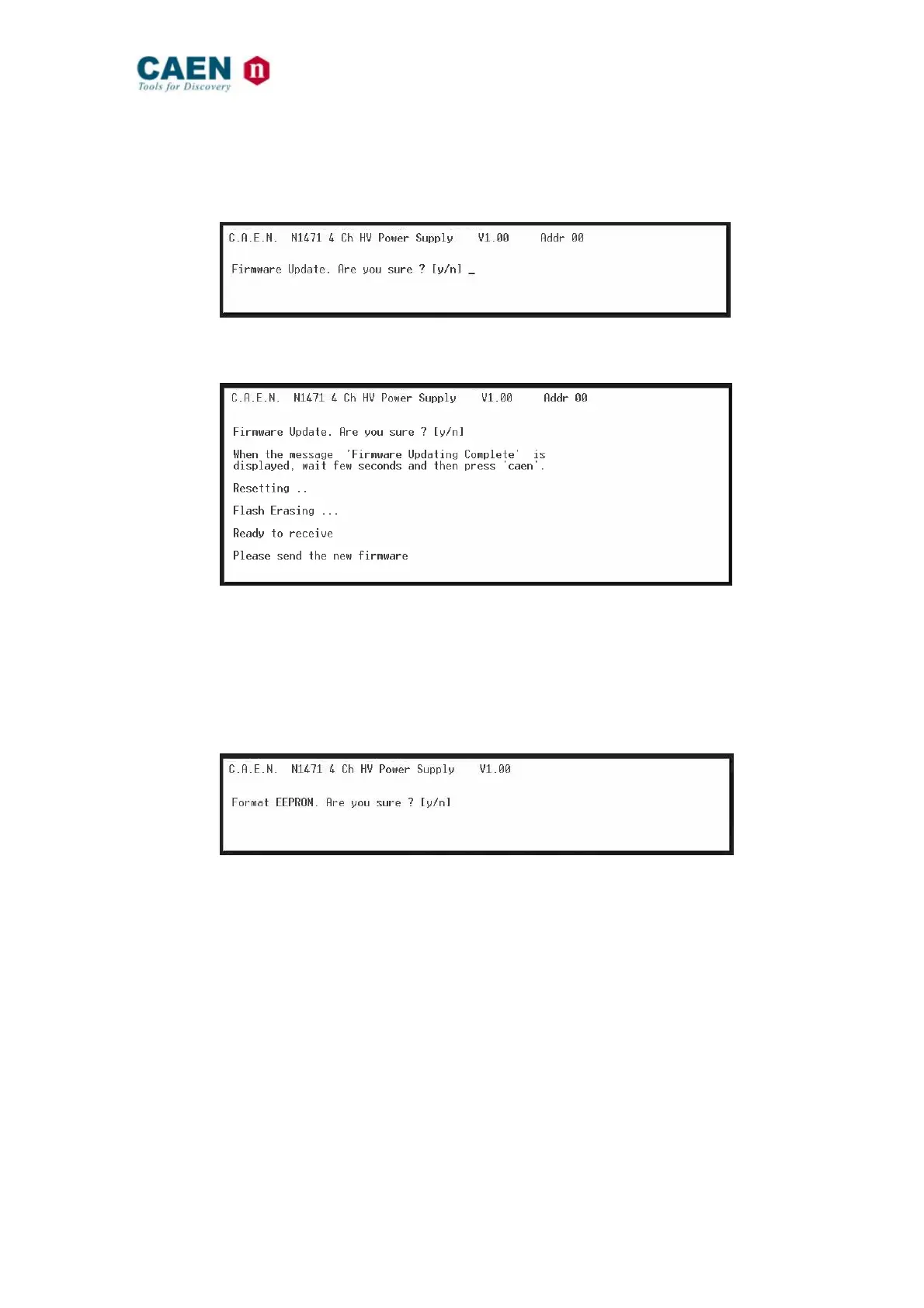
3.4.2.5. Remote Control: format EEPROM
By typing U it is possible to access the format EEPROM menu:
Fig. 3.40: Format EEPROM Menu
After the FORMAT command, all the channels have the following settings:
Vset = 0 V
Iset = 300 µA
Ramp Up / Down = 50 V/s
Trip = 10 s
MaxV = 8100 V
Power Down = Kill
Module setting:
Interlock Mode = Active CLOSED



 To Next Page