PRELIMINARY
Document type: Title: Revision date: Revision:
User's Manual (MUT) N1471 4 Channel Programmable HV Power Supply 24/03/2010 1
NPO: Filename: Number of pages: Page:
00112/07:N1471.MUTx/01 N1471_REV1.DOC 38 23
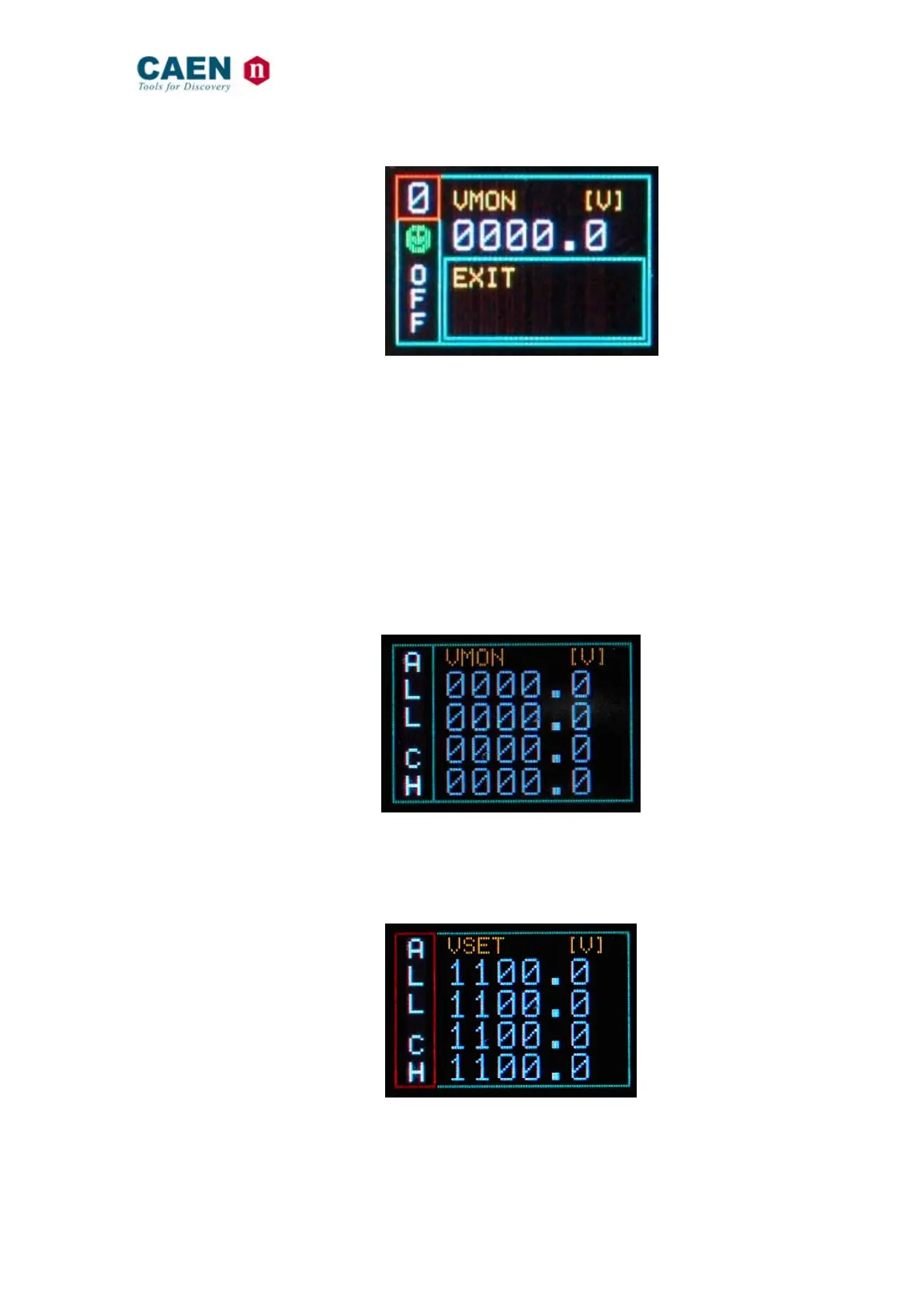
Fig. 3.18: Channel EXIT screen
Now by turning the TUNE ROTARY SWITCH another channel number to be set can be
selected.
If CONTROL MODE (see § 3.1.1) is set to REMOTE, the left lower row reports DIS
(Disabled), since the channel can be accessed only via the serial links (see § 3.4.1). If
the INTERLOCK MODE is changed while one channel is ON, the channel is turned OFF
and the left lower row reports ILK (Interlock); if the channel is OFF, it can not be turned
ON, until it is enabled according to the Interlock logic (see § 3.1.1).
3.2.3.1. Group Settings
Group settings allow to broadcast the same parameter value to all channels.
In order to operate Group settings:
Turn the TUNE ROTARY SWITCH until ALL is displayed in the left column
Fig. 3.19: Group selection
Push the TUNE ROTARY SWITCH: at this point the frame of the left column becomes
red and the GROUP is selected. Turn the TUNE ROTARY SWITCH until the parameter
to be set (for example VSET) is displayed in the right column (all four channels values).
Fig. 3.20: Group active



 To Next Page