PRELIMINARY
Document type: Title: Revision date: Revision:
User's Manual (MUT) N1471 4 Channel Programmable HV Power Supply 24/03/2010 1
NPO: Filename: Number of pages: Page:
00112/07:N1471.MUTx/01 N1471_REV1.DOC 38 22
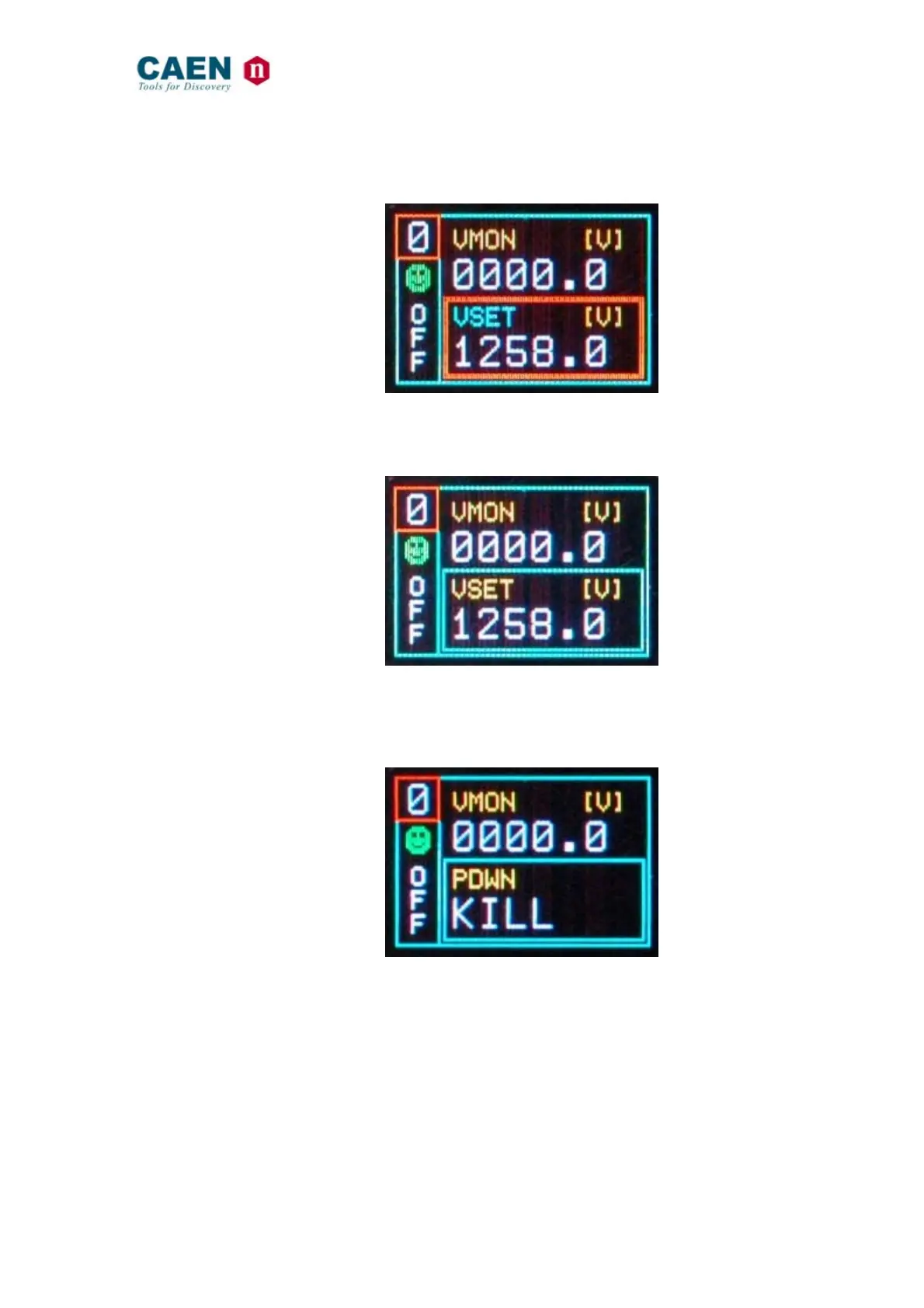
Once all the digits are set to the desired value, turn the TUNE ROTARY SWITCH until
the parameter name returns blue
Fig. 3.15: Channel VSET confirm screen
Push the TUNE ROTARY SWITCH in order to de-select the parameter, the frame returns
to blue
Fig. 3.16: Channel VSET de-select screen
It is now possible to set another parameter; note that the POWER DOWN and IMRANGE
setting has not digits to be edited, but two options, TRIP/KILL and HIGH/LOW
respectively:
Fig. 3.17: Channel KILL screen
In order to access another channel, the EXIT parameter has to be selected



 To Next Page