PRELIMINARY
Document type: Title: Revision date: Revision:
User's Manual (MUT) N1471 4 Channel Programmable HV Power Supply 24/03/2010 1
NPO: Filename: Number of pages: Page:
00112/07:N1471.MUTx/01 N1471_REV1.DOC 38 25
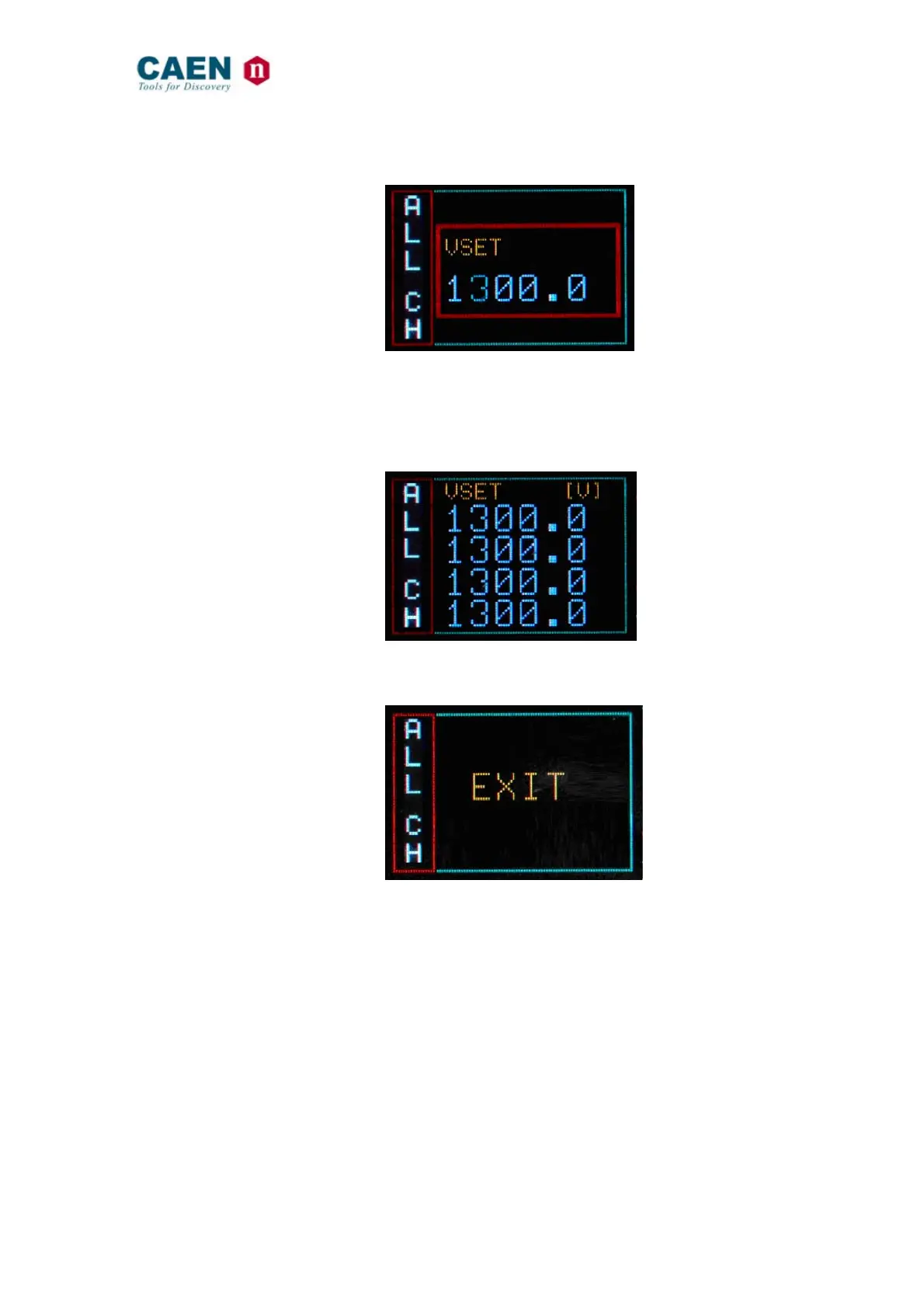
Confirm it by pushing the TUNE ROTARY SWITCH, the edited digit returns blue
Fig. 3.25: Group VSET digit confirm screen
Once all the digits are set to the desired value, turn the TUNE ROTARY SWITCH until
the parameter name returns blue. Push the TUNE ROTARY SWITCH in order to de-
select the parameter, the frame returns to blue; when the parameter is not active, the
parameter status of the four channels is shown.
Fig. 3.26: Channel VSET de-select screen
In order to go to individual channel settings, the EXIT parameter has to be selected
Fig. 3.27: Group EXIT screen



 To Next Page