PRELIMINARY
Document type: Title: Revision date: Revision:
User's Manual (MUT) N1471 4 Channel Programmable HV Power Supply 24/03/2010 1
NPO: Filename: Number of pages: Page:
00112/07:N1471.MUTx/01 N1471_REV1.DOC 38 35
Bit 1 → RUP 1 : Channel Ramp UP
Bit 2 → RDWN 1 : Channel Ramp DOWN
Bit 3 → OVC 1 : IMON >= ISET
Bit 4 → OVV 1 : VMON > VSET + 250 V
Bit 5 → UNV 1 : VMON < VSET - 250 V
Bit 6 → MAXV 1 : VOUT in MAXV protection
Bit 7 → TRIP 1 : Ch OFF via TRIP (Imon >= Iset during TRIP)
Bit 8 → OVP 1 : Power Max
Power Out > 9.3W for VOUT ≤ 3KV
Power Out > 8.2W for VOUT > 3KV
Bit 9 → OVT 1: TEMP > 105°C
Bit 10 → DIS 1 : Ch disabled (REMOTE Mode and Switch on OFF position)
Bit 11 → KILL 1 : Ch in KILL via front panel
Bit 12 → ILK 1 : Ch in INTERLOCK via front panel
Bit 13 → NOCAL 1 : Calibration Error
Bit 14, 15 → N.C.
3.5.4. MONITOR commands related to the module
The following table shows the strings to be used to handle monitor commands related to
the module.
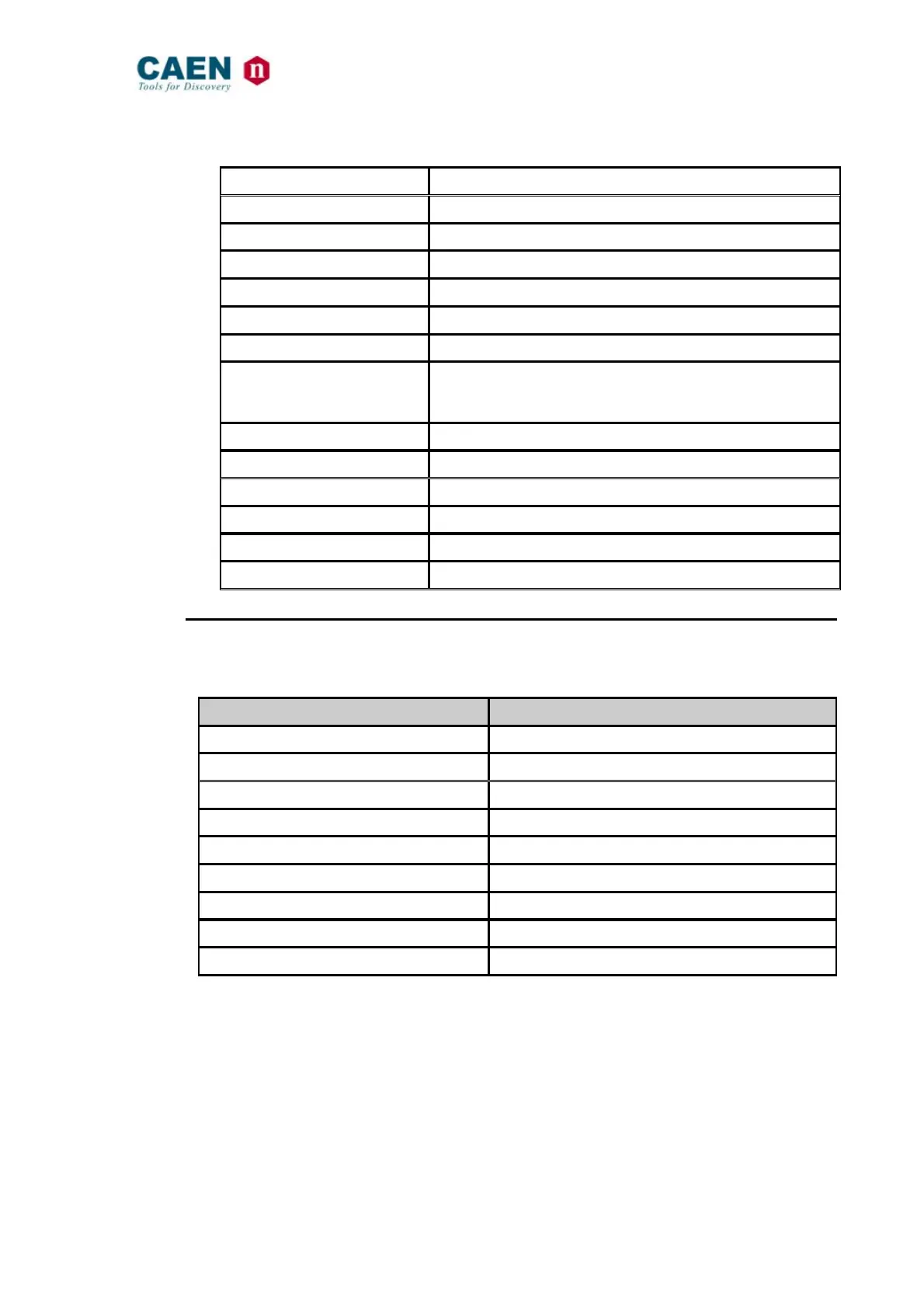
String Function (Units)
$BD:xx,CMD:MON,PAR:BDNAME Read out module name ( N1471 )
$BD:xx,CMD:MON,PAR:BDNCH Read out number of Channels present ( 4 )
$BD:xx,CMD:MON,PAR:BDFREL Read out Firmware Release ( XX.X )
$BD:xx,CMD:MON,PAR:BDSNUM Read out value serial number ( XXXXX )
$BD:xx,CMD:MON,PAR:BDILK Read out INTERLOCK status ( YES/NO )
$BD:xx,CMD:MON,PAR:BDILKM Read out INTERLOCK mode ( OPEN/CLOSED )
$BD:xx,CMD:MON,PAR:BDCTR Read out Control Mode (LOCAL / REMOTE )
$BD:xx,CMD:MON,PAR:BDTERM Read out LOCAL BUS Termination status ( ON/OFF )
$BD:xx,CMD:MON,PAR:BDALARM Read out Board Alarm status value ( XXXXX )



 To Next Page