PRELIMINARY
Document type: Title: Revision date: Revision:
User's Manual (MUT) N1471 4 Channel Programmable HV Power Supply 24/03/2010 1
NPO: Filename: Number of pages: Page:
00112/07:N1471.MUTx/01 N1471_REV1.DOC 38 19
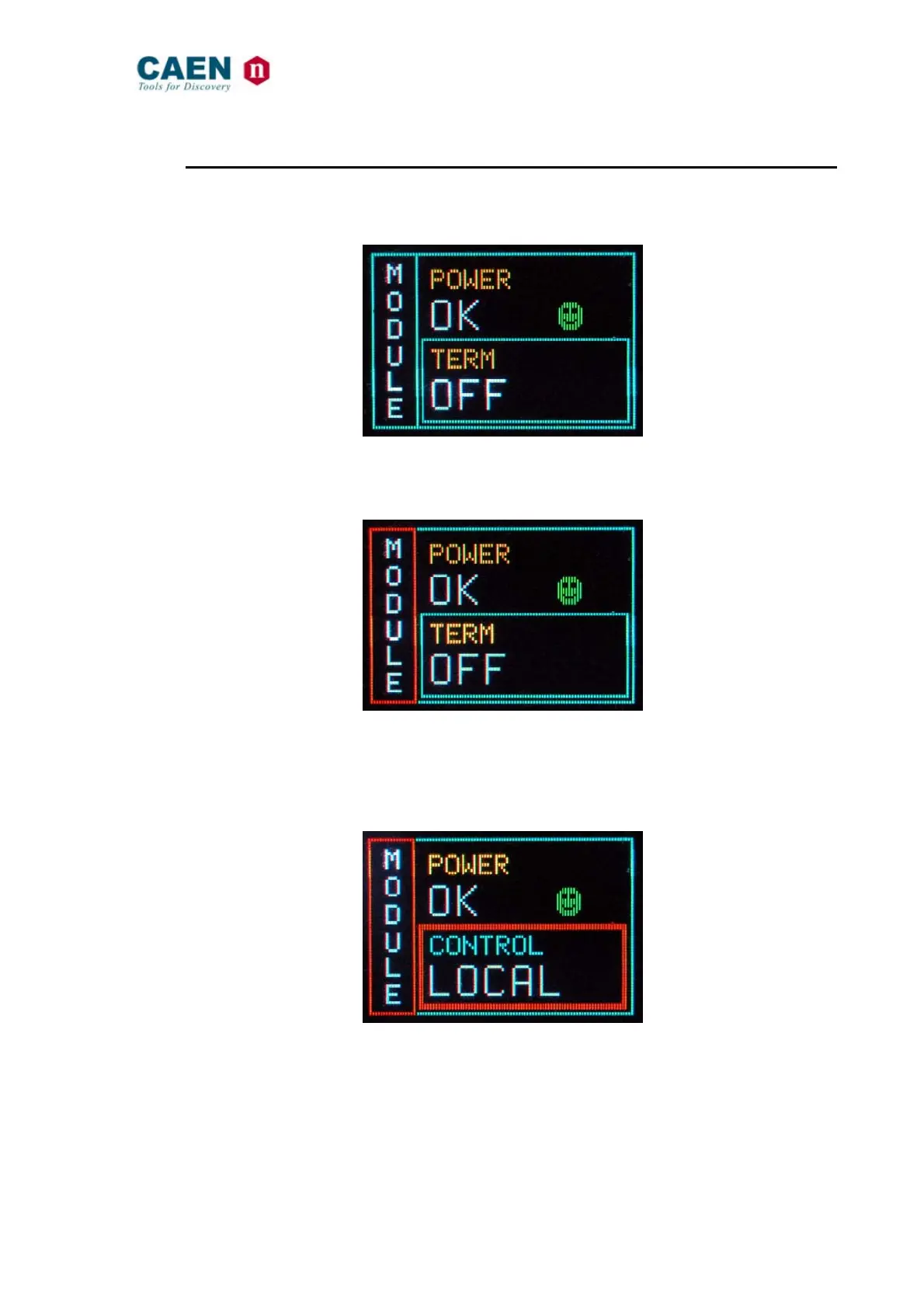
3.2.2. Module settings
Module settings are general board settings; turn the TUNE ROTARY SWITCH until this
screen is shown:
Fig. 3.5: Mode settings status screen
Push the TUNE ROTARY SWITCH in order to access MODULE parameters; the
MODULE frame becomes red:
Fig. 3.6: Mode settings access screen
The TUNE ROTARY SWITCH allows to select the parameter to be set; turn the ROTARY
SWITCH until such parameter is displayed (for example CONTROL), then select it by
pushing the ROTARY SWITCH (the parameter is shown with a red frame as long as it is
active):
Fig. 3.7: Mode settings edit screen
Select the desired value by turning the TUNE ROTARY SWITCH and confirm it by
pushing the switch itself.



 To Next Page