9 Customizing the display on the PC with the DSS
To make your data display unique, you can't avoid our DSS. You can download the DSS for free from
our website at www.canchecked.de/dss/. This is available for both PC and Mac. On our website you
will find a quick guide to download and install. Furthermore, you can find the driver required for
Windows 7 here. As soon as you have installed the DSS, you can execute it, should be able to see the
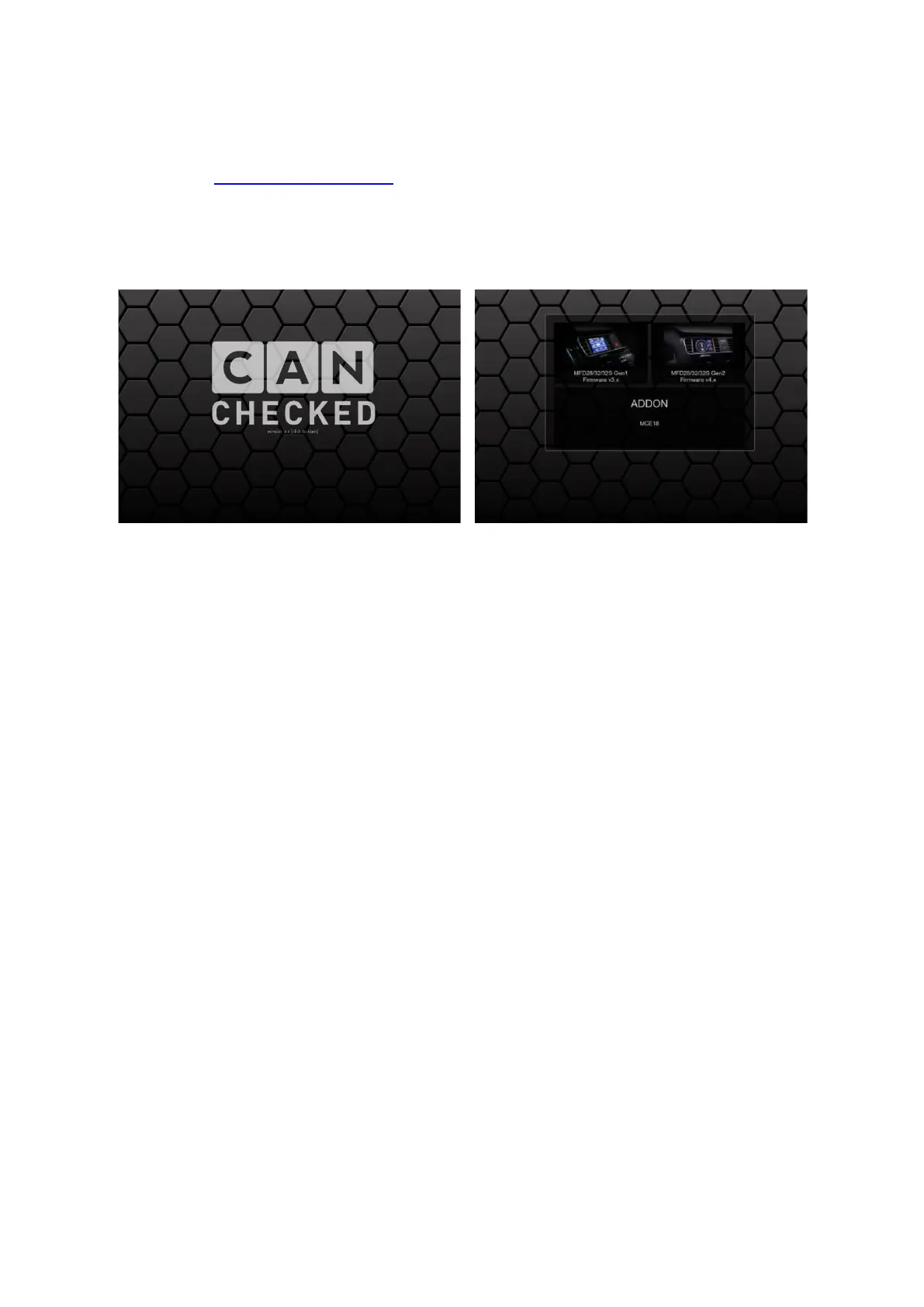
following start screen and click on the CANchecked logo to get to the selection field of the device to
be connected.
Figure 20: DSS startup
Here you click on the selection field for Gen2 devices (right) and now get to the tab overview. The
following tabs are available:
• Connection
• TRI Editor
• Pages
• Log Viewer
• Other settings
• Upload
• Can log
Basically to avoid problems, we strongly recommend always establishing a connection to the display
and not working offline.


 To Next Page