108
Print Order
5
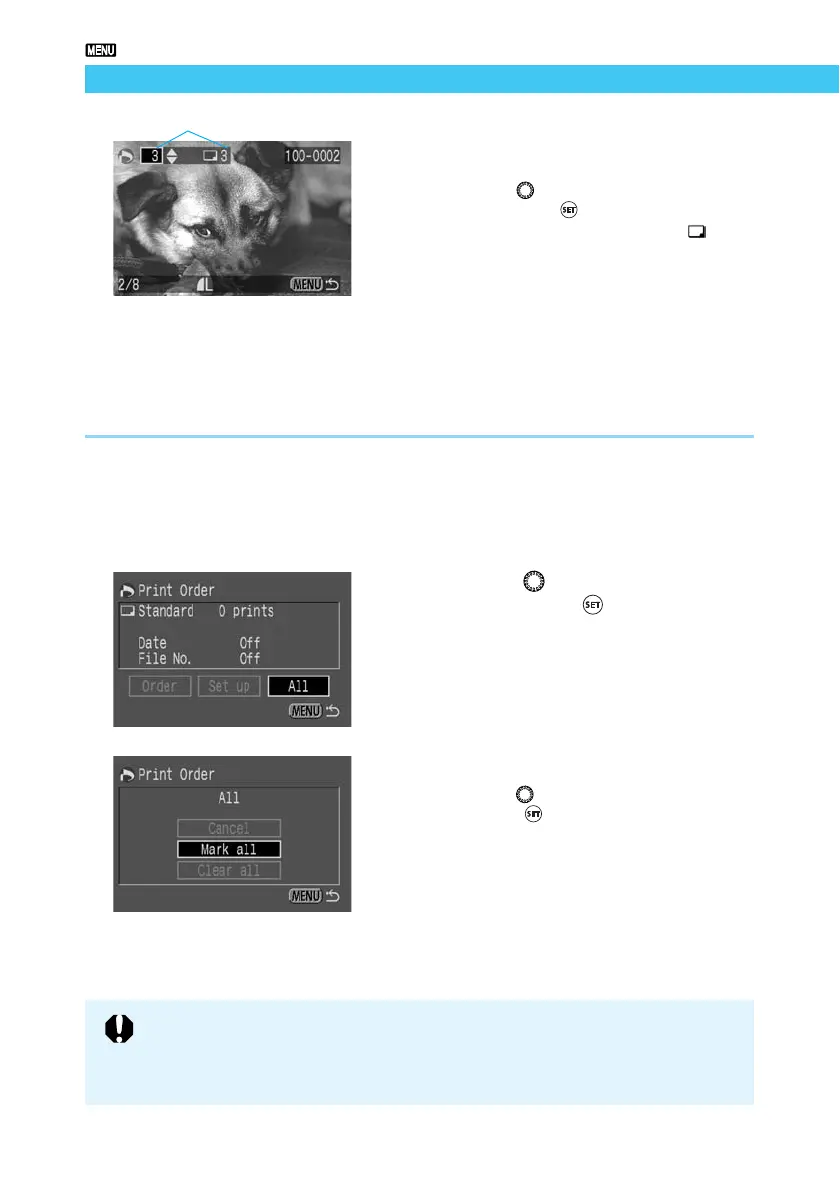
Select the print quantity.
● If the Print Type (→109) is [Index], you can
not specify the print quantity.
● Turn the < > dial to select the quantity,
then press the < > button.
➡ The quantity appears next to the < > icon.
● To cancel the selection, set the quantity to
[0].
● To select another image, repeat steps 4 and
5.
● Press the <
MENU
> button to return to the
Select Image screen.
Selecting All Images
You can select all images on a CF card at once, except those in RAW format.
1
Follow steps 1 and 2 of the Select-
ing a Single Image procedure
(→107), to display the Print Order
screen.
2
Turn the < > dial to select [All],
then press the < > button.
➡ The Select All Images menu appears.
3
Select [Mark all].
● Turn the < > dial to select [Mark All], then
press the < > button.
➡ This orders all the images and the display
then returns to the Print Order screen.
● At this point you can select [Clear all] to
cancel print order for all images.
● Select [Cancel] to return to the Print Order
screen.
Number of prints of the selected image
● Images are printed in order from oldest to newest.
● You can order up to 998 images.
● If you select images using the Mark All method, one copy of each will be
printed. To specify quantities, use the Selecting a Single Image method. (→107)















 To Next Page