54
AF Mode Selection
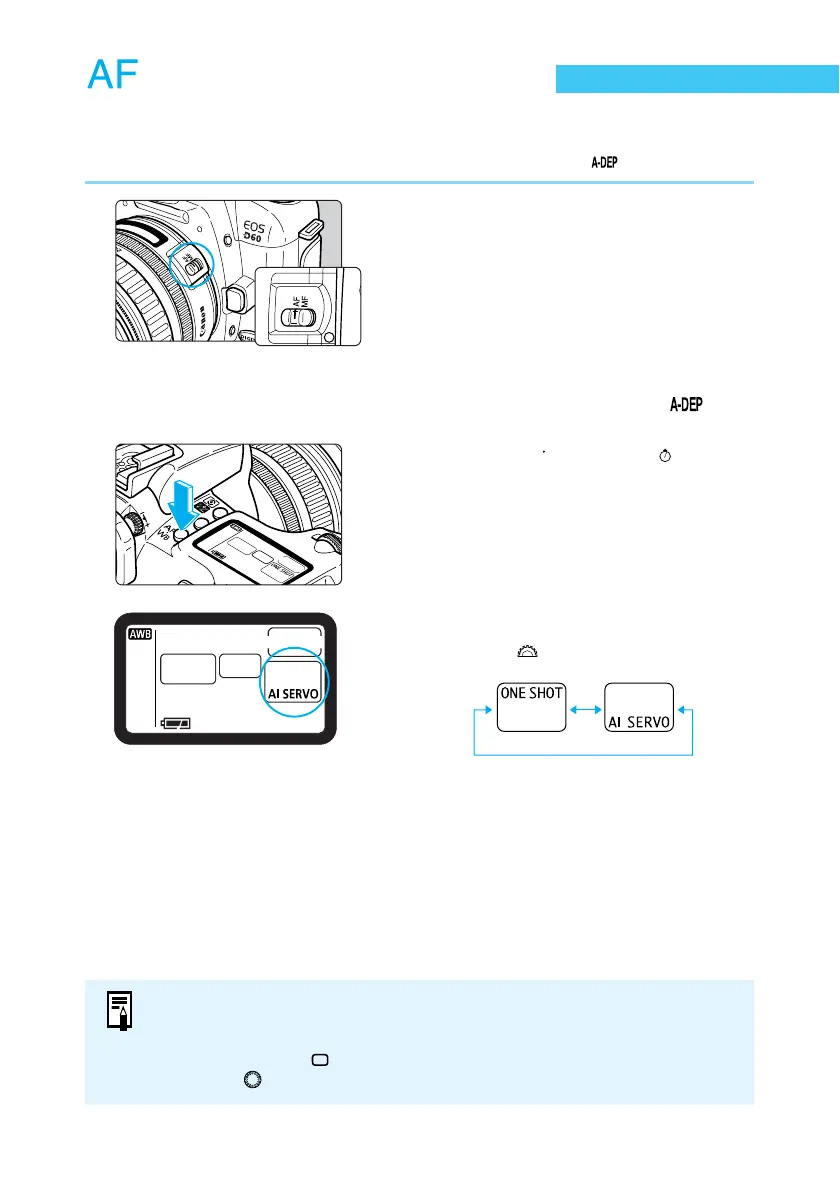
The AF mode setting controls how the autofocus functions operate. The camera has two AF
modes: One-shot AF for still subjects, and AI Servo AF for moving subjects.
AF mode selection is available in all Creative zone settings except for < >.
1
Set the lens focus mode switch to
<AF>.
2
Set the Mode Dial to a Creative
zone setting other than < >.
3
Press the <
AF
WB
> button. (
6
)
4
Select the AF mode.
● Turn the < > dial to make the selection.
● Press the shutter button down halfway to
return to ready-to-shoot status.
● In addition to the above two AF modes, the EOS D60 provides AI Focus AF,
which automatically switches between One-shot and AI Servo AF modes
according to the state of the subject. AI Focus AF is automatically selected
when operating in < > (Full Auto) mode.
● Turn the < > dial to select the white balance (→64).















 To Next Page