74
Manual Exposure
In this mode you set the shutter speed and aperture
value yourself. The camera makes no settings
automatically. You can determine the correct
combination of shutter speed and aperture value by
checking the exposure level displayed in the
camera.
∗ stands for manual.
1
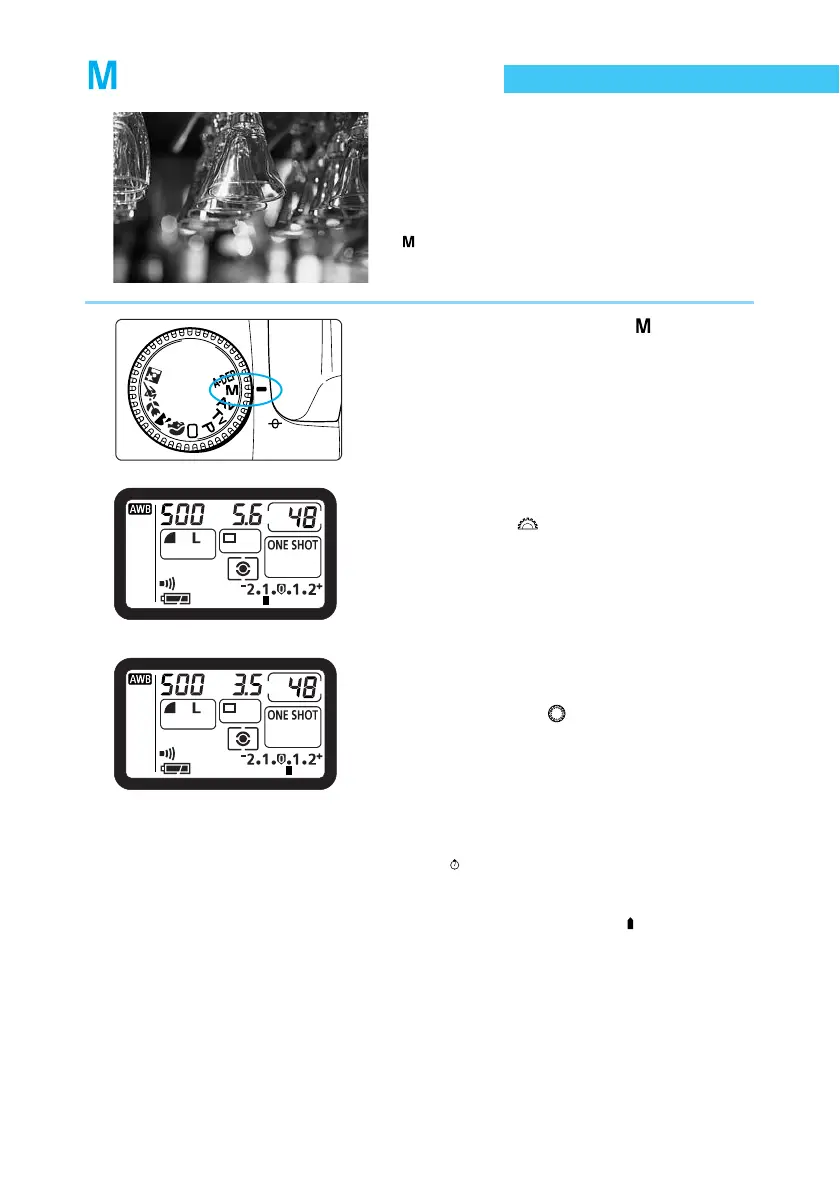
Set the Mode Dial to < >.
2
Set the shutter speed.
● Turn the < > dial.
3
Set the aperture value.
● Set the Quick Control Dial switch to <ON>,
then turn the < > dial.
4
Focus on the subject.
● Press the shutter button down halfway.
(
4
)
➡ The exposure level indicator appears in the
viewfinder and on the LCD panel.
● The exposure level icon < > lets you see
how far you are from the standard exposure
level.















 To Next Page