70
Shutter-Priority AE
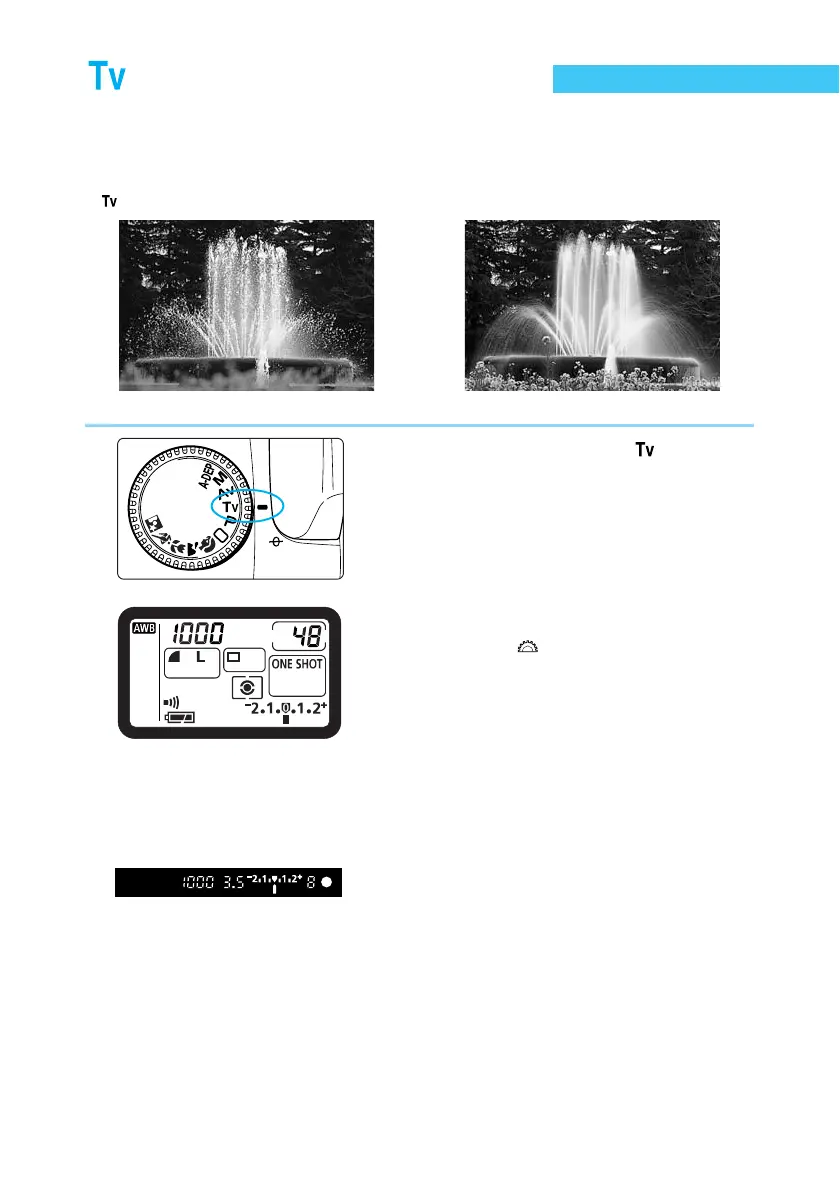
In this mode, you set the shutter speed, and the camera automatically sets the aperture value
to suit the brightness of the subject. This is called Shutter-Priority AE.
A fast shutter speed can freeze the motion of a fast-moving subject, and a slow shutter speed
can blur the subject to give the impression of motion.
∗ stands for “time value.”
Fast shutter speed Slow shutter speed
1
Set the Mode Dial to < >.
2
Set the shutter speed.
● Turn the < > dial.
3
Focus on the subject.
● Press the shutter button down halfway.
➡ The aperture value is determined automati-
cally.
4
Check the display, then take the
picture.
● If the aperture value is not blinking, the
exposure is correct.
● Compose the picture, then press the shutter
button down fully.















 To Next Page