75
Advanced Operations
3
5
Determine the exposure.
● Set the shutter speed or aperture value
manually.
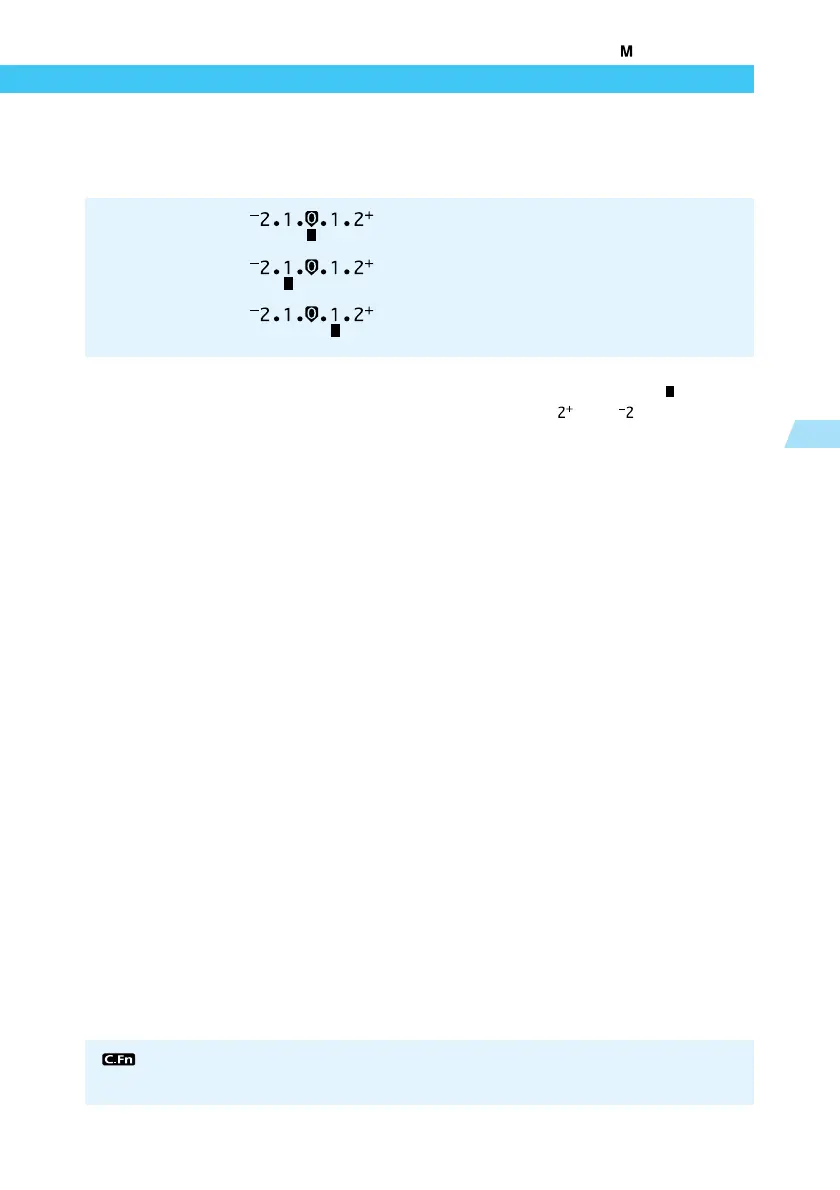
● If the exposure level indicator < > is
flashing at the < > or < > position, the
exposure is over- or under-exposed by
more than two stops.
6
Take the picture.
● Compose the picture, then press the shutter
button down fully.
Standard exposure : This is the standard reference point for a correct
exposure.
Underexposure : Decrease the shutter speed or reduce the
aperture value.
Overexposure : Increase the shutter speed or increase the
aperture value.
Manual Exposure
You can set the camera so that you can set the shutter speed or aperture value in
1/3-stop increments. (C.Fn-4-1→122)















 To Next Page