68
Program AE
Like < > (Full Auto) mode, this is a general-
purpose picture-taking mode. The camera automati-
cally sets the shutter speed and aperture value to
suit the scene’s brightness. This is called Program
AE.
∗ stands for Program
∗ AE stands for Auto Exposure
1
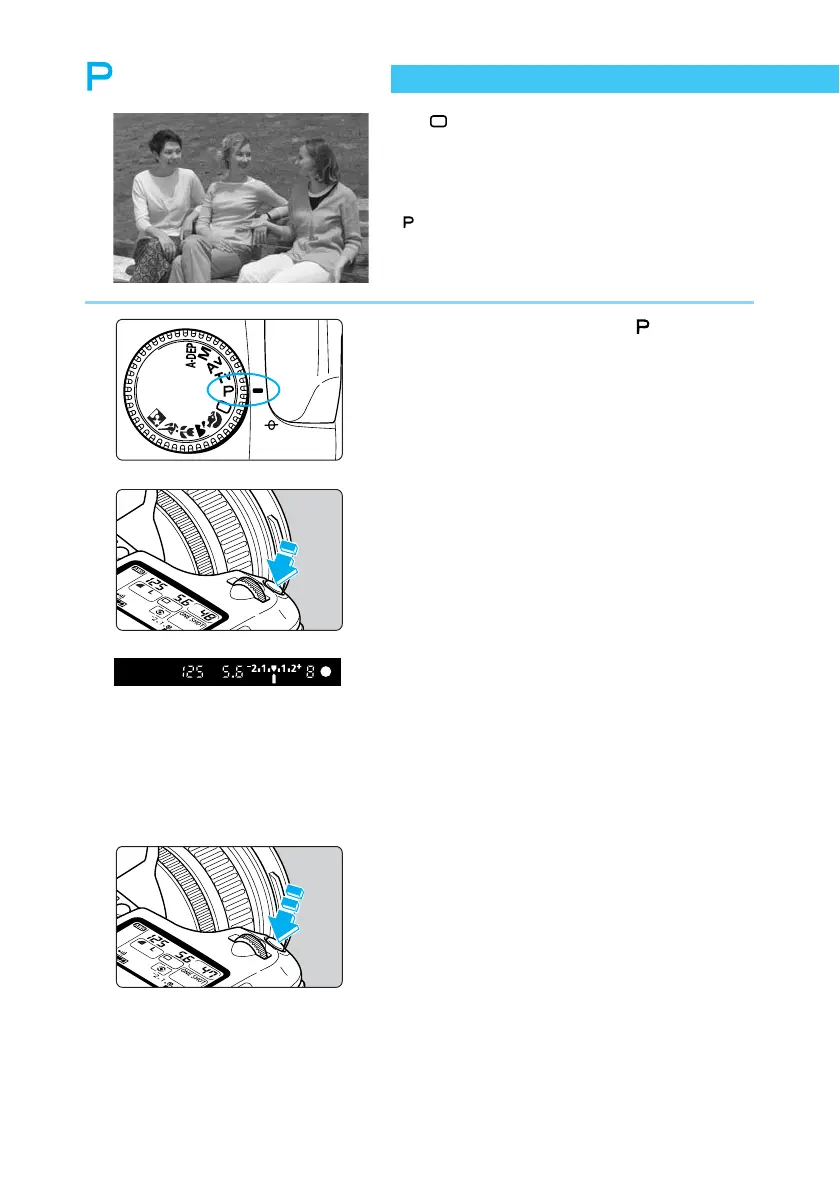
Set the Mode Dial to < >.
2
Focus on the subject.
● Press the shutter button down halfway.
➡ The AF point achieving focus will flash in
red and the beeper will sound. The focus
confirmation light <●> at the lower right will
also light.
3
Check the display.
➡ The shutter speed and aperture value are
determined automatically, and displayed in
the viewfinder and on the LCD panel.
● If the shutter speed and aperture values are
not blinking, the exposure is correct.
● If either is blinking, see “Exposure Warn-
ings” (→132).
4
Take the picture.
● Compose the picture, then press the shutter
button down fully.















 To Next Page