44
Portrait Mode
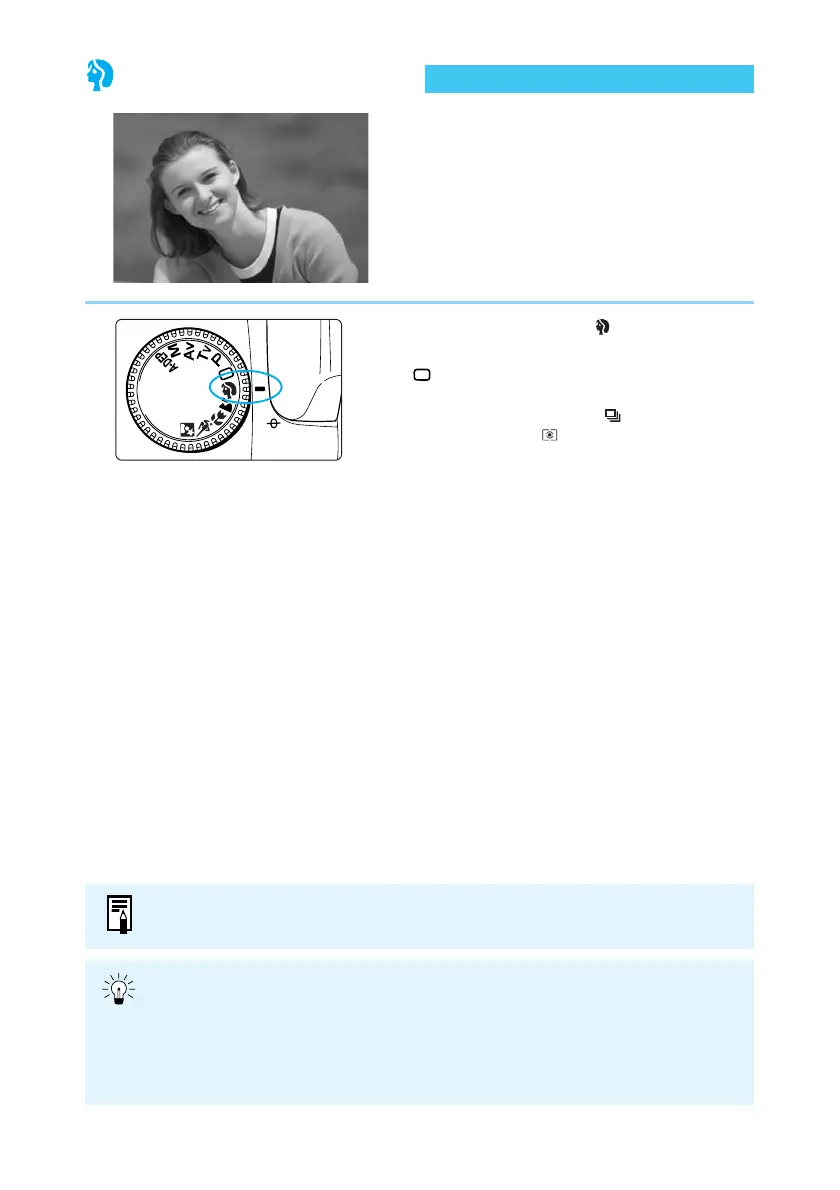
This mode blurs the background to make the
subject stand out.
Set the Mode Dial to < >.
● The way you take pictures is the same as in
< > (Full Auto) mode. (→38)
➡ The AF mode is automatically set to <ONE
SHOT>, the drive mode to < >, and the
metering mode to < >.
● Head-and-shoulder shots give the best background blur effect. Also, the farther
the subject is from the background, the more blurred the background will
appear.
● Use a telephoto lens to blur the background even more. If you use a zoom lens,
its longest focal length is the most effective (for example, a 24-85mm lens set to
85 mm).
The image quality can also be set. (→50, 118)















 To Next Page