58
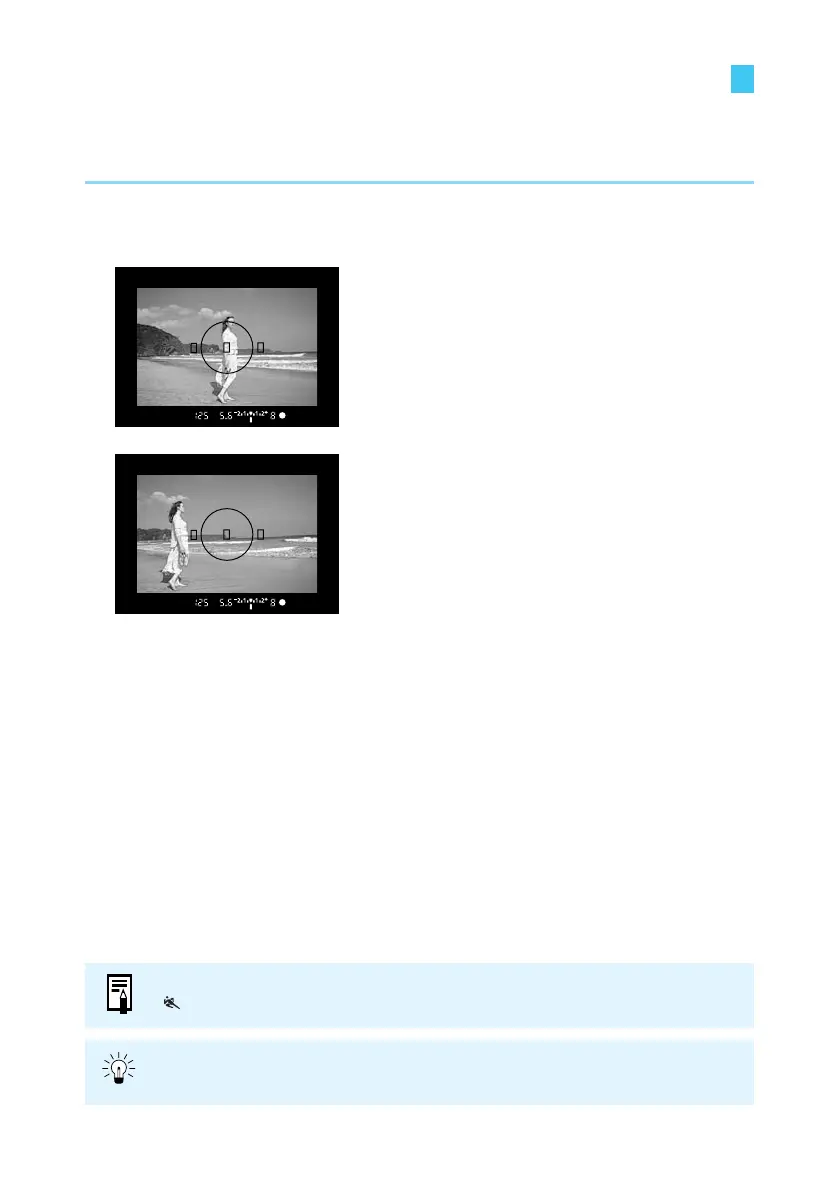
Focusing On an Off-Center Subject
To focus on a subject not covered by one of the three AF points, follow the procedure below.
This technique is called Focus Lock.
Focus lock is valid when the AF mode is set to One-shot AF.
1
Select an AF point.
(→57)
2
Focus on the subject.
● Place the AF point over the subject and
press the shutter button down halfway.
3
Hold the shutter button down
halfway and recompose the
picture.
4
Take the picture.
You can also use the Focus lock function in the Basic Zone (except for
< >mode), starting from step 2.
For best results, use the combination of One-shot AF with AE lock applied on the
AF point where focus is achieved, and evaluative metering.















 To Next Page