80
AE Lock
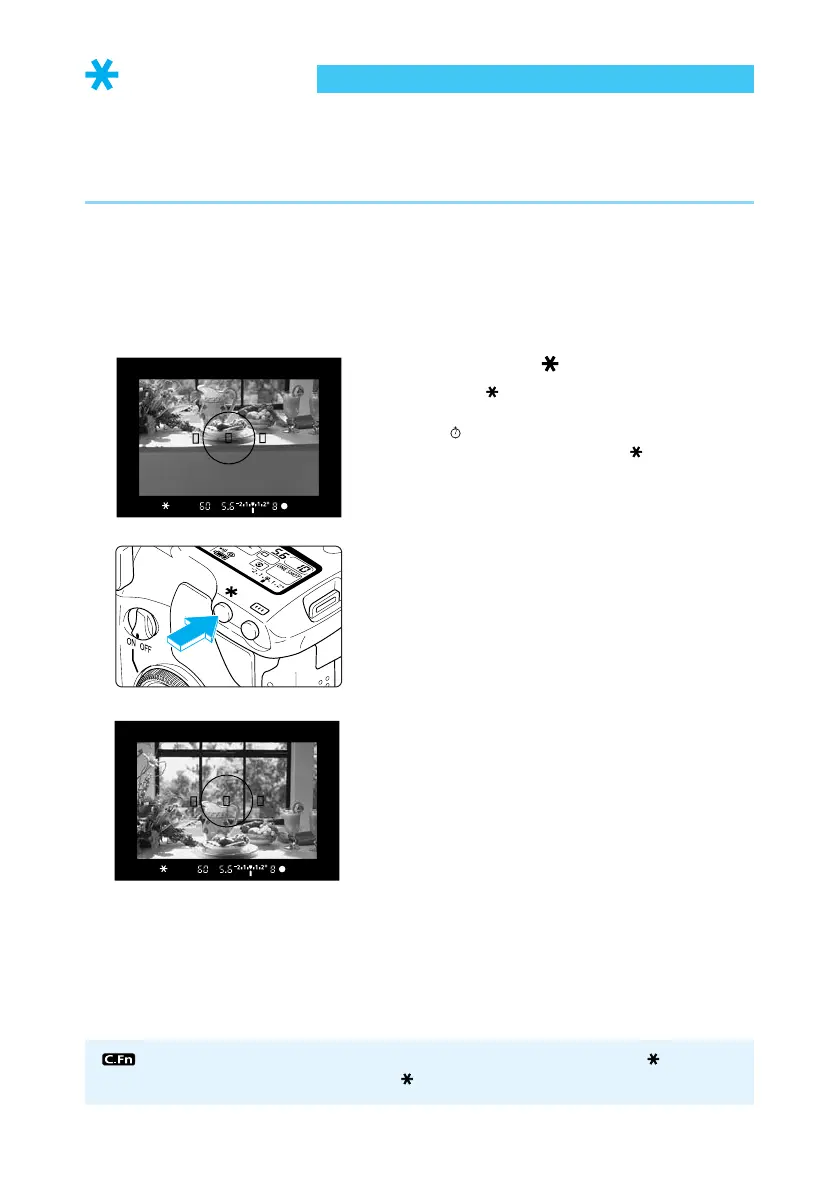
AE lock enables you to lock the exposure at a place other than the point of focus. After locking
the exposure, you can recompose the shot while maintaining the exposure level. This feature
is useful for backlit and spotlighted subjects.
● The effects of the AE lock depend on the AF point and metering method selected. (→133)
1
Focus on the point on which you
want to lock the exposure read-
ing.
➡ The exposure value is displayed in the
viewfinder.
2
Press the < > button.
● The < > icon lights in the viewfinder to
indicate that the exposure setting is locked.
(
4
)
● Each time you press the < > button, the
current exposure setting is locked.
3
Compose the shot and take the
picture.
You can apply AE lock by pressing the shutter button (instead of the < > button)
down halfway, and focus with the < > button. (C.Fn-2-1→122)















 To Next Page