43
Simple Picture Taking
2
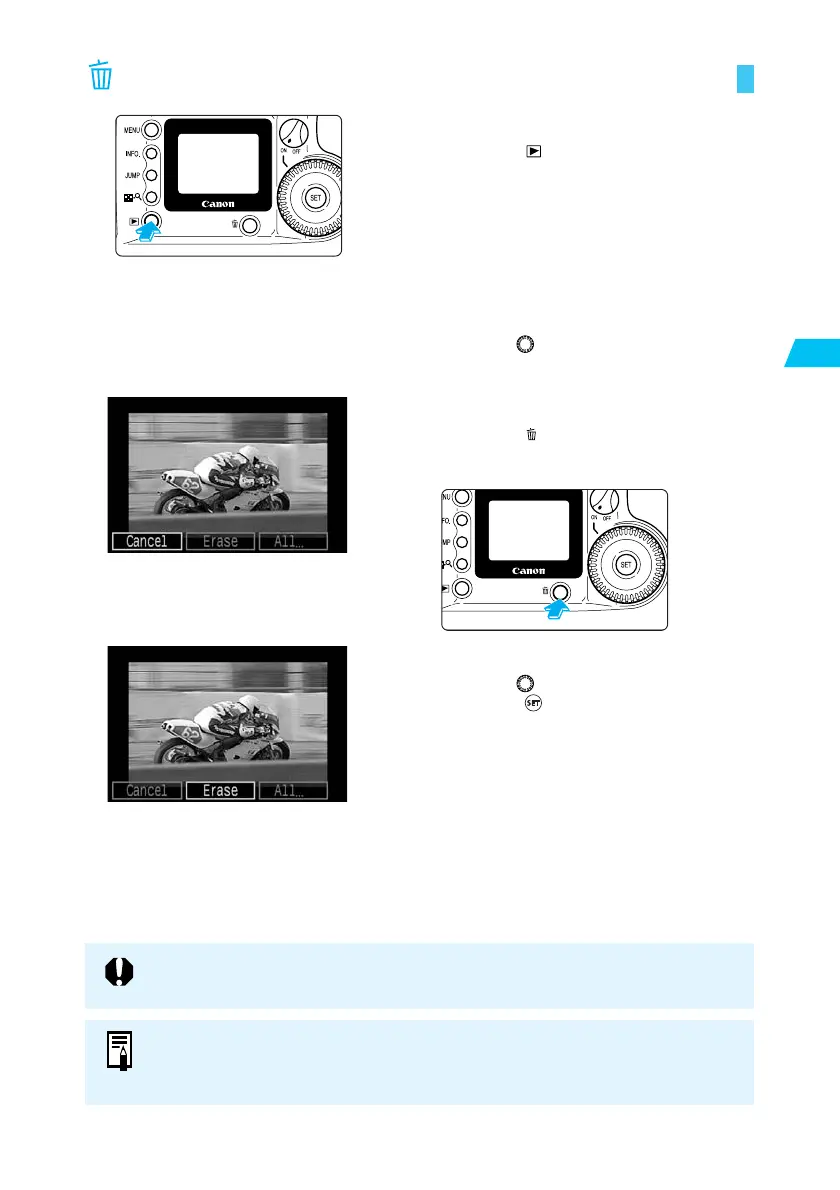
Erasing a Recorded Image (Single Image Erase)
1
Set the camera to Play mode.
● Press the < > button to enter Play mode.
➡ The most recent image appears.
2
Select the image you want to
erase.
● Turn the < > dial to select the image you
want to erase.
3
Open the Erase menu.
● Press the < > button.
➡ The Erase menu appears at the bottom of
the LCD monitor.
4
Erase the image.
● Turn the < > dial to select [Erase], then
press the < > button.
➡ The access lamp blinks and the image is
erased.
You cannot recover an image once you have erased it. Make sure you no longer
want an image before erasing it.
● You can protect images (→103) to prevent them from being erased accidentally.
● To erase all images recorded on the CF card, see “Erasing Images (All Image
Erase) ” (→104).















 To Next Page