53
Advanced Operations
3
Setting Processing Parameters
You can set the processing parameter by pressing < > and turning the < > or
< > dial while looking at the LCD panel. (C.Fn-12-3→126)
4
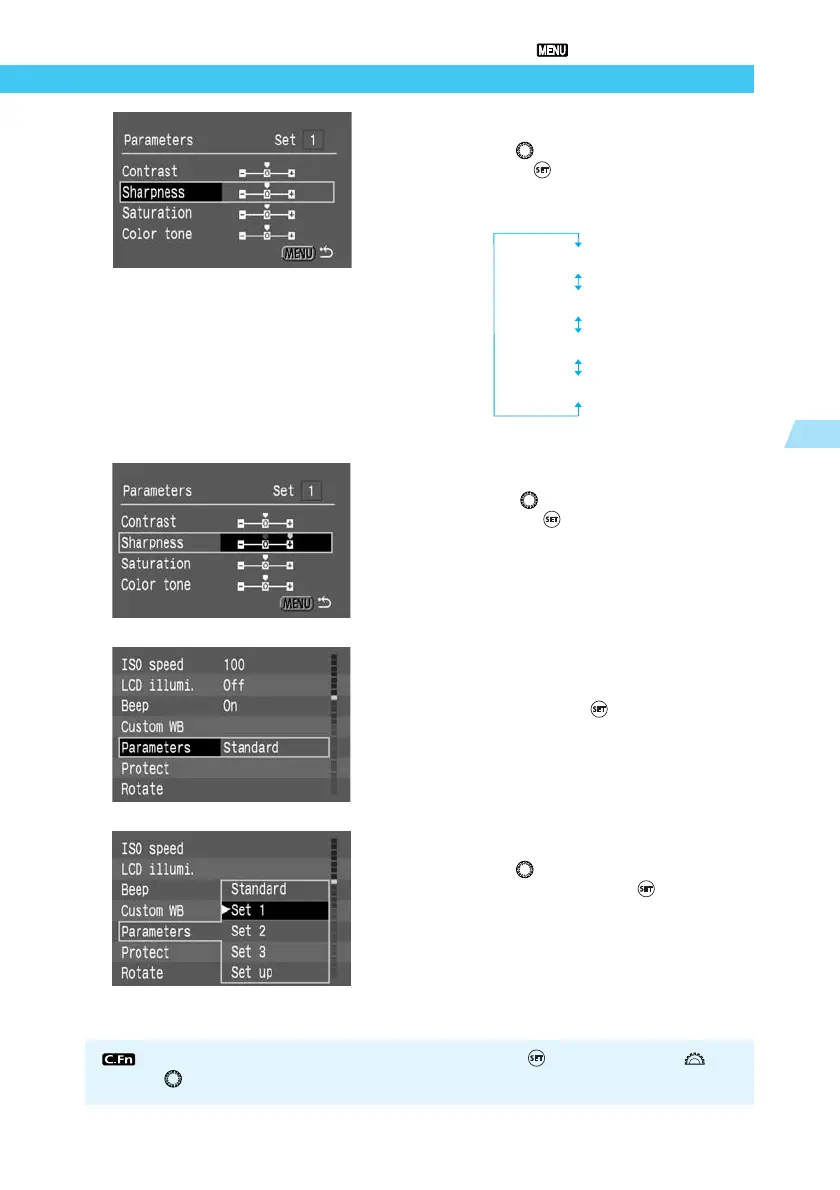
Select the parameter to be set.
● Turn the < > dial to select the parameter,
then press < >.
● The parameter selection will change in the
following loop:
5
Set the desired parameter setting.
● Turn the < > dial and select [–], [0], or [+].
Then press < > .
6
Go back to step 1.
● Press the <MENU> button twice to return to
step 1, then press < >.
7
Select the desired set number.
● Turn the < > dial and select [Set 1], [Set
2], or [Set 3]. Then press < >.
[Contrast]
[Sharpness]
[Saturation]
[Color tone]















 To Next Page