I
.,
"
WHEN
YOU
MOUNT
THE
CAMCORDER
ON
A
,
TRIPOD
Do not leave the viewfinder
exposed
to
direct sunlight as
it may melt (due
to
concentration
of
the light by
the lens). Do not use tripods
with fastening screws longer
than 5.5 mm (0.2 in.). Doing
so may damage the camcorder.
Power
Switch
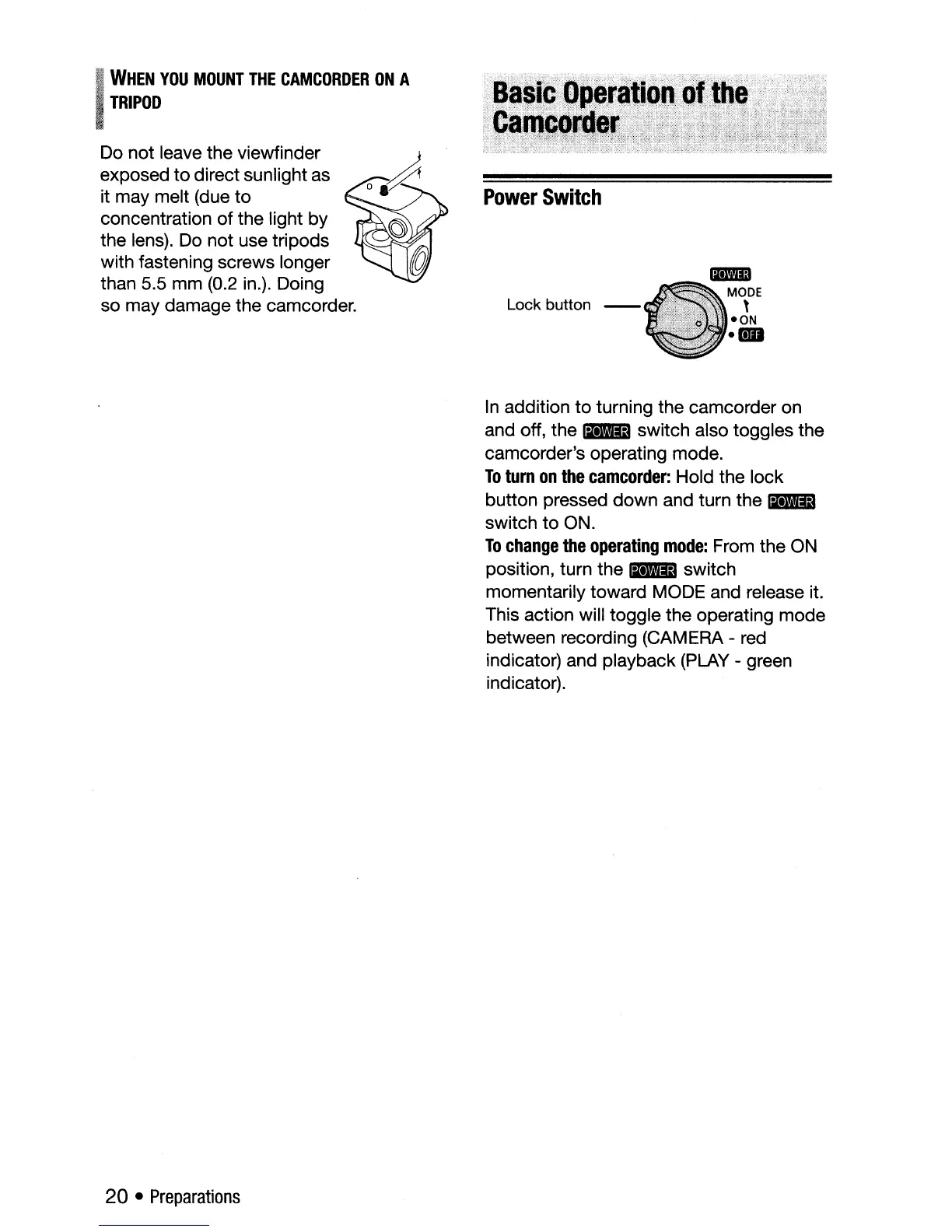
Lock button -
Im'llm
MODE
,
-ON
.-
20 •
Preparations
In
addition
to
turning the camcorder on
and off, the
I+lIiD switch also toggles the
camcorder's operating mode.
To
turn
on
the
camcorder:
Hold the lock
button pressed down and turn the
I+lIiD
switch
to
ON.
To
change
the
operating
mode:
From the ON
position, turn the
I+lIiD switch
momentarily toward MODE and release it.
This action will toggle the operating mode
between recording (CAMERA - red
indicator) and playback (PLAY - green
indicator).



 To Next Page