Disc
Playback
on
External
Devices
After finalizing the
disc
with your
recordings, you can play it on DVD
players
compatible
with the
type
of
disc
used (DVD-R, DVD-R DL
or
DVD-RW).
You cannot play
back
discs on an
external DVD device if the discs have
not
yet been finalized.
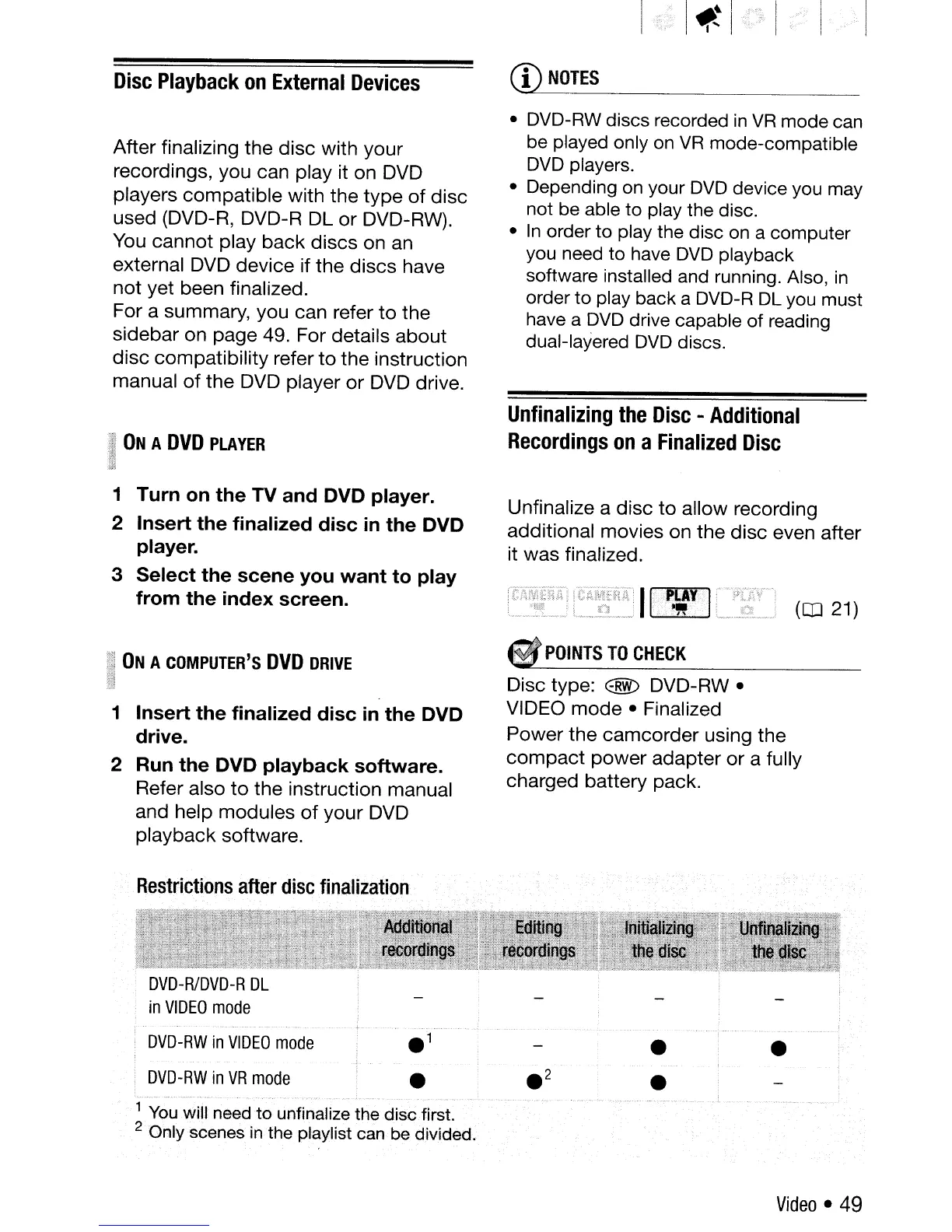
For a summary, you can refer
to
the
sidebar on page 49. For details
about
disc
compatibility refer
to
the instruction
manual
of
the DVD player
or
DVD drive.
l:~
ON
A
DVD
PLAYER
1m
1m
1
Turn
on
the
TV
and
DVD player.
2
Insert
the
finalized
disc
in
the
DVD
player.
3
Select
the
scene
you
want
to
play
from
the
index
screen.
ON
A
COMPUTER'S
DVD
DRIVE
1
Insert
the
finalized
disc
in
the
DVD
drive.
2 Run
the
DVD
playback
software.
Refer also
to
the instruction manual
and help modules
of
your DVD
playback software.
Restrictions
after
disc
finalization
CD
NOTES
• DVD-RW discs recorded
in
VR
mode can
be played only
on
VR
mode-compatible
DVD
players.
• Depending
on
your
DVD
device you may
not be able to play the disc.
•
In
order to play the disc
on
a computer
you need to have
DVD
playback
software installed and running. Also,
in
order to play back a DVD-R
DL
you
must
have a
DVD
drive capable of reading
dual-layered
DVD
discs.
Unfinalizing
the
Disc
- Additional
Recordings
on
a Finalized
Disc
Unfinalize a disc
to
allow recording
additional movies on the disc even after
it was finalized.
(CD
21)
POINTS
TO
CHECK
Disc type: @
DVD-RW·
VIDEO
mode
• Finalized
Power the
camcorder
using the
compact
power
adapter
or
a fully
charged battery pack.
DVD-RW
in
VIDEO
mode
DVD-RW
in
VR
mode
•
•
•
..
"
..
'.',.,
..
1
You
will
need
to
unfinalize
the
disc first.
2
Only
scenes
in
the
playlist
can
be
divided.
Video· 49



 To Next Page