Protecting
Photos
(OJ
21)
[FUNC.] e
[C>n
PROTECT] C Press @
[.
PROTECT]:
The
image selection
screen appears.
FUNC.
(aJ
22)
• All displays
off
1
However,
the
markers
and
the 0 icon
and
AF
frames
when
the autofocus
is
locked
will
still appear
on
the
screen.
You can
protect
still images recorded
on
the
memory
card from accidental
erasure.
Shadows
<:====>
Highlights
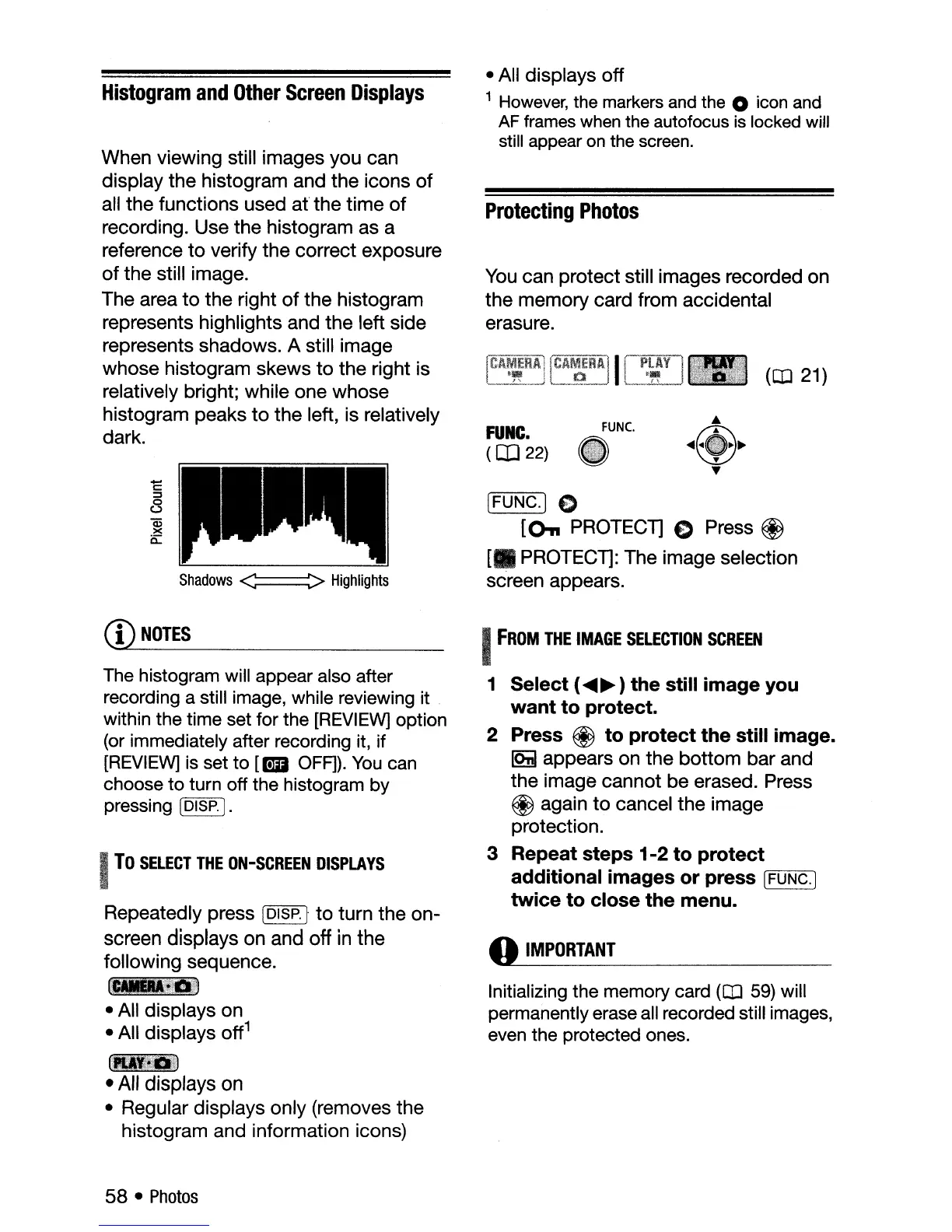
When viewing still images
you
can
display
the
histogram and
the
icons
of
all
the
functions
used
at
the
time
of
recording. Use
the
histogram as a
reference
to
verify
the
correct
exposure
of
the
still image.
The area
to
the
right
of
the
histogram
represents highlights and
the
left side
represents shadows. A still image
whose
histogram
skews
to
the
right is
relatively bright; while one
whose
histogram
peaks
to
the
left, is relatively
dark.
Histogram
and
Other
Screen
Displays
CD
NOTES
The histogram will appear also after
recording a still image, while reviewing it .
within the time set for the
[REVIEW]
option
(or immediately after recording it, if
[REVIEW]
is set
to
[.
OFF]).
You
can
choose
to
turn off the histogram by
pressing
[DISP.].
I
To
SELECT
THE
ON-SCREEN
DISPLAYS
Repeatedly press
[DISP.1
to
turn
the
on-
screen displays on and
off
in
the
following
sequence.
~_mi.
• All
displays
on
• All displays
off
1
~._
...
: .
2'!_:~
i.'.:/t,_n
•
All
displays
on
• Regular displays only (removes
the
histogram
and
information icons)
I
FROM
THE
IMAGE
SELECTION
SCREEN
1 Select (
....
~
) the still image you
want to protect.
2 Press
@ to protect the still image.
IQiI
appears on
the
bottom
bar
and
the
image
cannot
be
erased. Press
@ again
to
cancel
the
image
protection.
3 Repeat steps 1-2 to protect
additional images or press
r=[F,-;-:UNC":-:C"....,.]
twice to close the menu.
o
IMPORTANT
Initializing the memory card
(OJ
59)
will
permanently erase all recorded still images,
even the protected ones.
58 •
Photos



 To Next Page