(CD
21)
Erases
all
data
completely.
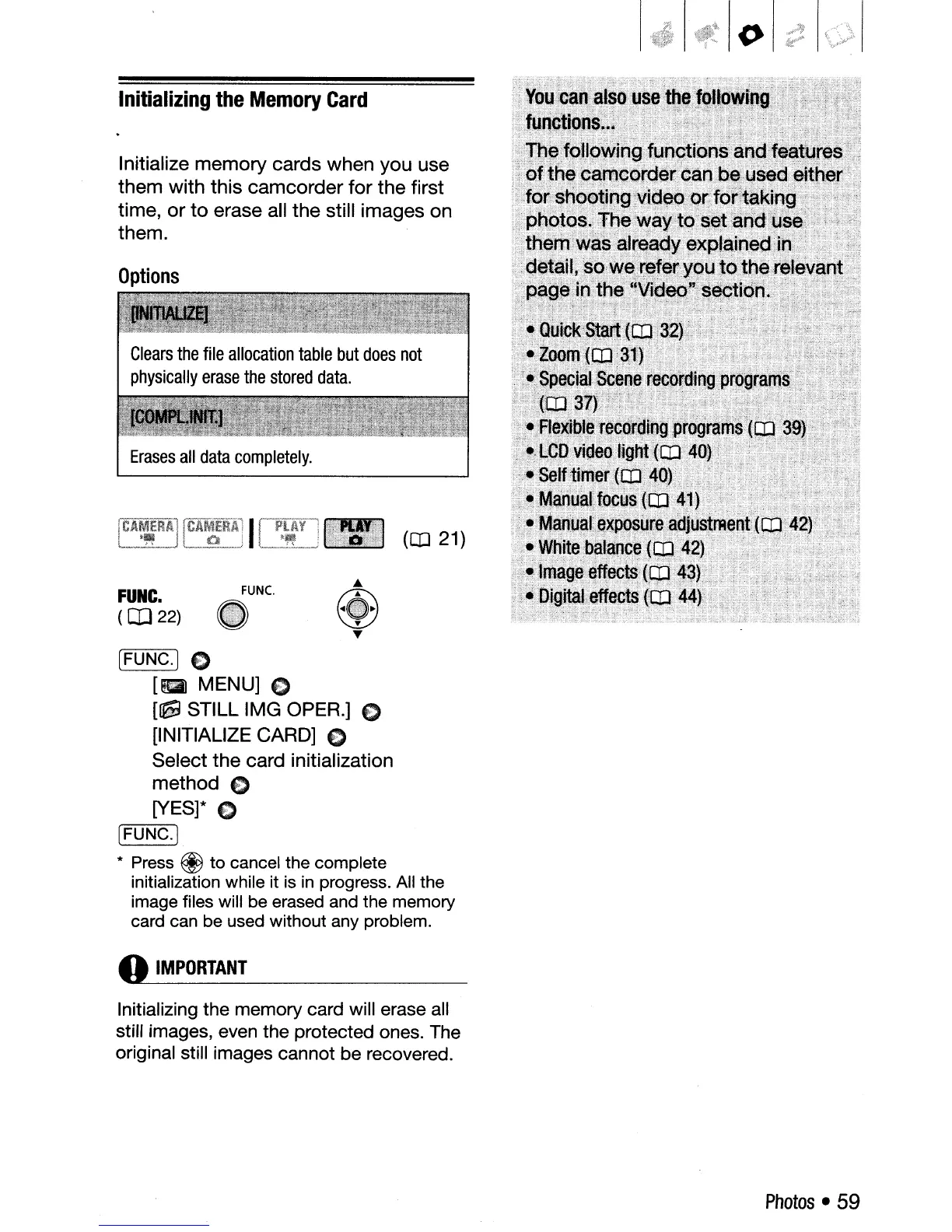
Initialize memory cards when you use
them with this camcorder for the first
time, or to erase all the still images on
them.
Options
FUNC.
(OJ
22)
Initializing
the
Memory
Card
IFUNC.] C
[a
MENU] C
[~
STILL
IMG
OPER.]
€>
[INITIALIZE CARD] C
Select the card initialization
method
C
[YES]* C
[r=F:-7:
U
N~C;::-'·l
* Press @ to cancel the complete
initialization while it is
in
progress. All the
image files will be erased and the memory
card can be used without any problem.
o
IMPORTANT
Initializing the memory card will erase all
still images, even the protected ones. The
original still images cannot be recovered.
Photos
• 59



 To Next Page