(QJ 21)
Additional
Functions
POINTS
TO
CHECK
Mode
switch:
[f)
(QJ 21)
FUNC.
o
[f)
:
Special
Scene
Recording
Programs
[FUNC.] 0
[~
PROGRAM AE]
€)
Desired recording program 0
(~
F~UN:-:-:C;:-'.
]
FUNC.
(QJ
22)
Recording in a very bright ski resort
or
capturing the full colors
of
a sunset or a
fireworks display becomes as easy as
selecting a Special Scene recording
program. For details about the available
options, refer
to
the sidebar on page 38.
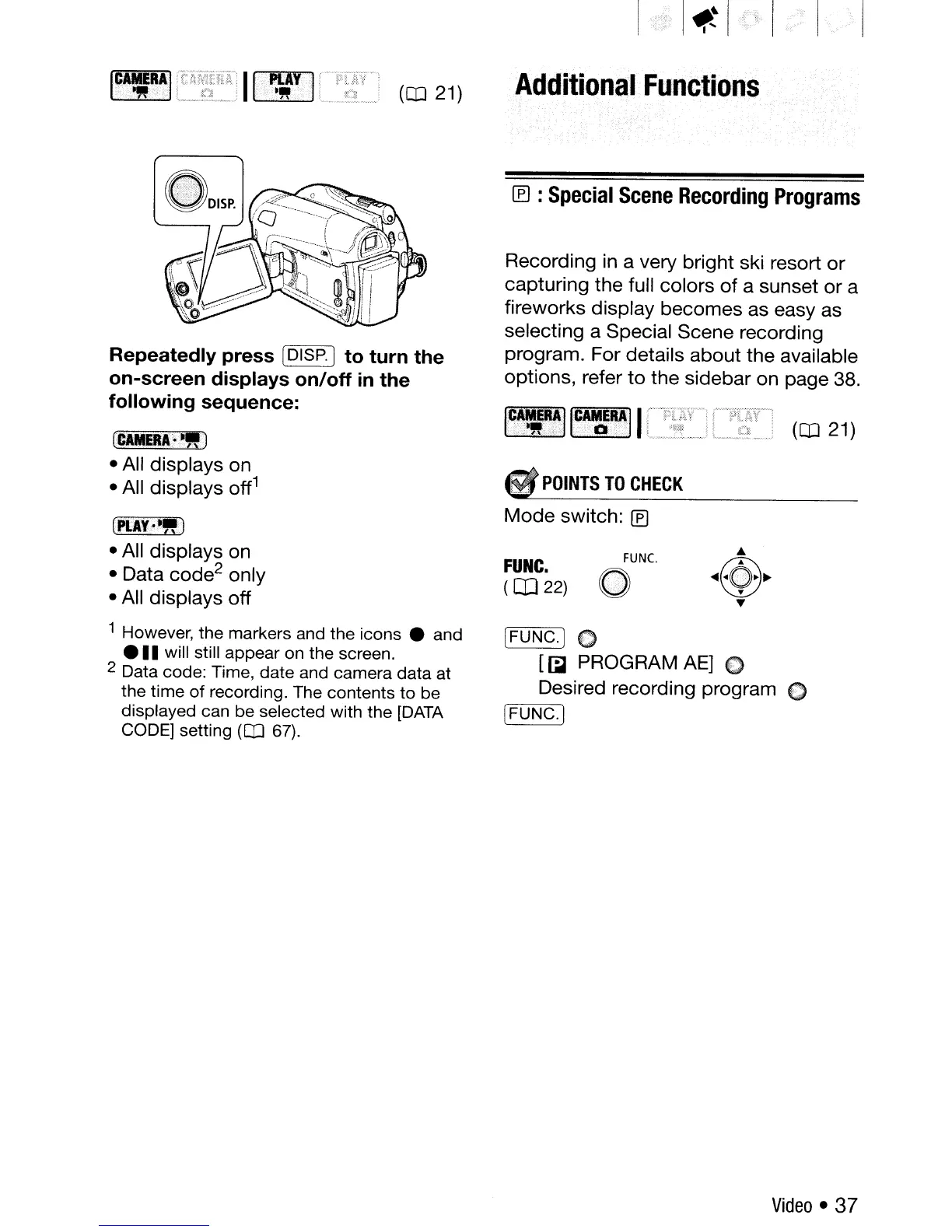
Repeatedly press
[DISP]
to turn the
on-screen displays on/off
in
the
following sequence:
fCAMERA·''')
• All displays on
• All displays
off
1
(PLAY··")
• All displays on
• Data code
2
only
• All displays off
1 However,
the
markers and the icons e and
e
..
will still appear on the screen.
2 Data code: Time, date and camera
data
at
the
time
of
recording. The contents
to
be
displayed can be selected with
the
[DATA
CODE] setting (QJ 67).
Video. 37



 To Next Page