FUNC.
(CO
22)
FUNC.
o
[FUNC.] E)
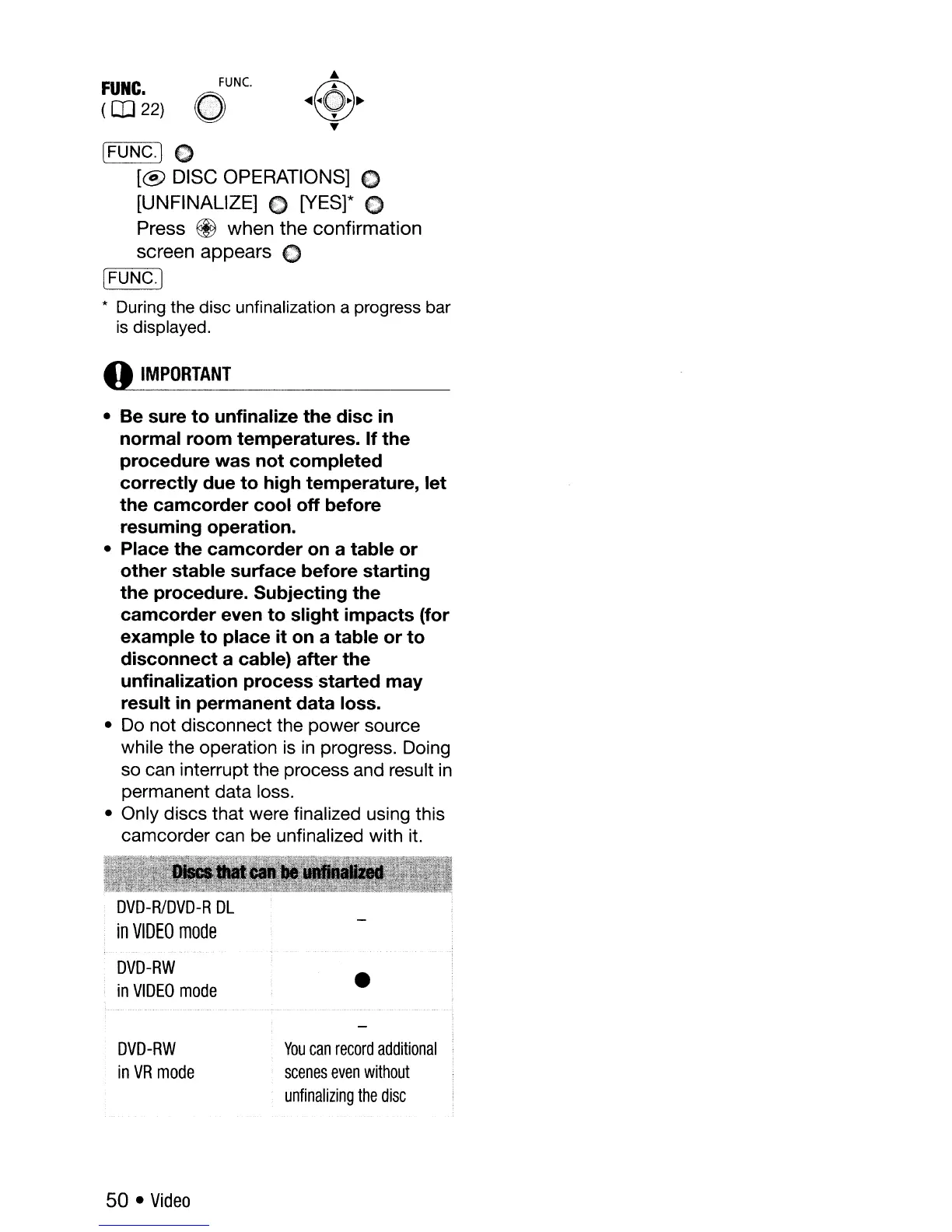
[@
DISC OPERATIONS]
€)
[UNFINALlZE]
€)
[YES]* C
Press @
when
the
confirmation
screen
appears
C
r=c-~~
[FUNC.)
*
During
the disc unfinalization a progress bar
is
displayed.
o
IMPORTANT
• Be sure
to
unfinalize the disc
in
normal room temperatures. If the
procedure was not completed
correctly due
to
high temperature, let
the camcorder cool off before
resuming operation.
• Place the camcorder
on
a table or
other stable surface before starting
the procedure. Subjecting the
camcorder even to slight impacts (for
example to place it
on
a table or to
disconnect a cable) after the
unfinalization process started may
result
in
permanent data loss.
• Do not disconnect the power source
while the operation is
in
progress. Doing
so can interrupt the process and result
in
permanent data loss.
• Only discs that were finalized using this
camcorder can be unfinalized with it.
DVD-RIDVD-R
DL
in
VIDEO
mode
DVD-RW
in
VIDEO
mode
DVD-RW
in
VR
mode
50 •
Video
•
You
can
record
additional
scenes
even
without
unfinalizing
the
disc



 To Next Page