I
To
PAUSE/STOP
PLAYBACK
t"
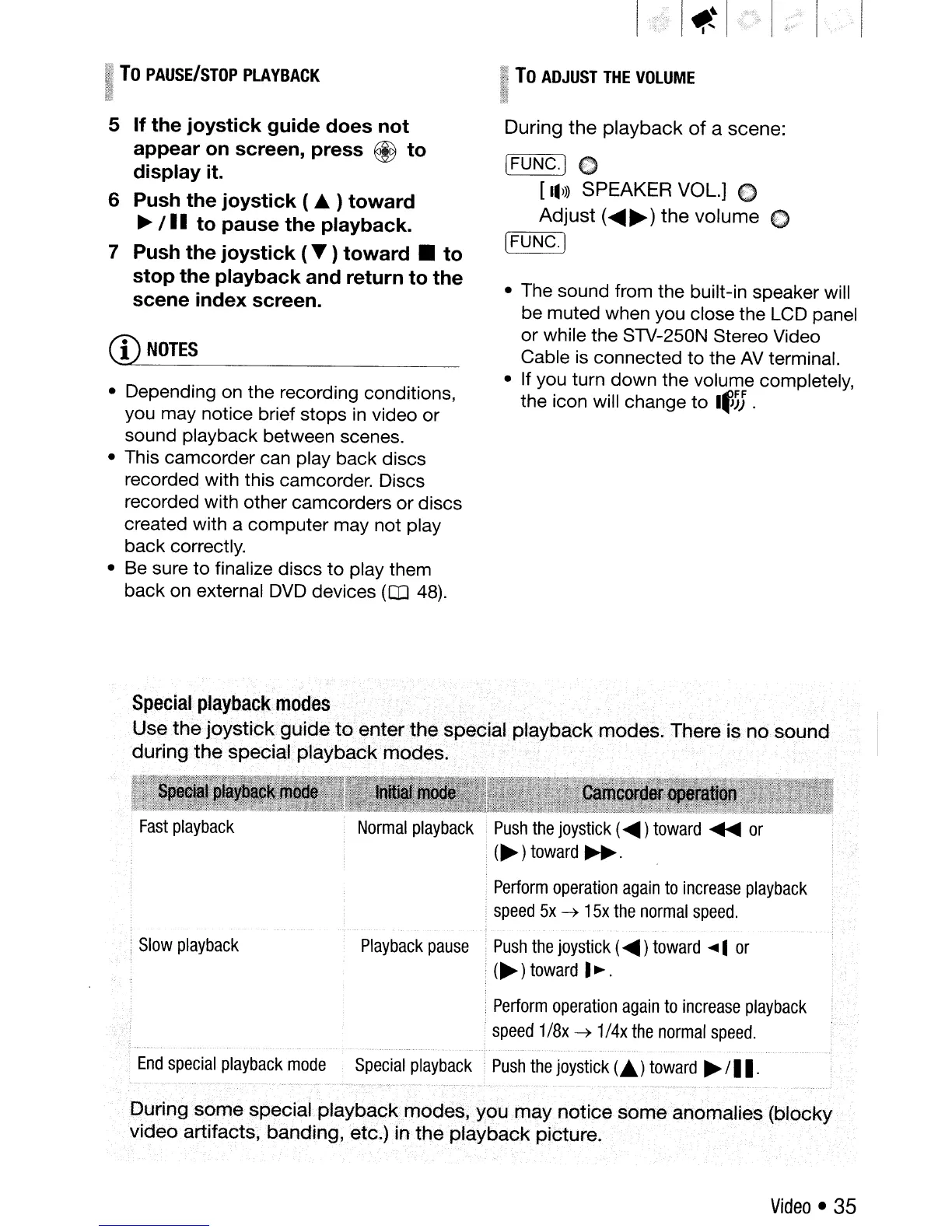
5 If the joystick guide does not
appear
on
screen, press @ to
display it.
6 Push the joystick ( • ) toward
~
/
II
to pause the playback.
7 Push the joystick (
..
) toward • to
stop the playback and return to the
scene index screen.
CD
NOTES
• Depending on the recording conditions,
you may notice brief stops in video or
sound playback between scenes.
• This camcorder can play back discs
recorded with this camcorder. Discs
recorded with other camcorders or discs
created with a computer may not play
back correctly.
• Be sure to finalize discs
to
play them
back on external
DVD
devices
(Q]
48).
Ii
To
ADJUST
THE
VOLUME
I
~.;.n
During
the
playback
of
a scene:
[FUNC.] C
[IIJ»
SPEAKER VOL.] 0
Adjust
(
.....
~)
the
volume
0
'-=[
F:-:":U
N:-:-::C~.
)
• The sound from the built-in speaker will
be muted when you close the LCD panel
or while the STV-250N Stereo Video
Cable is connected to the
AV
terminal.
• If you turn down the volume completely,
the icon will change to
I~)J
.
,
Slow
playback
Special
playback
modes
.
Use
the
joysUck
guide
to
~nter
the
special
playback
modes.
There i?
nO
sound
during
the
special
playbC;'ick
modes.
Push
the
joystick
(
.....
)
toward
.....
or
(~
)
toward
~
.
.
Perform
operation
again
to
increase
playback
speed
5x
-)
15x
the
normal
speed.
Playback
pause
Push
the
joystick
(
.....
)
toward
....
1
or
.
(~)
toward
I~.
,
Perform
operation
again
to
increase
playback
speed
1/8x
-)
1/4x
the
normal
speed.
End
special
playback
mode
Special
playback
Push
the
joystick
(
..
)
toward
~
/
II.
During
som.especiaLplaybackmodes,
you.may
notice
some
anomalies
(blocky
video
artifacts,
banding,
etc.)
in
the
playback
picture.
Video
•
35



 To Next Page