Quick Start Guide
6
7
-'~'''''1-'
....
~.'\o
.....
..
'
..
~
..
'.
'
,r"
'.'....
~'
,
~'.,:
~~.
·
~
~;~.':~~-ti:
,.
I
""
. h
~
,
....
~
.•
.
~';k
~",
..
,-
~"-"
t··'
~
'\--~1
p'
•.
"Ii,
_J.......
.::
•
..JI"jI
_.
,', ,',
M
:::::::
:-:1:,
t~",.,
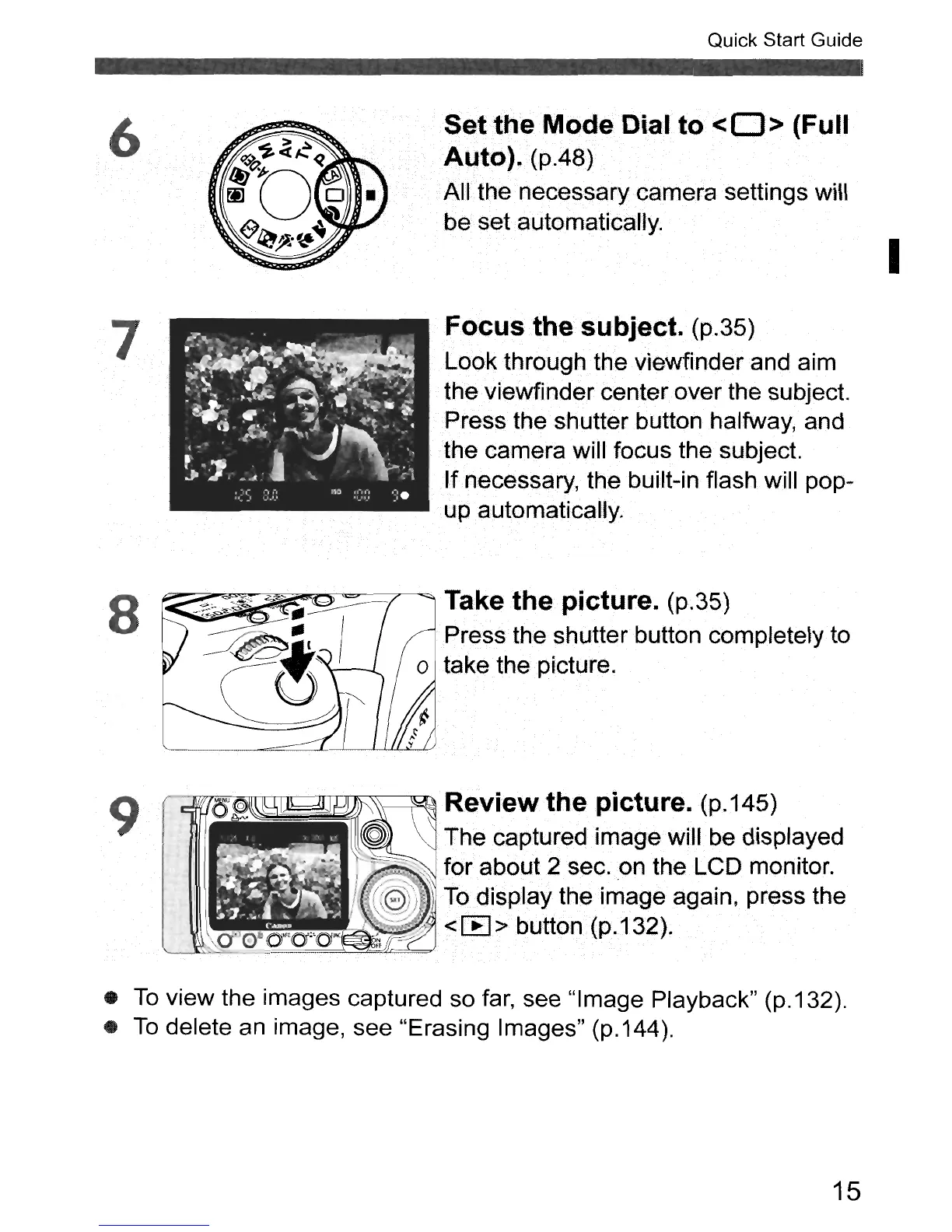
Set<theModeDialto
<0>
(Full
Auto).
(pA8)
All
the necessary camera settings will
be set.automatically.
Focus
the
subject. (p.35)
Look through
the
viewfinder and aim
, the viewfinder center over the subject.
Press the shutterbutton halfway, and
the camera will focus the subject.
If necessary, the built-in flash will pop-
up automatically.
I
8
9
Take the picture. (p.35)
Press the shutter button completely to
o take the picture.
~~~
\\-----T;:;",~
Review the
picture.
(p.145)
~
The captured image will
be
displayed
.,
,~
'_-
"\
for about 2 sec
..
on
the LCD monitor.
n!I~~~
j
(:8))
~
To
display the image again, press the
!I!!~~~~=::/~~
<EEl> button(p.132).
N
=--:
FF
•
To
view the images captured so
far,
see "Image Playback" (p.132).
•
To
delete
an
image, see "Erasing Images" (p.144).
15



 To Next Page